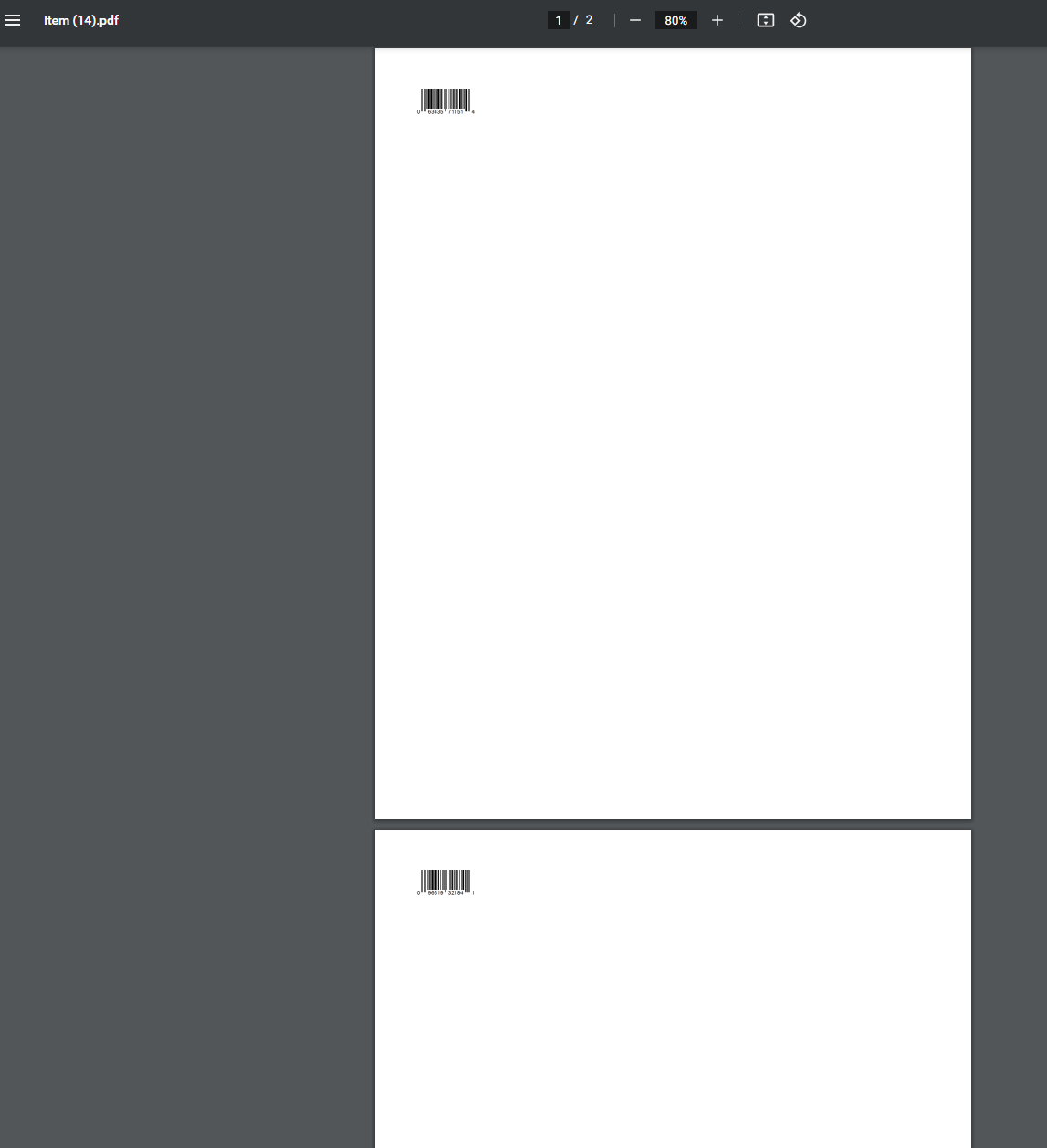
Hi @fkardame
Wonderful!
I have a few questions if you don’t mind.
img src=“https://barcode.tec-it.com/barcode.ashx?data={{ doc.barcodes[0].barcode }}&code=UPCA&multiplebarcodes=false&translate-esc=true&unit=Fit&dpi=96&imagetype=Gif&rotation=0&color=%23000000&bgcolor=%23ffffff&codepage=Default&qunit=Mm&quiet=0” height=“35px” padding=“1px” draggable=“false” />
-
I guess the correct tag is with
, correct? (not SVG)
-
I used UPCA rather than code 128, but I have a problem because not all UPC-A barcodes are put in the first row of the table. So when it’s not in the first row for items that have multiple barcodes type, it will not work. It is referred to doc.barcodes[0].barcode . Is there a way to automatically select all valid UPC-A barcode types of the table, or if not, the last UPC-A of the list?
Because I have:
A. some item that has multiple UPC-A
B. other items that have other barcode on row 1, and the UPC-A appear in row 2,3 or 4, etc…
- How can I print multiple barcodes in 1 letter sheet 8.5x11 (5 columns x 10 rows = total 50 barcodes per page)?
I tried to go to “Item List” and select the items I want to print and choose the print format, but it is only 1 barcode per page.
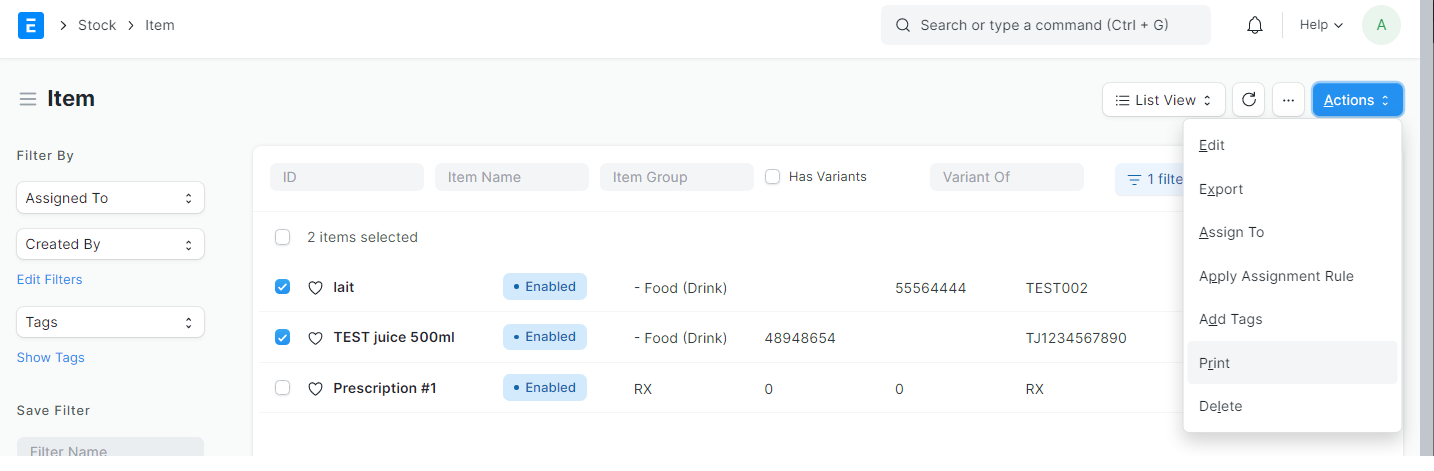
Gives output: