Hi Team,
I am trying to customize the Purchase Order List View in ERPNext using Client Script.
Requirement:
- When workflow_state = “Approved”
- Show “To Receive and Bill” in List View (Status column)
- Only UI change (no backend status update)
What I tried:
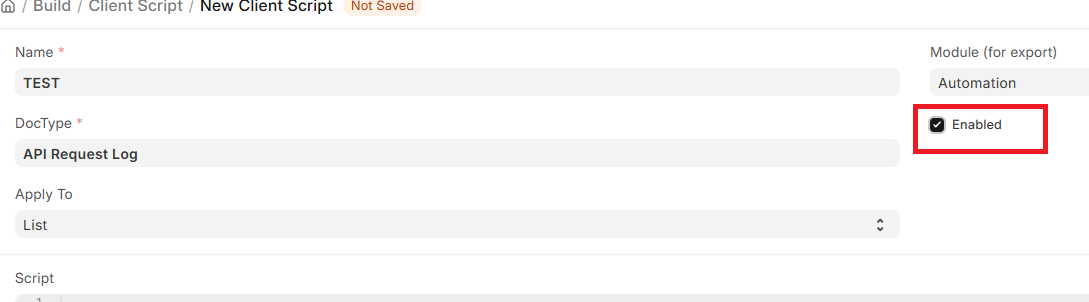
I created a Client Script with Apply To = List and used:
frappe.listview_settings[‘Purchase Order’] = {
get_indicator: function(doc) {
    if (doc.workflow_state === "Approved") {
        return ["To Receive and Bill", "blue"];
    }
    return [doc.status, "gray"];
},

formatters: {
    status: function(value, field, doc) {
        if (doc.workflow_state === "Approved") {
            return "To Receive and Bill";
        }
        return value;
    }
}
};
Issue:
- Script is not applied in List View
- No console log appears
- Status still shows “Approved”
- Works in theory but not executing
Environment:
- ERPNext Version: (please add your version)
- Frappe Version: (please add)
Question:
- Is Client Script (List) supported for overriding listview_settings?
- Is this a known limitation or bug?
- What is the recommended way to override list view UI without changing backend status?
Expected:
List View should show “To Receive and Bill” instead of “Approved”
Thanks!