Chances are, the employee had Employee role, and Create User Permission selected.
Try the steps below.
- Deselect Create User Permission. from the Employee page, ERPNEXT User Section.

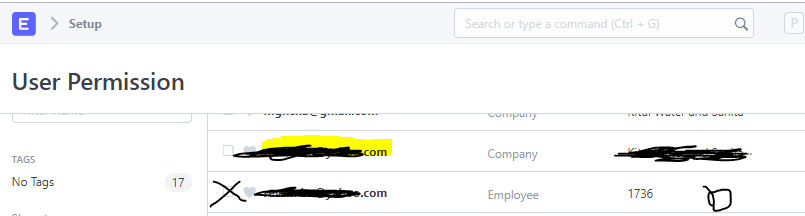
- Then manually delete the employee restriction from Setup → User Permissions.
For such a case, there will be two records, one for company, the other for Employee, delete the employee record one.
Deselecting Create User Permission should do the above automatically, I suppose, raised it here: Unticking Create User Permission on Employee should clear restriction on employee list if roles have changed · Issue #16511 · frappe/erpnext · GitHub