Guys this resolved my issue Setup Wizard : Error - #2 by navdeepghai
Trying your solution now. Will update with my result.
Nup. Not resolved for me.
desk/#setup-wizard/10
[ ] Add a few sample records
[ ] Setup a simple website for my organization
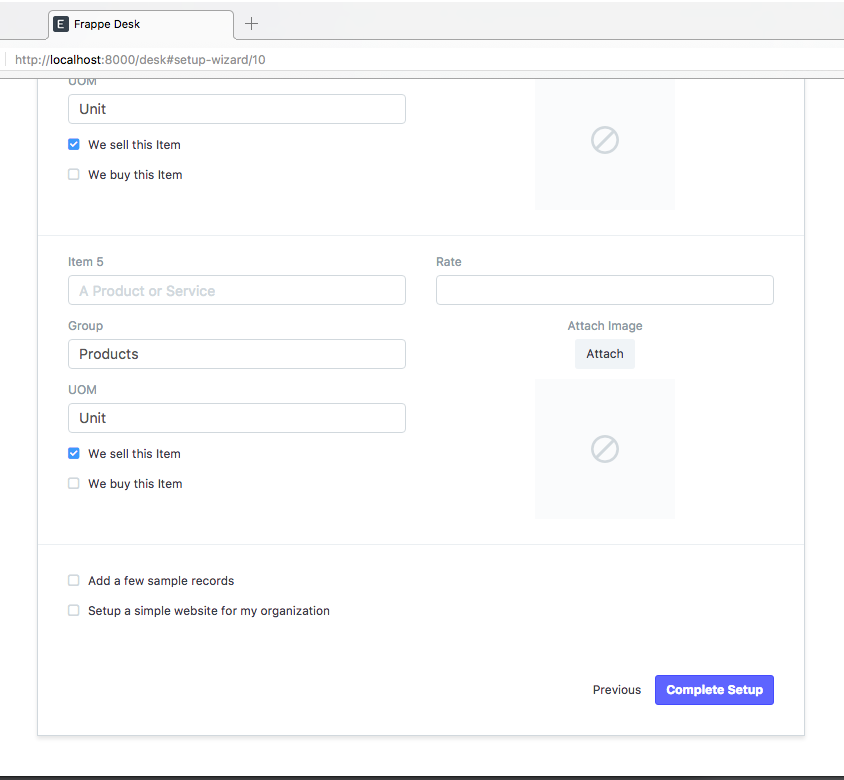
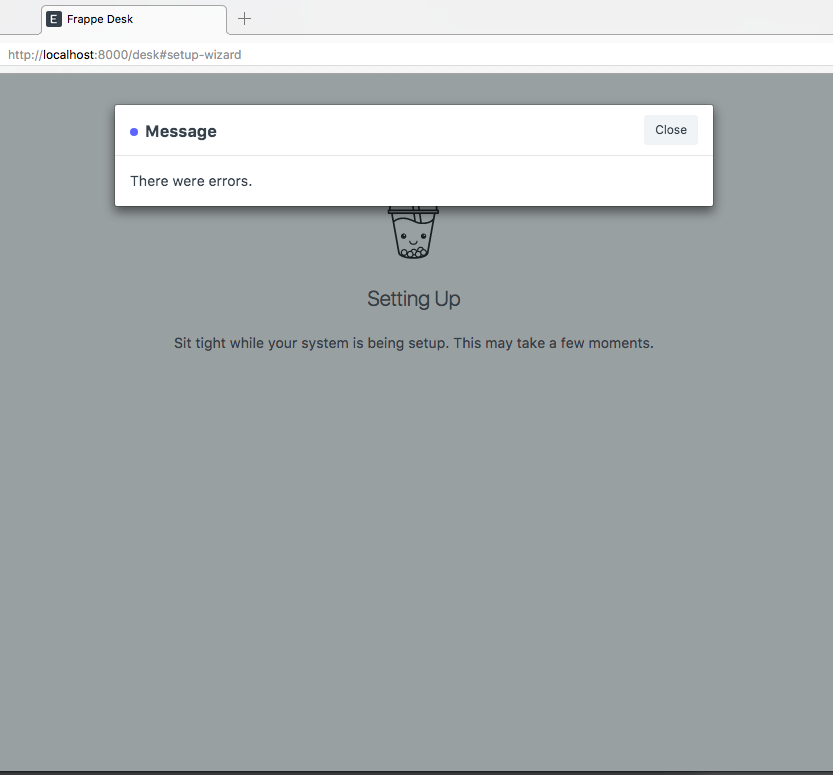
Did you try to install version 8?, This is still there in version 7 i think…
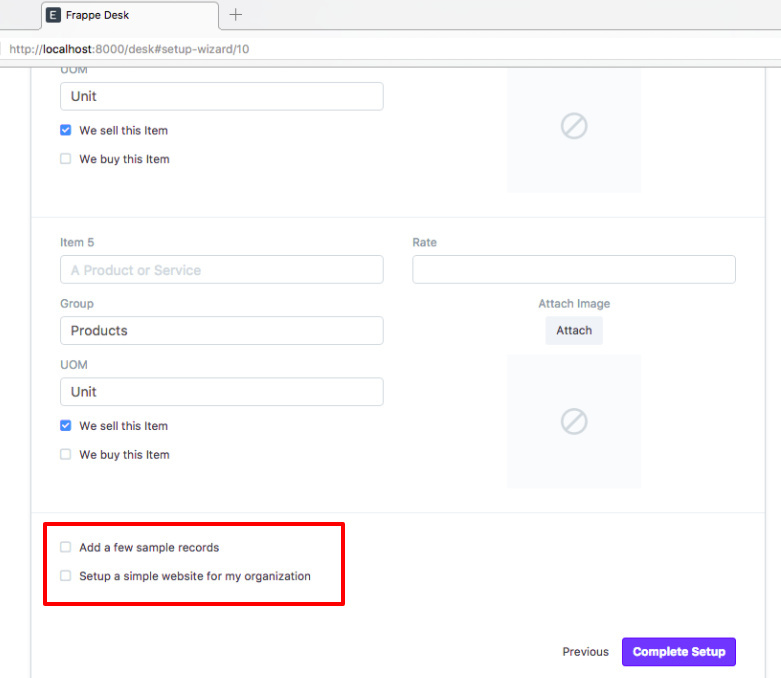
Thanks for the response @salim. I tried the resolution given in the above link and it worked.
Thanks 
Uma
@salim thank you for sharing that post and thank you @navdeepghai for posting that solution.
Once I upgraded to v8 it worked for me.
https://discuss.frappe.io/uploads/default/original/2X/b/bebb5b8cfc1ae9866c1dfd1b5c0c51ba5cf08282.png
It did not resolve the issue, still stuck with same issue. Please suggest.
Unchecking has not resolved the issue for me either
What version are you using?
I’m pretty sure I was using V 8.0.7
Try unchecking ‘we buy this item’ and ‘we sell this item’. That worked for me
I just did bench update so I am running V 8.0.9 still the same error
This problem might happen for http request time out.
To increase http request time:
bench config http_timeout 600
If not work then reinstall your site again
bench --site [site name] --force reinstall
thanks ! combined with solution from Setup Wizard : Error it works on my OSX 10.9
Choose Starting Financial Date as 1 April 2017. It has resolved the issue for me.
Running bench reinstall corrected the problem on my installation. I should add that i am on linux mint 18.2 so i have had to do a manual install. I installed frappe using a user account other than ‘frappe’.
My installation is as follows.
erpnext 9.2.4
frappe 9.2.6
bench 4.1.0