I setup erpnext locally using the following commands, but I cant see the app on localhost:8000.
python -m venv venv
source venv/bin/activate
pip install frappe-bench
bench init frappe-bench
cd frappe-bench
bench new-site avvai.com
bench get-app erpnext
bench --site avvai.com install-app erpnext
bench start
bench start successfully runs, but when I visit localhost:8000, I get 404 errors in terminal.

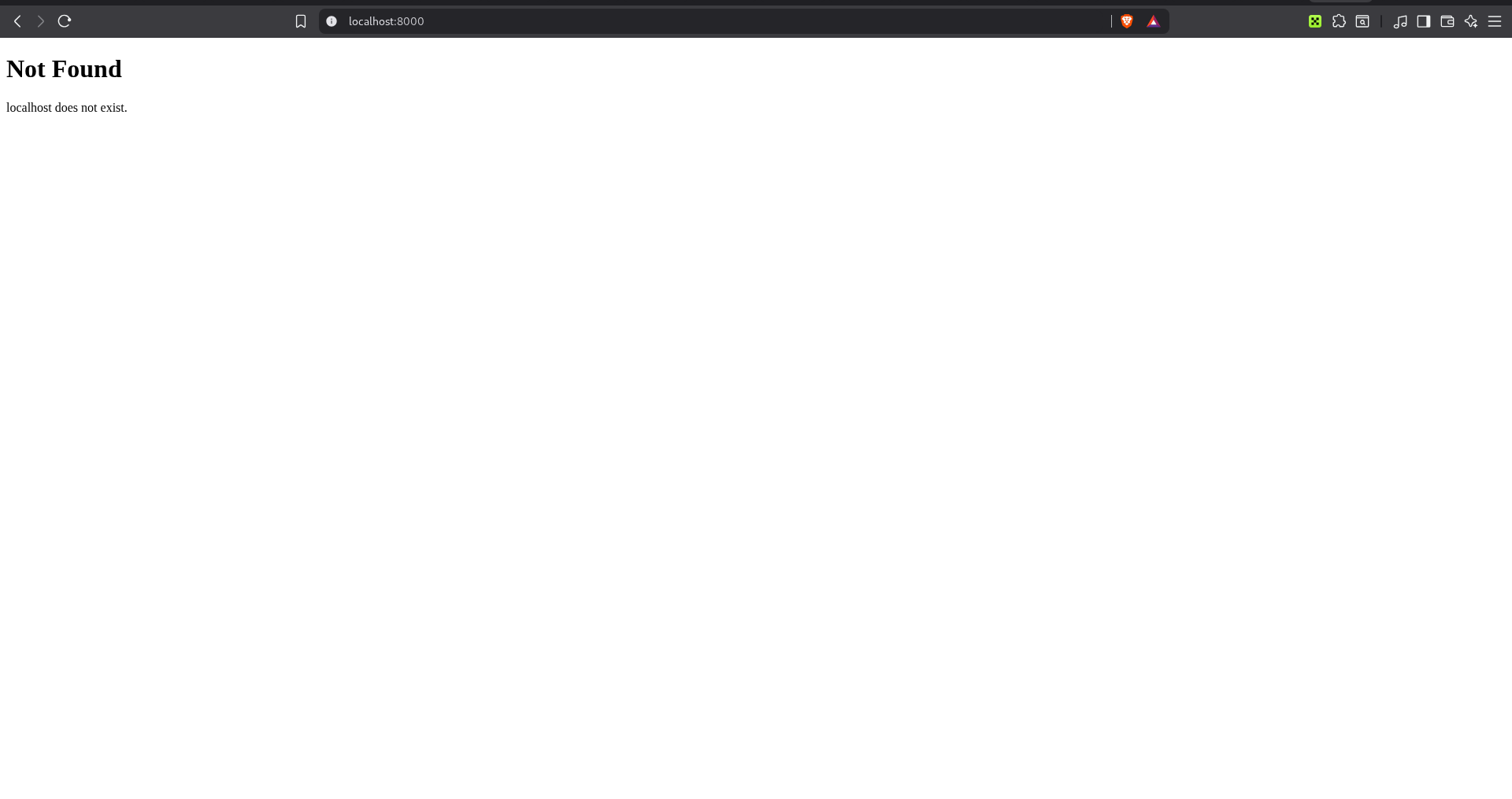
Can anyone please help?