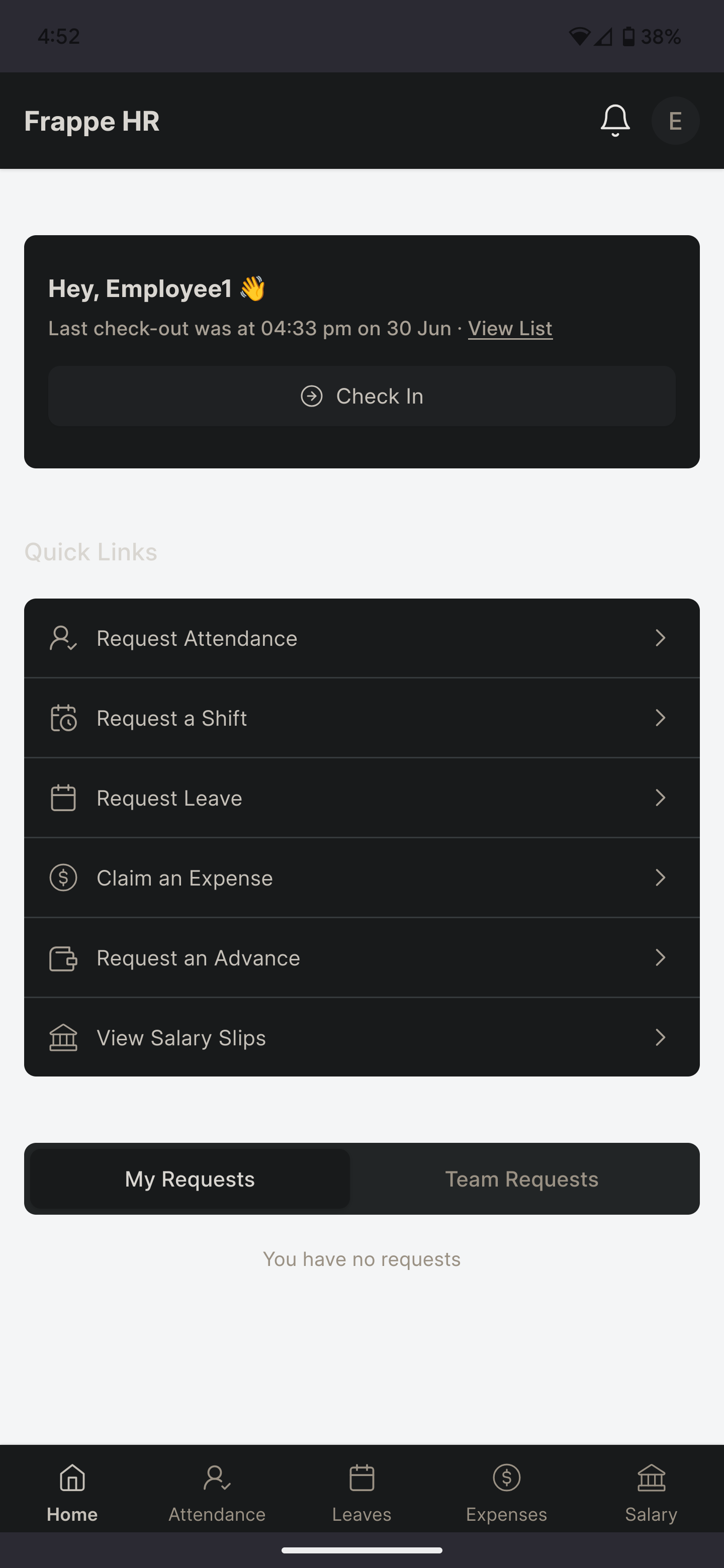
I added “project” as a required field to the employee checkin form. What I’d like to now have done is the drop-down to be part of the employee hrms homepage, part of the checkin widget, above the button. Is there an easy way to do it that I haven’t found, or is there a file I should edit? Just trying to figure out how to do this.
Hi,
Did you ever find a solution? I am facing the same issue.
Customizing form does not reflect my changes on HRMS.
Thanks.
If the extra fields are only needed for tracking or reporting, I’d keep them separate from the core check-in data if possible. Custom fields can work well, but it’s worth checking how they’ll be used in reports and API responses later. That way you avoid having to restructure things once there’s a lot of check-in data.
How to get this employee checkin form like in your picture?