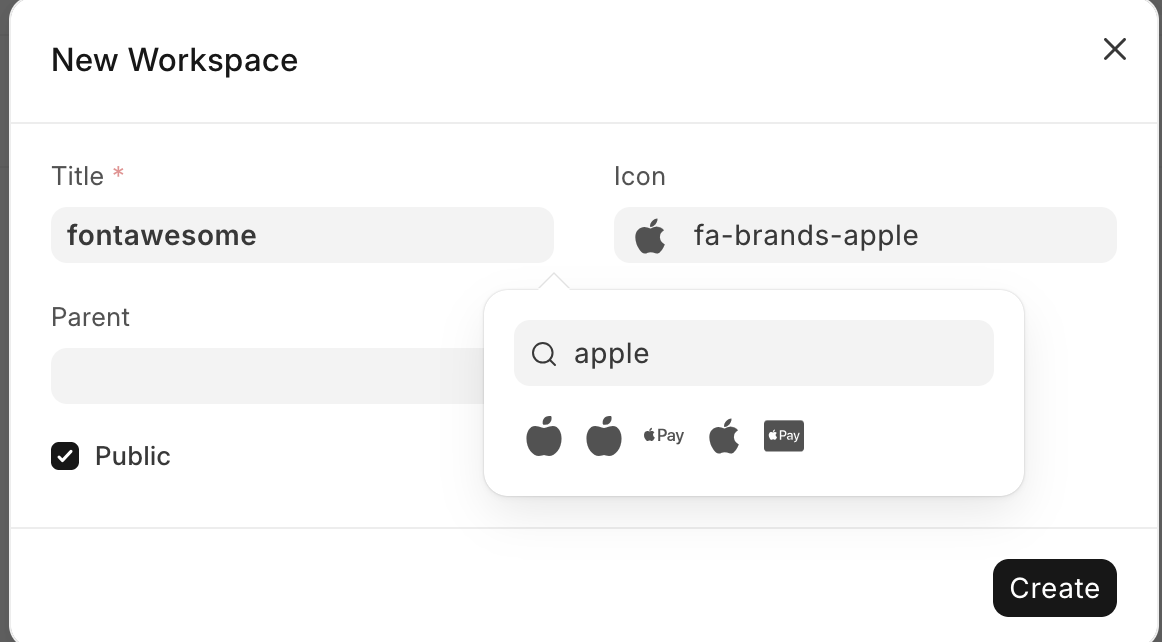
- in public/ folder, create icons/ folder:
apps/your-app/your-app/public/icons - add the following svg file in
icons/folder:
Frappe-ERPNext-Tutorial-Mastery/Frappe How? What? Why? /31-fa-icons.svg at main · mohamed-ameer/Frappe-ERPNext-Tutorial-Mastery · GitHub - hook it in the in
app_include_iconsathook.py:

# Svg Icons
# ------------------
# include app icons in desk
app_include_icons = [
    "<YOUR_APP_NAME>/icons/my_custom_icons.svg"
]
and here you can find all possible icons in the market: