I’ve created a report without enabling add total row and deployed in production server. Now the client want to see totals of that report.I’ve enabled that check box and re-deployed..but in production it is not reflected.I am using erpnext version 15 ..can anyone tell me why and is there any way to enable it??
Did you just pulled the changes on server?
Did you run bench update? or bench migrate?
no I didn’t change it in production.. i made changes in my local server and done bench migrate and then pushed it to production and then deployed
Hi!
Does your issue resolved or not?
Are you using docker?
On production you deployed? means you ran the `bench migrate` ? or run the bench update?
Not resolved
We’re using frappe cloud
Please check whether the report is a Standard Report or a Custom Report.
If it is a Standard Report, then running migration after deployment should reflect the Add Total Row change.
However, if it is a Custom / Non-Standard Report, then the change is stored only in the database and will not automatically move to production through deployment. In that case, the Report document needs to be exported using fixtures (or export customizations) and then deployed to the production server.
You can export the Report using fixtures through hooks.py, for example:
fixtures = ["Report"]
or with a filtered fixture such as:
fixtures = [
    {
        "dt": "Report",
        "filters": [["name", "in", ["Your Report Name"]]]
    }
]
After exporting fixtures, run:
bench export-fixtures
and then deploy the changes and run:
bench migrate
I’ve tried this..but still not showing totals
is there any Integer or Float or Currency like fields in your report?
Yes..there is
Totals are showing in my local but after deployment it is not reflected in production server
Please check whether "add_total_row": 1 is present in the Report JSON file in the github
branch from which Production was updated.
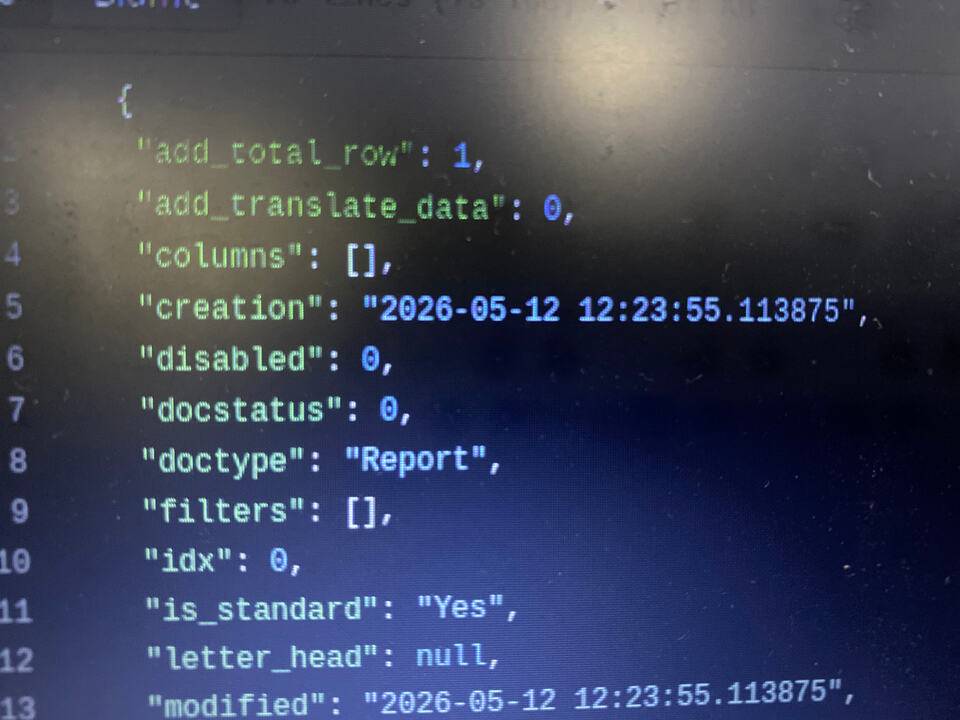
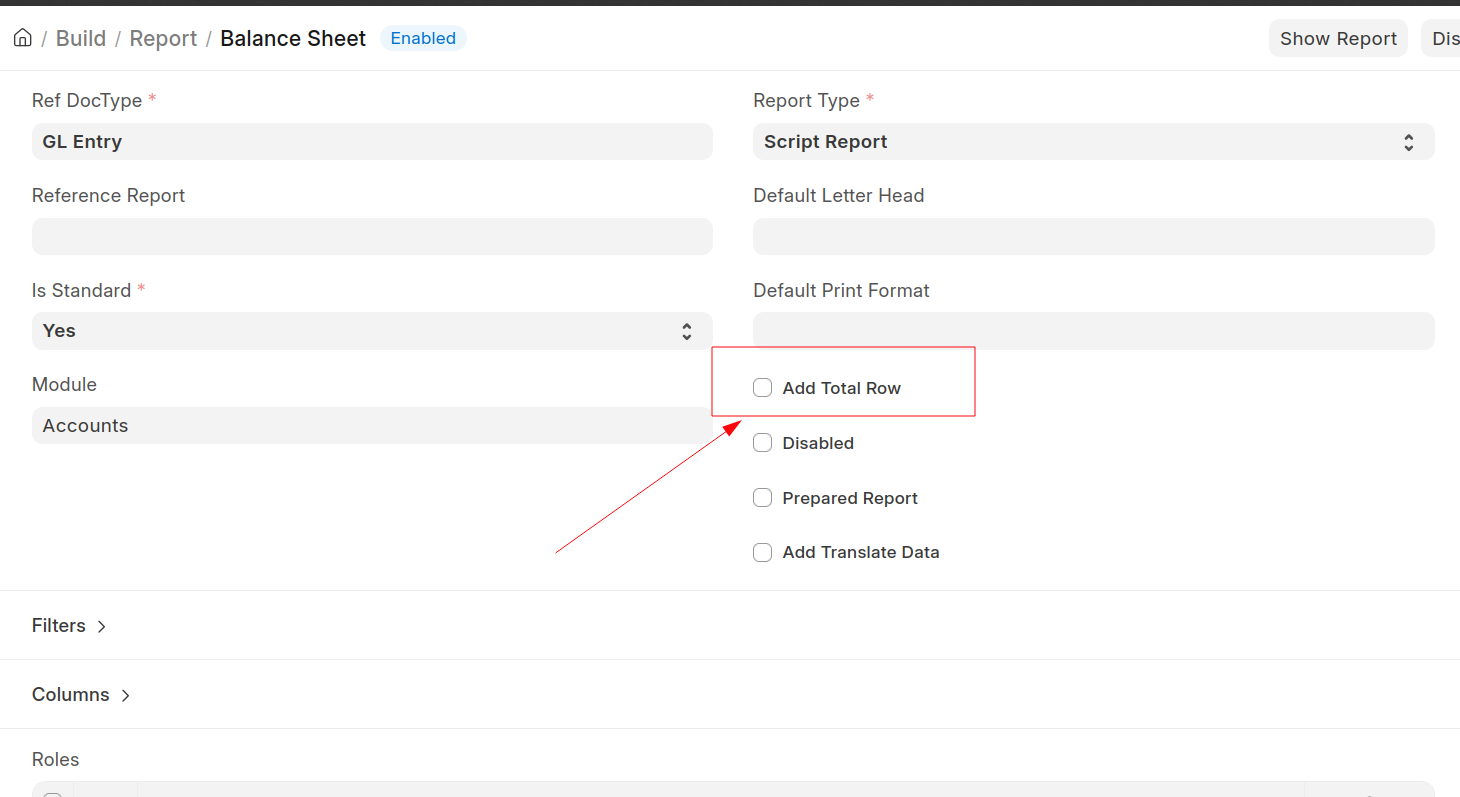
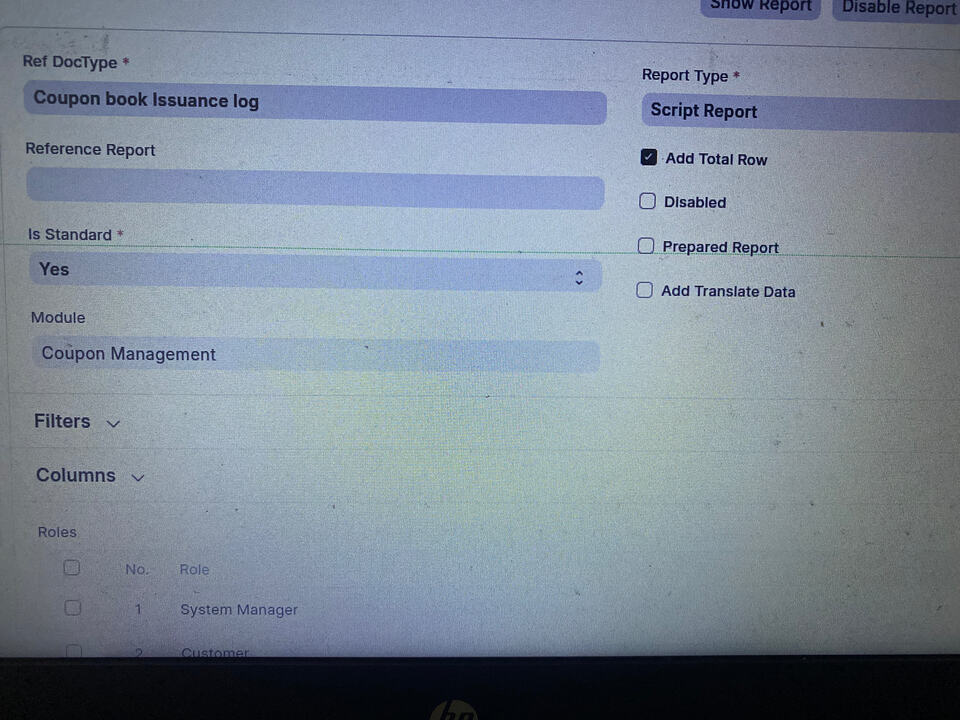
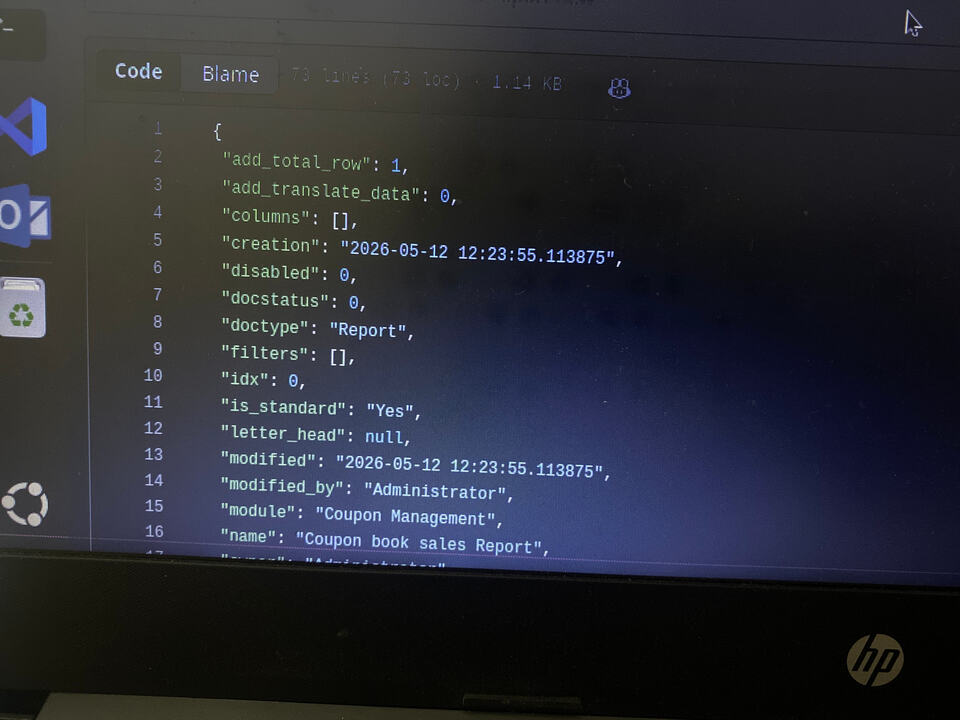
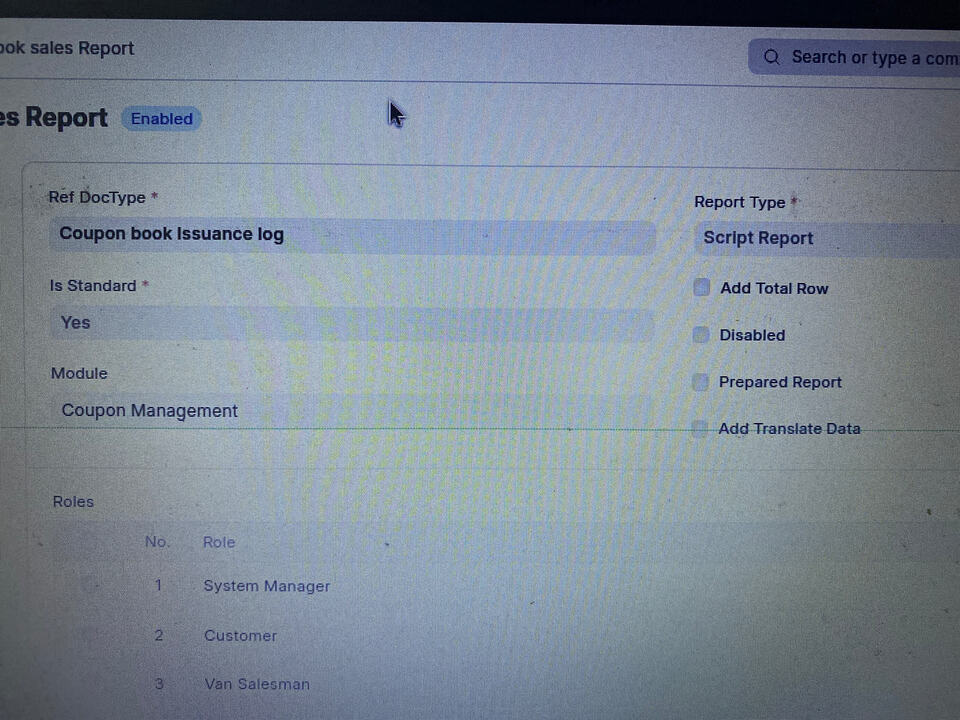
Its mean migration didn’t run.
You can do one thing,
run manually `bench migrate` (Are you on frappe cloud so run it from there)
also in server check
git status (You can also check it from About in Site)
and see latest commit.
I would suggest checking your server version and local version.
Also, check whether your deployment was successful.
Check the error logs in Frappe Cloud to see if the migration failed.