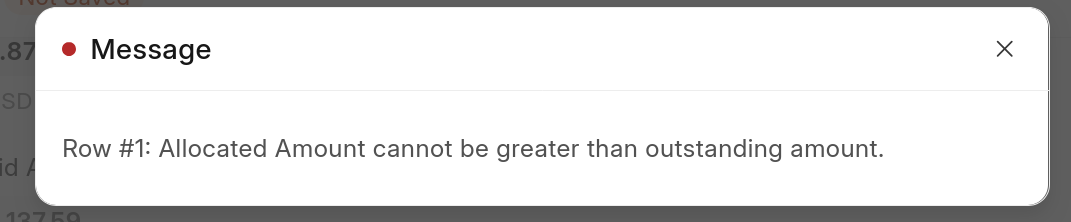
When saving the Payment Entry document and the payment type is Pay I always receive a message “allocated amount cannot be greater than outstanding amount”, could anyone tell me how to fix this?

This will be most due to rounding rules or currency conversion factor.
Kindly attach that table Screen Shot
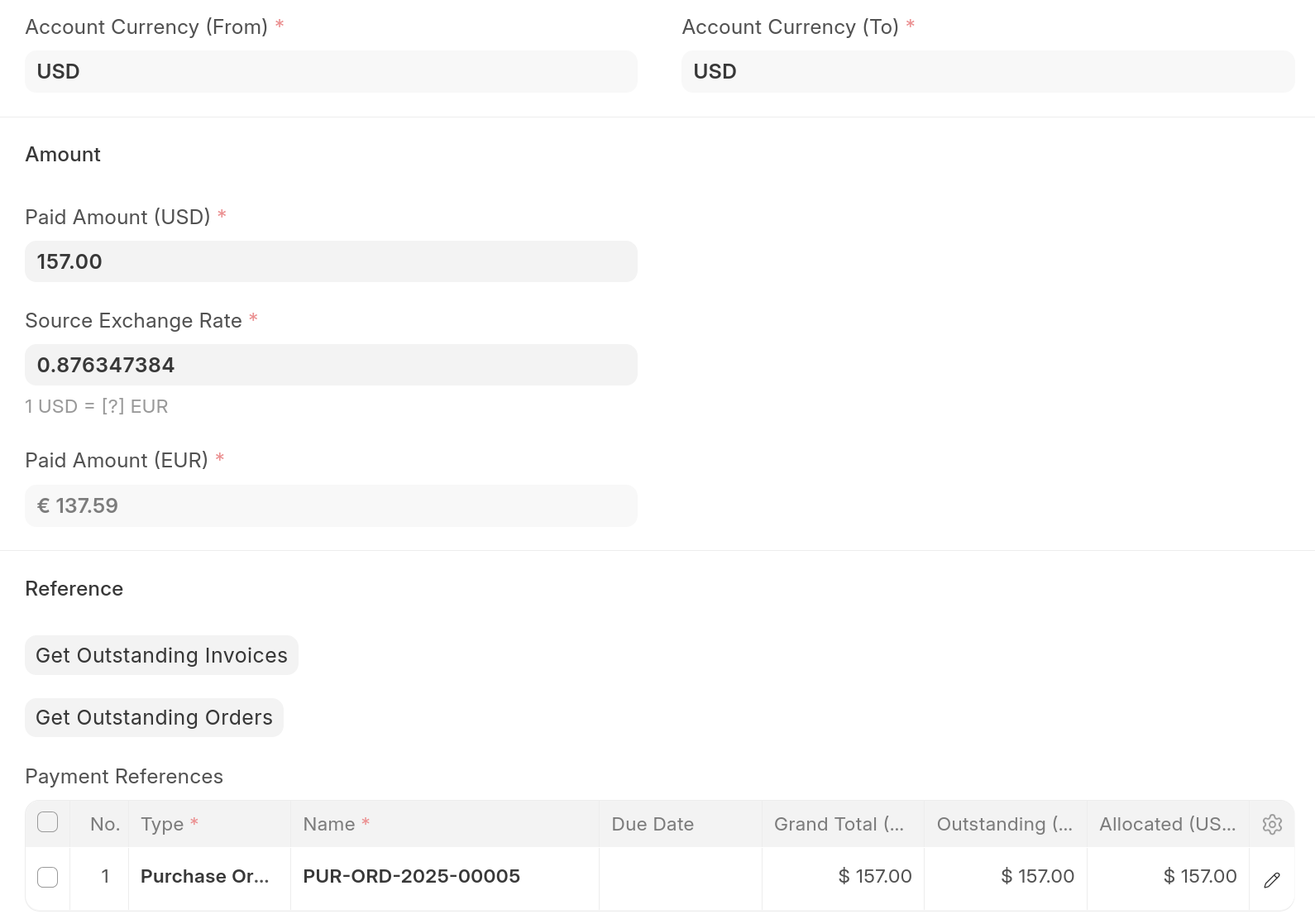
I found the issue. I’m using “Book Advance Payments in Separate Party Account“ so even when I select USD To account, after I click submit it get’s changed to Advance account which is in EUR and thus I need to enter not USD amount, but EUR amount. Then won’t have this message but will have another error message that currency must be EUR and not USD.
Anyway it seems like using non-default currency with EPRNext is buggy/bad idea.
Because even if I submit payment entry in USD then Balance Sheet is wrong 
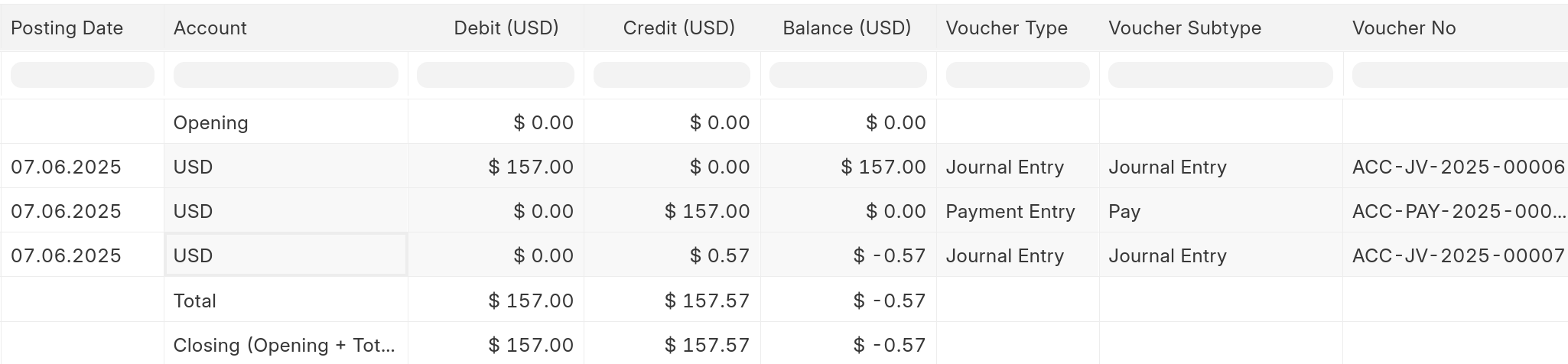
When looking at USD account everything is good:

But when looking at Balance Sheet there is “ghost“ balance that doesn’t exist
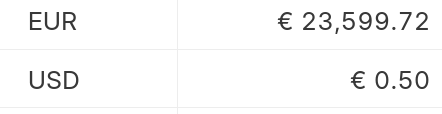
This is because when USD was transferred in and out it had different currency exchange rate.
So when looking at ledger in EUR there is mismatch

And then if I try to fix it with journal entry I get negative balance in USD account…