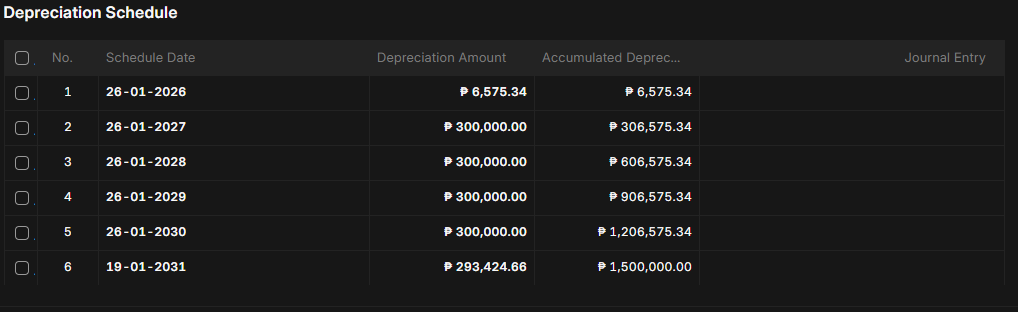
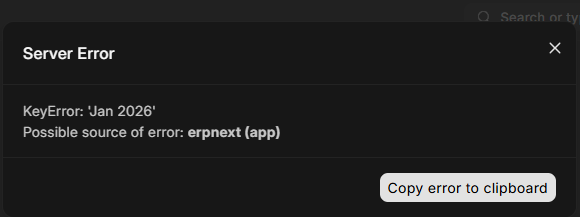
Upon creating an asset entry with calculated deprecation. I’ve encountered this kind of error which I think its a bug. Fiscal Year start at 14-01-2026 and 13-01-2027, which is the posting date is within the fiscal year.

Hi @aniascoben
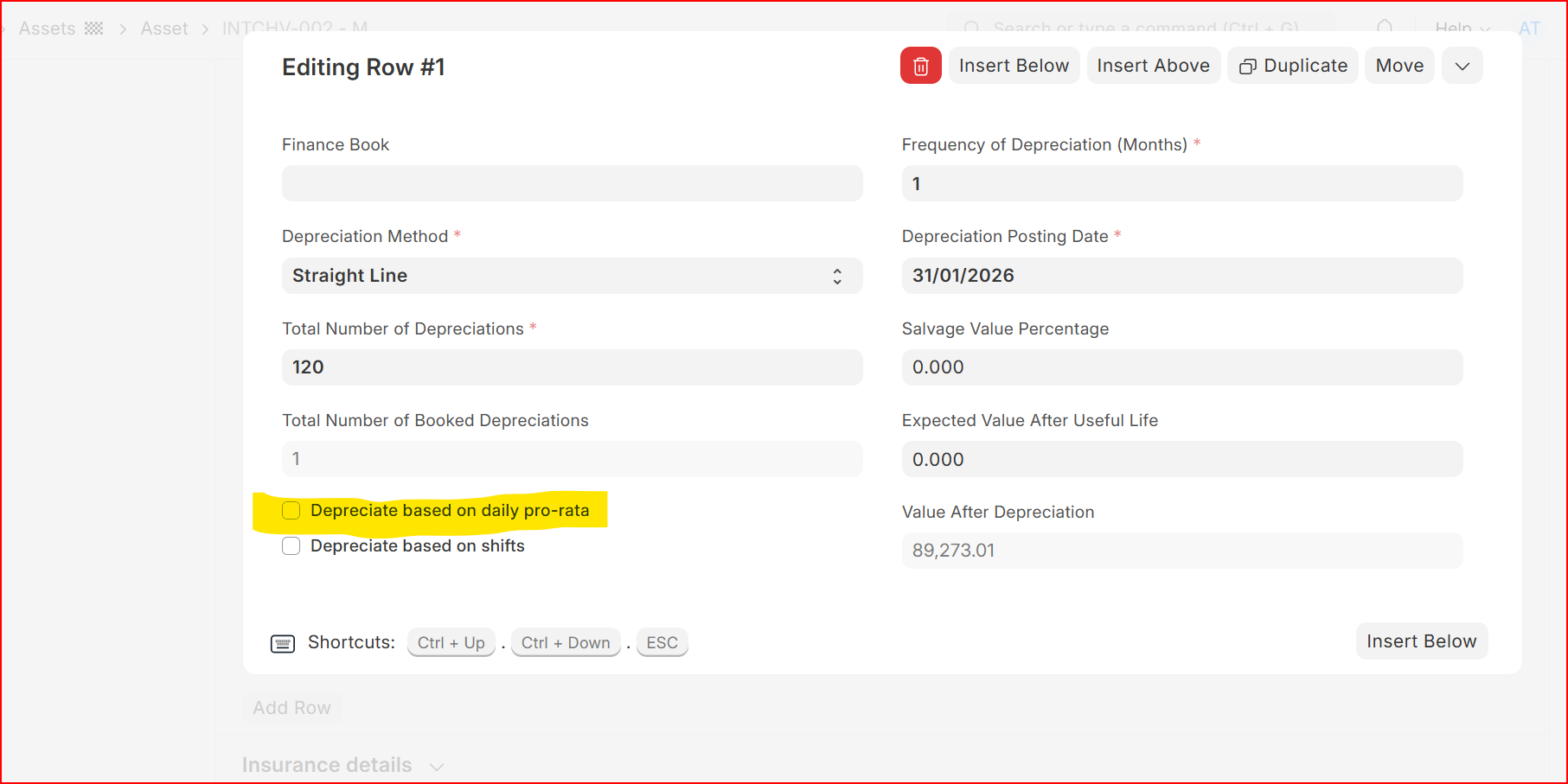
Since you fiscal year is not considering full month, you have to mark this check on to go pro rata.
Can you just click on Copy error clipboard and share that details.
I’ve tried it but still the same, I think its pointing to the part where at the back it generate a report based on the fiscal year and the schedule that being set when deprecation schedule is being checked.
The error says that if the creation of deprecation schedule is being checked it generate a report at the back based on the current fiscal year and the deprecation scheduled that being set and “Jan 2026“ is not being found, so that’s the issue, why it can’t be found even the Jan 2026 is within the fiscal year.
I found the reason for this issue. The auto depreciation is not working that’s why the Fixed Assets Register cause an issue that can’t create a report based on the filtered date. I have to do it manually to fix it.