Hi everyone,
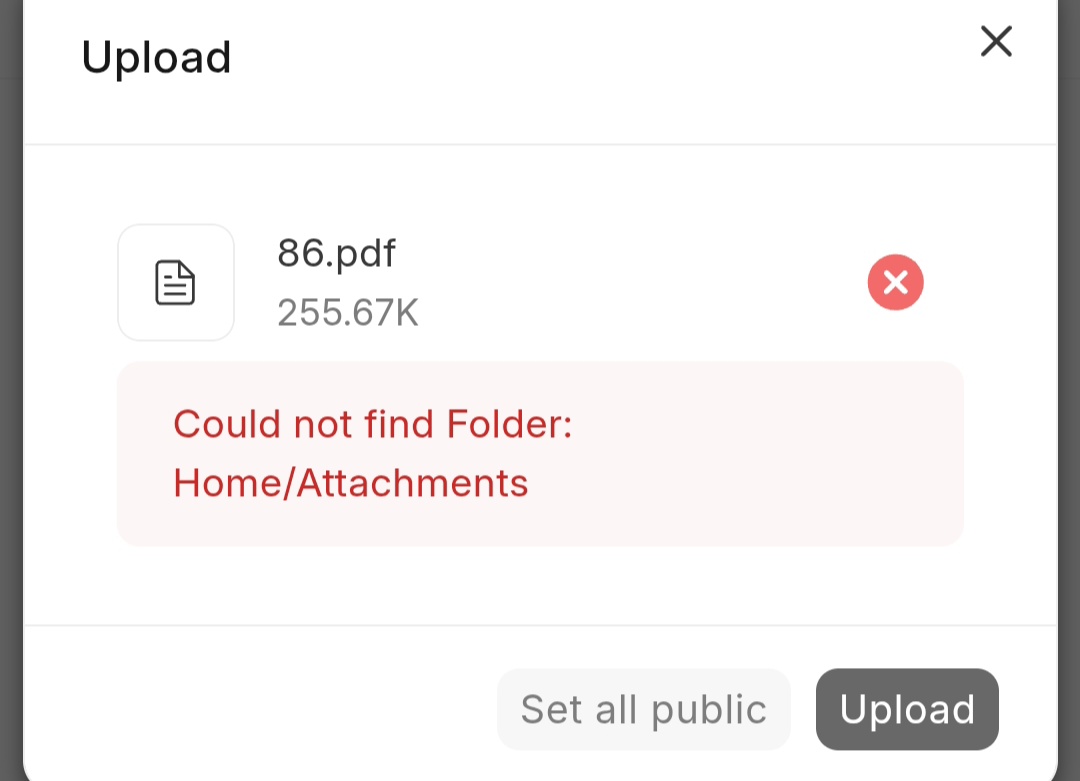
I am trying to upload a PDF to the purchase invoice. system hosted in Frappe Cloud, but it suddenly throws an error saying it Could not find Folder Home/attachments, or when I go into the file directory and try to upload, it says it could not find the folder Home.
That error means the “Home” or “Home/Attachments” folder record is missing in the File doctype - uploads fail because Frappe validates the folder link before saving.
Fix:
- In the awesomebar search “File List” and open the File doctype.
- Check if a folder named “Home” exists at the top level. If it’s missing: New > Folder, name it exactly “Home”, leave parent empty, save.
- Open “Home” and check for “Attachments”. If missing, create a folder named “Attachments” inside Home.
- Retry the upload.
Two common causes:
If it’s on Frappe Cloud you can’t use bench console, so the File List route above is the way. Same error comes up on self-hosted too, same fix.