I have set up a regular shift in my system and enabled the Auto Attendance option. After selecting Auto Attendance, I filled in all the required shift details, including check-in and check-out times.
However, despite enabling Auto Attendance, I still have to manually go to the shift settings and click the Mark Attendance button every day. I expected the system to automatically mark attendance daily based on the configured check-in and check-out times.
Issue:
Auto Attendance is enabled, but it is not marking attendance automatically.
I still need to manually click “Mark Attendance” every day.
I want attendance to be marked automatically at a specific time based on check-in and check-out.
Questions:
Is there any additional setting I need to enable for full automation?
Does the system require any background job or scheduler to trigger automatic attendance marking?
Has anyone faced a similar issue, and how did you resolve it?
Yes, set “Process Attendance After”, this is the date after which auto attendance will start work.
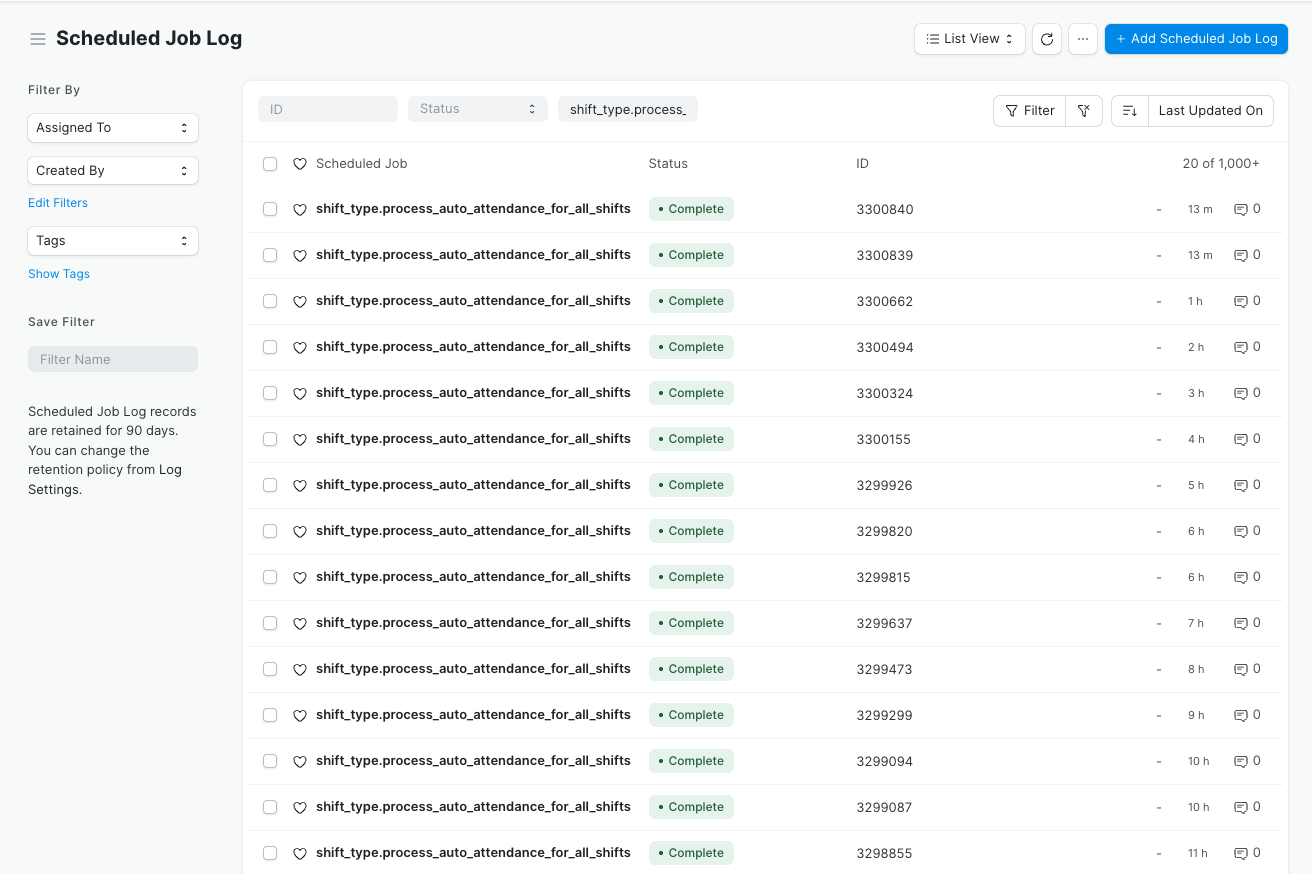
By default, ERPNext is running the schedular every hour, and you can also trigger manually by visiting the “Scheduled Job Type” doctyp and search for shift_type.process_auto_attendance_for_all_shifts, open this document and execute. You will see auto attendance would start…
I’m facing the exact same issue over here. I have enabled “Auto Attendance” and also set the “Process Attendance After”. And still it doesn’t get marked automatically. I have to manually open the Shift Type and then click “Mark Attendance” button every day
@ransikerandeni Trigger manually by visiting the “Scheduled Job Type” doctype and search for shift_type.process_auto_attendance_for_all_shifts, open this document and execute. Check it marks or no?
At the end of each month, I update the Process Attendance After Date to the first day of the month.
Then, in the Shift Type doctype, I use the “Mark Attendance” button under “Actions”.
When I click it, the system creates attendance records for the whole month based on the employees’ Check-ins.
By default in the code, it doesn’t fetch the “Last Sync of Checkin” to current Time for Auto Attendance Marking. Even though the Functionality is provided. So the best approach is just to auto fill the “Last Sync of Checkin” daily at a specific time.
You can check the code in apps > hrms > hrms > hr > doctype> shift_type.py > process_auto_attendance().