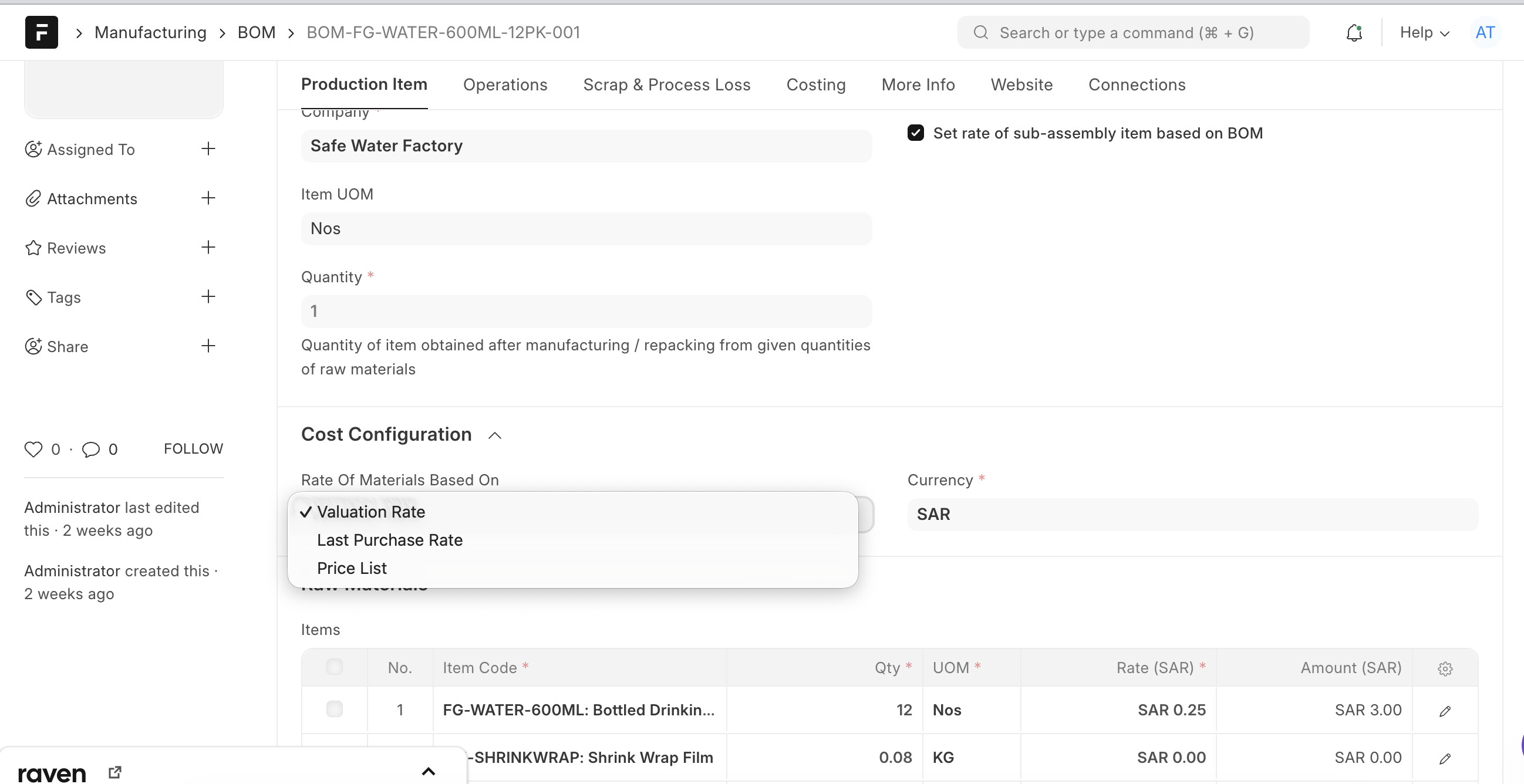
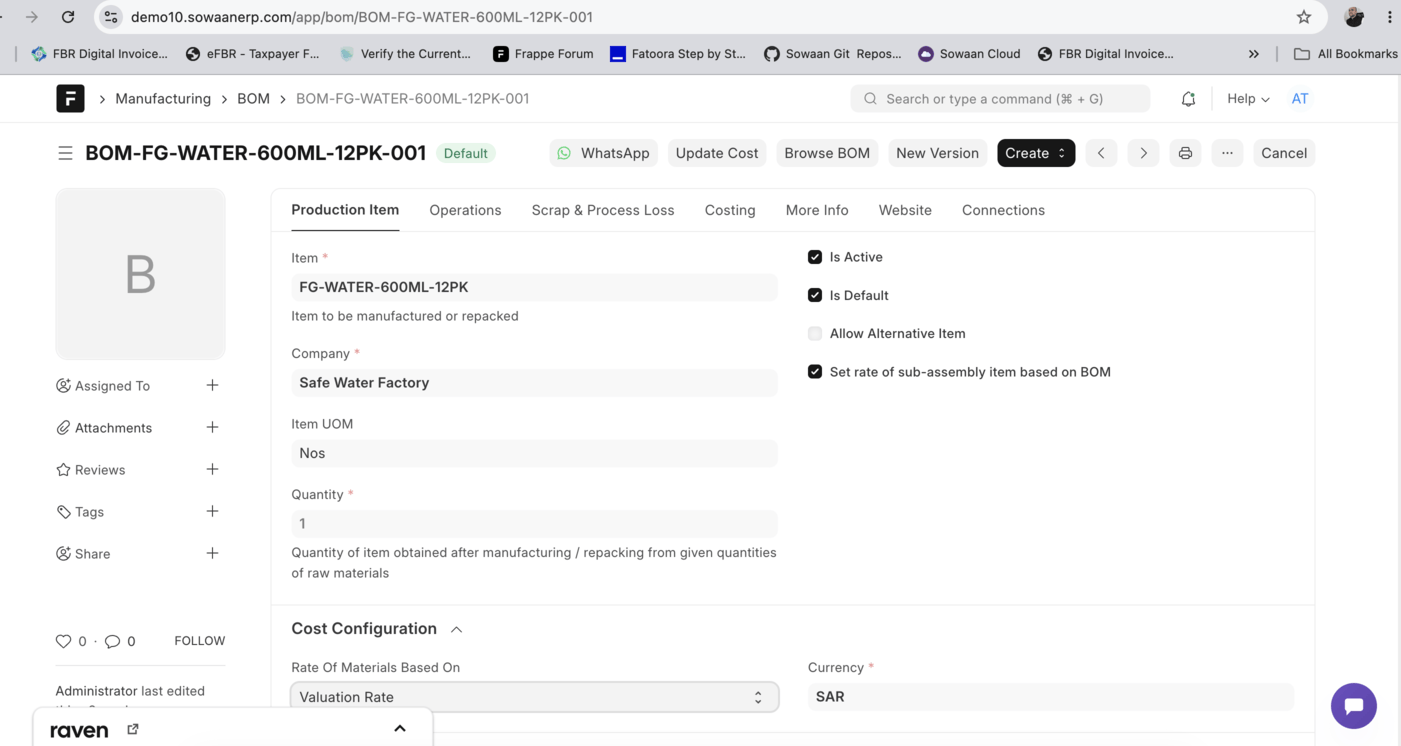
so I make a semi finished product which is a raw material for a finished good, now a problem I face very often is that when I make the BOM using that semi finished good, or any raw material, the prices are always random or incorrect. Even tho I fixed the valuation rate and other things it displays an incorrect value at BOM.
When I end up manufacturing the item, in the stock entry part it shows the correct values. Why is this the case? How to fix it so BOM shows correct values. I’ve already tried updating cost.
Secondly there is update cost button in submitted BOMs to update cost of raw material manually as well a scheduler job type runs to do it auto as well.
This could be related to how ERPNext calculates BOM valuation versus the actual stock valuation rate. Check whether the BOM is using the latest purchase or valuation rates for raw materials and the correct valuation method for semi-finished goods. Also, try recalculating the BOM cost after updating the item rates. If the Stock Entry shows the correct values, comparing its valuation rates with the BOM’s rate sources may help identify the discrepancy.