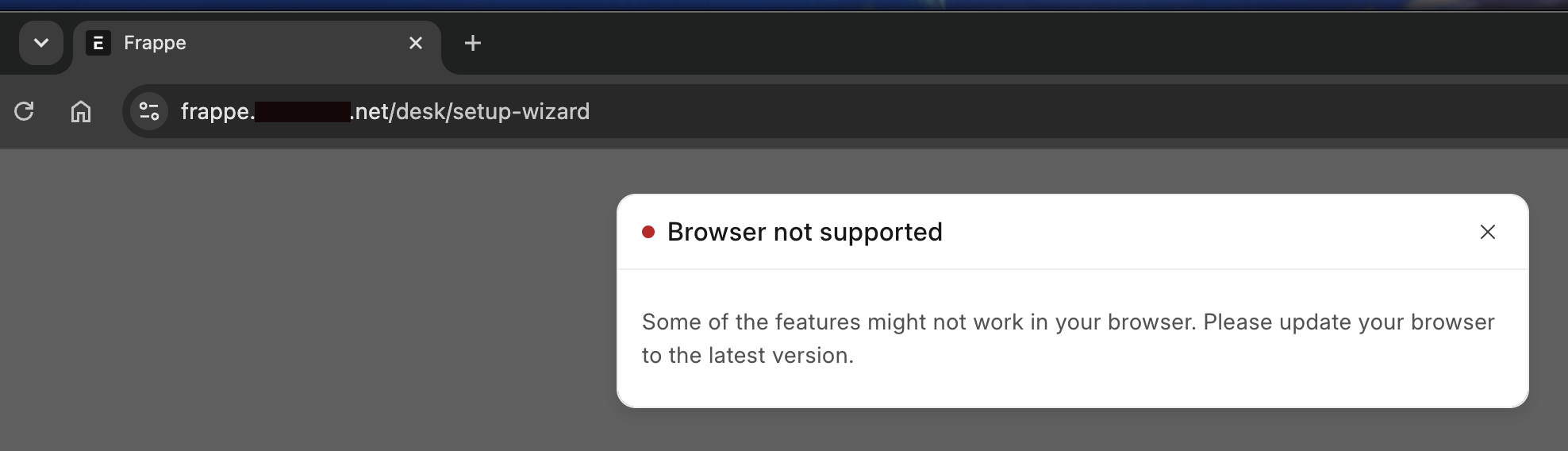
Hi there. I’m working on a test environment just for the sake of learning the system. I’m installing Frappe on an AlmaLinux 10 server as a standalone install, not Docker. I’ve got everything running (development, not production… I’m getting an error when I try to setup production, but that will be a different post), including the Nginx proxy out front, and I can get to the login window. My issue arises after I log in with the Administrator account I created during setup. I get a blank page with a “browser not supported” popup. I’ve tested with both the current versions of Firefox and Chrome. I’m certain it’s something simple I’m missing, but I’ll be danged if I can figure it out. I’m not a Linux novice, but I’m not an expert. I’ve gotten plenty of other stuff running on this little box successfully… this is the only one putting up a fight. The Nginx logs just say connection refused upstream. Any thoughts on what I’m not seeing? Thanks!
I think I’m zeroing in on a socket.io error - when I run $ curl “https://frappe..net/socket.io/?EIO=4&transport=polling” it spits out an entire page’s worth of HTML in my Terminal.
I know this thread is a bit old, but have you checked if your server’s firewall settings might be blocking the required ports for socket.io? Also, ensuring that your Nginx config is correctly set up to forward WebSocket requests might help. Another thing to look into is whether your Frappe version has any known issues with the browser versions you’re using.