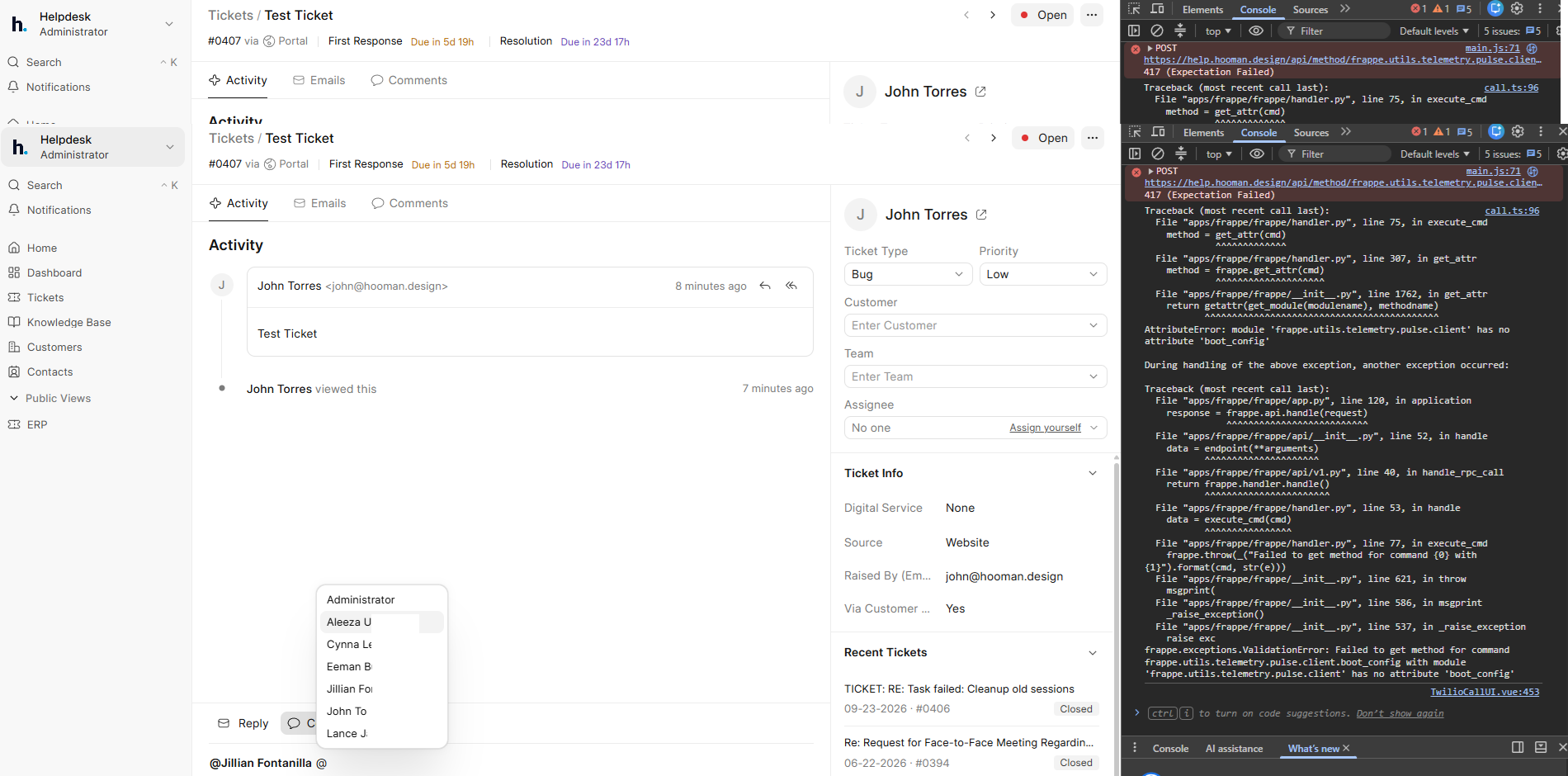
Anyone experiencing this problem? It seems that i cannot tag my colleagues on this ticket. I have full access to the system (system manager)
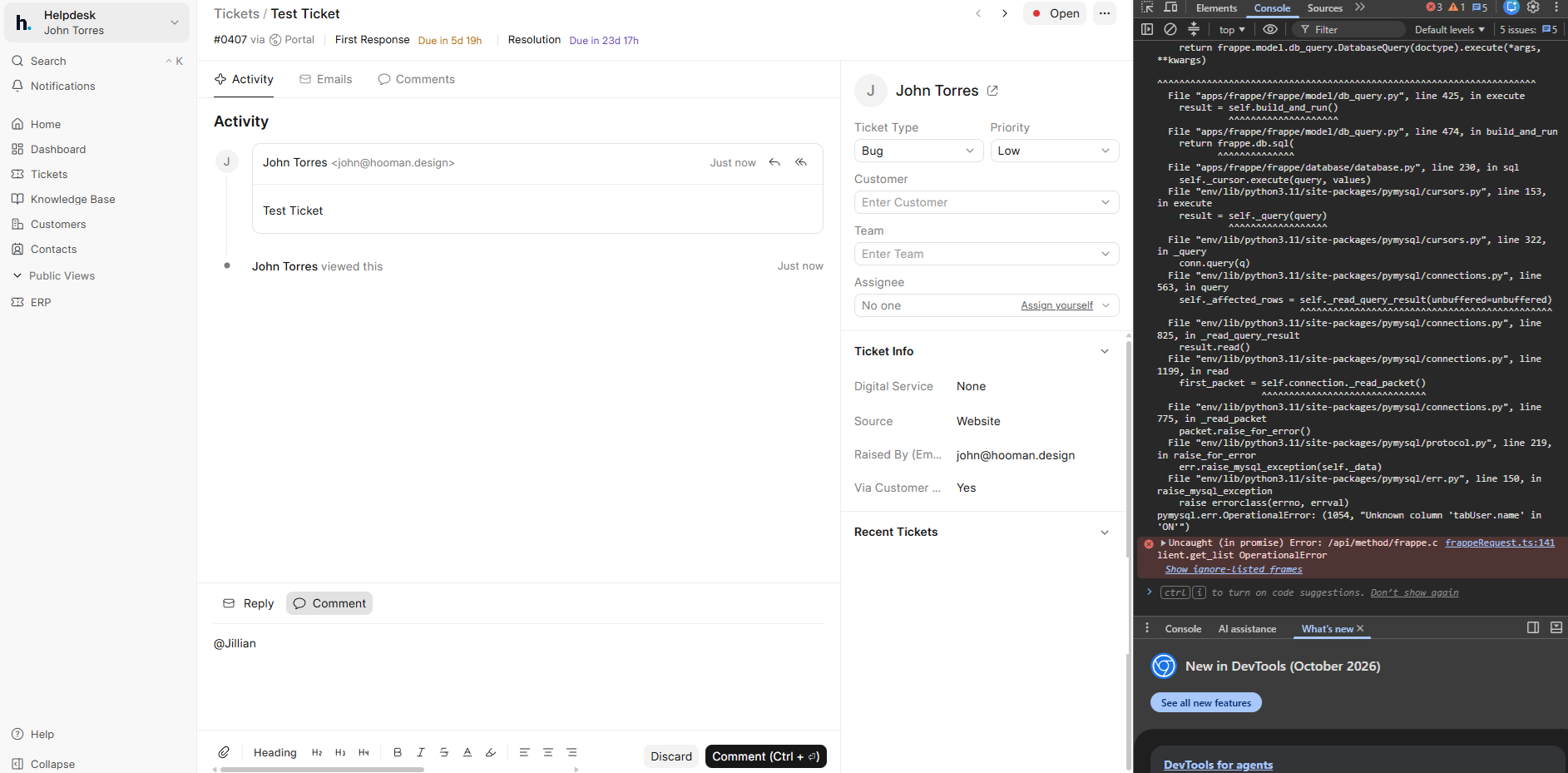
Screenshot 1: Agent view, I cannot tag anyone.
S
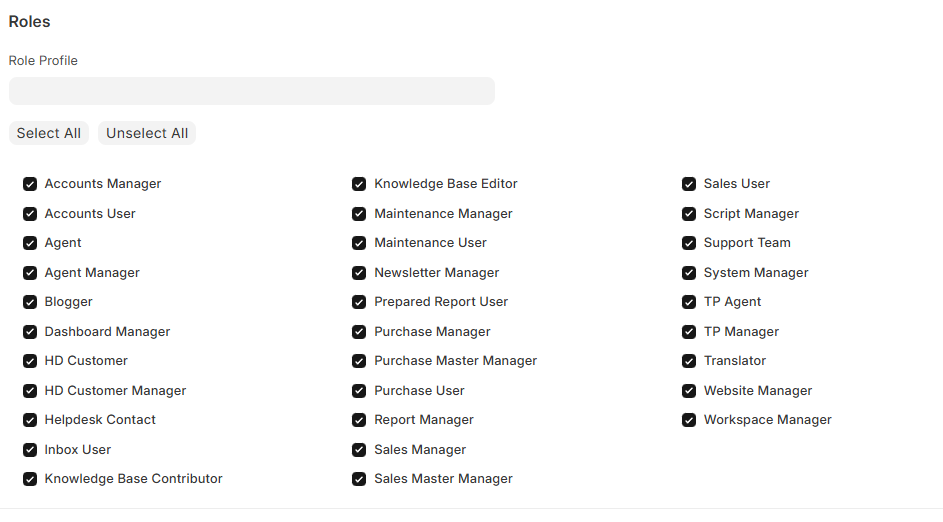
Screenshot 2: User Role
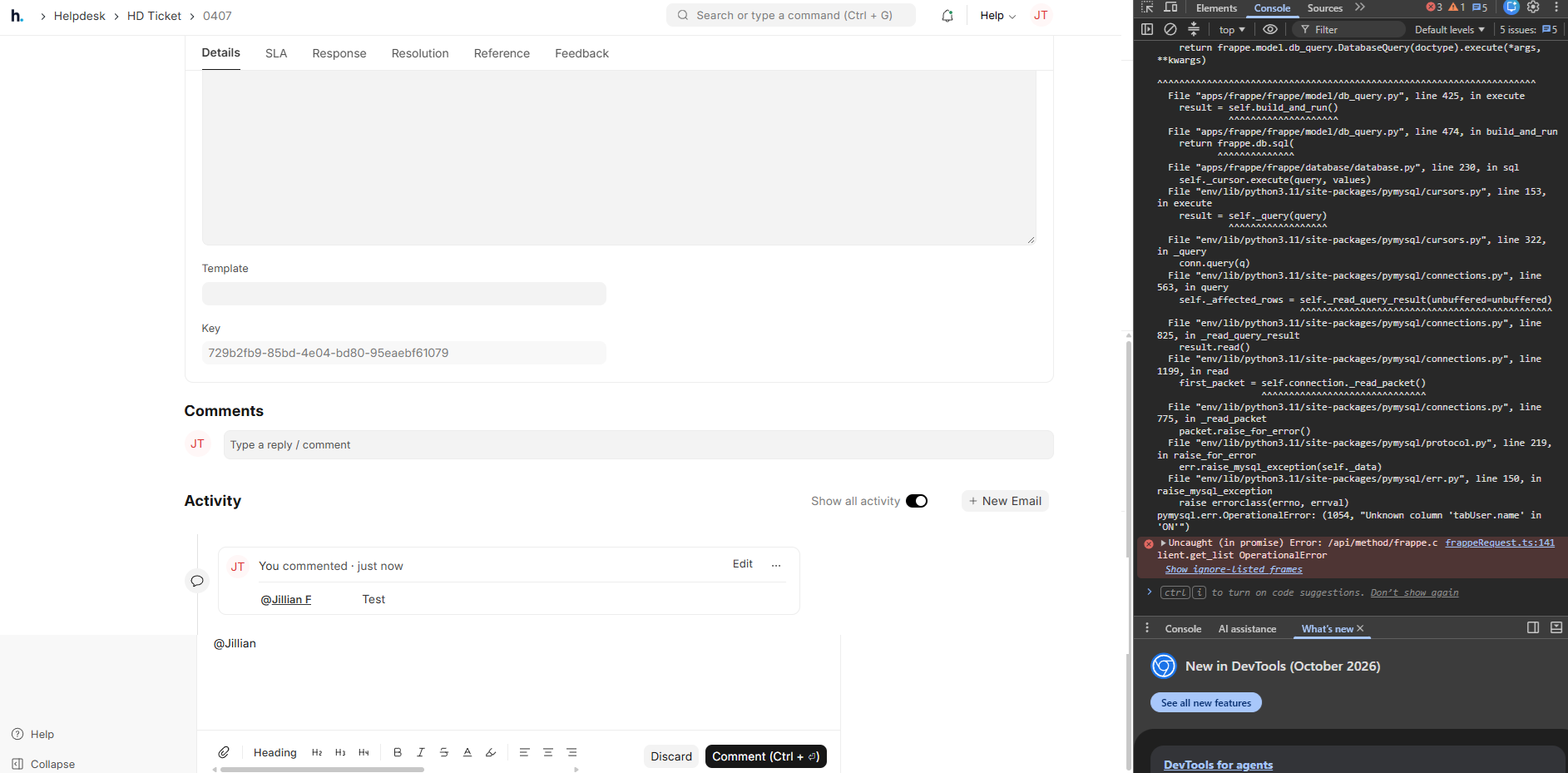
Screenshot 3&4: Test on HD Ticket doctype - Desk view. It seems that i can tag on desk view but the one of the problems encountered here is that if you comment on this doctype (on HD ticket) it will not be seen on the agent view portal.
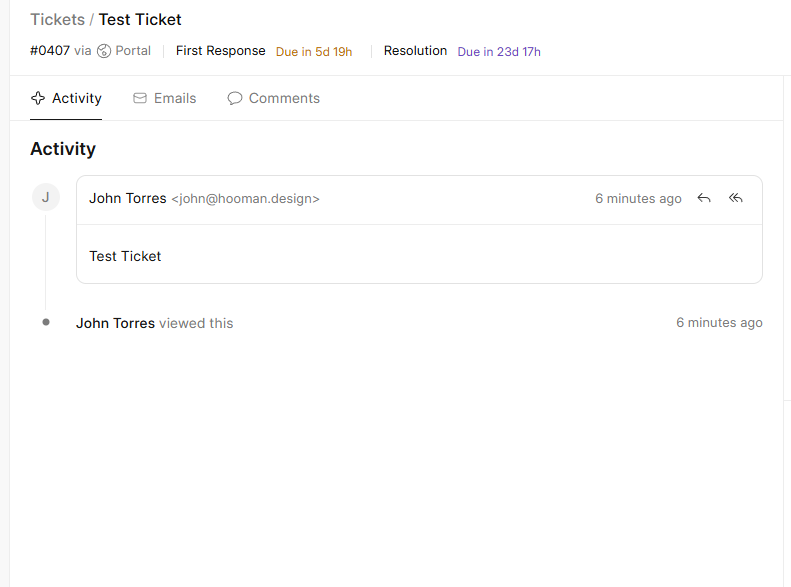
Screenshot 5: I logged on using frappe cloud via admin to check if i am encountering any issues with tagging. Upon testing and observing, it seems that there is an internal error occurring when i try to open a ticket on agent view on my own account. But whenever i use the admin account, I can tag anyone and there is no ‘Internal Error’
Hi John,
Thanks for reaching out! Could you let me know what version of frappe you have installed on your site? and also please let me know if you are currently using Frappe cloud. If yes please raise a ticket on support.frappe.io
Hi @johntorres ,
Could you please try updating the Helpdesk app to a newer version?
I tested this on helpdesk: 1.30.1, and tagging users in private comments from the HD Ticket Agent view is working as expected.
So, please update the Helpdesk version and check if the issue is resolved.
Hi!
The frappe framework version is 15.
Hello!
May I know what your frappe framework version is? Here is mine.
Hi John, this seems like a v15 fw issue we’ll try to have a look at it and fix it
You could try upgrading to Frappe v15.120.1 and Helpdesk v1.30.1. It might resolve the issue, as user tagging is working fine with these versions.
Hi!
The problem is that we cannot update it to the latest version. Once we update / upgrade it. It’s gonna be version 16. Do we have to create a backup and then create another helpdesk so that it installs the latest version 15? and restore backup?
Hi!
May I ask if you are using shared bench for this version and private bench?
Hello,
We have identified the issue, should be fixed in the next release.