what is the problem?
My problem was: everytime i try to change User Settings like (Language, Theme, Timezone), automatically the user_type will change to Website User so i can’t access any of the system modules.
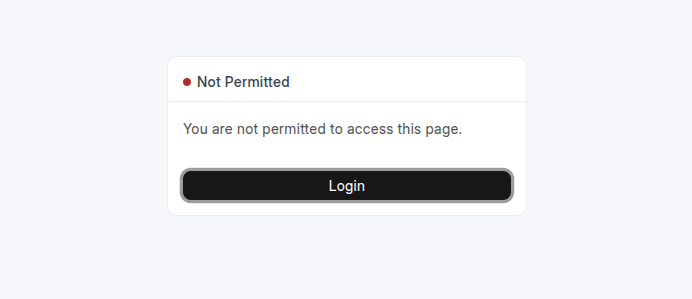
why this happens?
in short: the reason was MY USER DIDN’T HAVE SYSTEM-LEVEL ROLES
When the user has only website roles (like “Customer”, “Supplier”), Frappe classifies them as a Website User.
When you add any system-level role / desk_access roles (like “Employee”, “Accounts User”, “System Manager”), Frappe switches the user_type to System User.
Where the Logic in Frappe Core?
File: frappe/core/doctype/user/user.py
Method: set_system_user(self)
Github:
-
If no roles are assigned to the user, or none of the roles have
desk_access = 1, Frappe will setuser_type = "Website User". -
Happens automatically on every call to
.save()on a User document. -
This override behavior is not visible in the UI or warned about — it just silently happens
 so if you don’t know this behavior then you will never notice.
 -
FROM NOW ON: Always include at least one role with
desk_access = 1when creating system users.
How to follow what happened with me
-
Create a new user (e.g.,
[email protected]). -
Do not assign any roles, or assign only roles with
desk_access = 0. -
Save the user.
-
Check the
user_type: it will be automatically set to"Website User".
When you later assign a role that has
desk_access = 1(e.g., “System Manager”),user_typewill be updated to"System User"on the next save.
The steps i made to solve this problem
- open mariadb client and change my user_type to “System User”
bench --site [your-site] mariadb
UPDATE `tabUser`
SET `user_type` = 'System User'
WHERE `name` = '[email protected]';
- open the desk and give my user => any system level role (at least one role with
desk_access = 1)
THAT’S IT