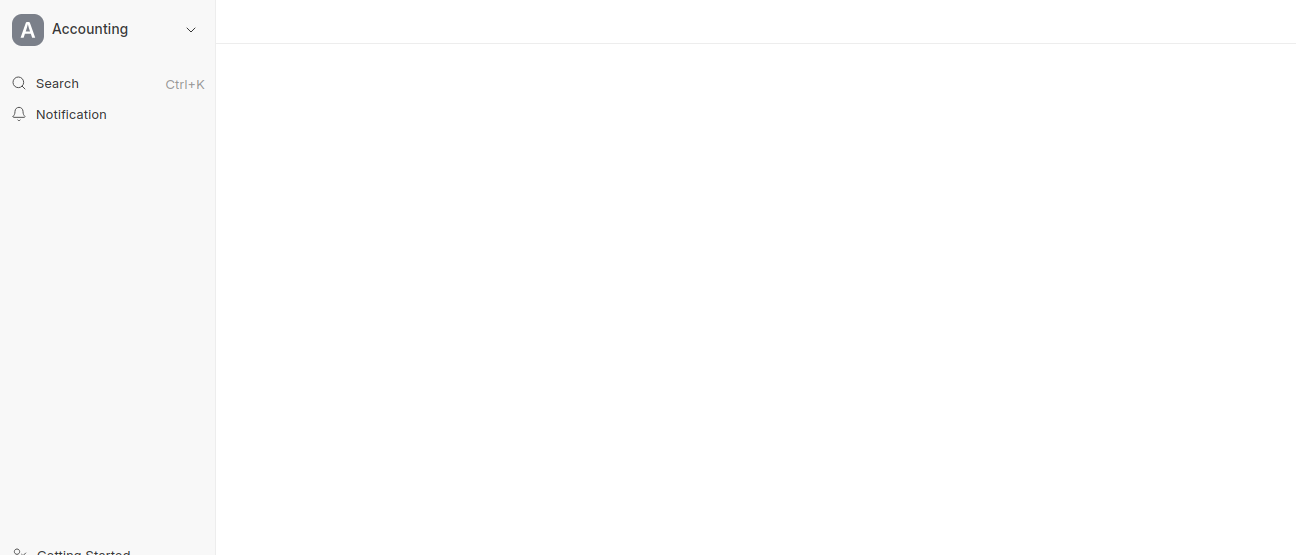
The Chart of Accounts page is suddenly showing a blank screen. Previously, this issue was resolved after upgrading the ERPNext app, but now it has reappeared unexpectedly. When inspecting the page, the console shows a sidebar-related error (attached below). This kind of sudden disruption in default functionality is unacceptable without any action or changes from the user side, Any Help would be appreciated.
Uncaught (in promise) TypeError: can’t access property “public”, frappe.workspaces[frappe.router.slug(…)] is undefined
This error is a known issue that crops up after upgrades the workspace/sidebar data in the browser cache gets out of sync with the updated Frappe version.
The error frappe.workspaces[frappe.router.slug(...)] is undefined means the sidebar is trying to load a workspace that no longer exists or was renamed during the upgrade.
Steps that usually fix this:
-
Clear cache from the browser hard refresh with Ctrl+Shift+R (or Cmd+Shift+R on Mac) to clear cached JS/workspace data.
-
Clear site cache from bench:
bench --site your-site-name clear-cache
bench --site your-site-name clear-website-cache
-
Rebuild assets (if the above doesn’t help):
bench build --app erpnext
bench --site your-site-name migrate
-
If it still persists, go to Workspace in ERPNext, check if there are any duplicate or broken workspace entries, and delete/repair them. Sometimes an upgrade leaves orphaned workspace records.
-
As a last resort, run bench --site your-site-name set-config clear_cache 1 and restart the bench.
The fact that upgrading fixed it previously confirms it’s a cache/workspace sync issue rather than a deeper bug. Let us know which version you’re on, if it keeps recurring after every upgrade, there may be a custom workspace or app causing the conflict.