Hi there I install clefincode chat app but chat icon is not showing how to fix it i did not understanding how its work etc
Thank you very much for installing our chat application and for sharing your feedback. 
Please note the following:
Administrator User in ERPNext
If you are logged in as the Administrator user, the chat icon will not appear. At the moment, we have not created a chat channel for the Administrator account. Please try logging in with a standard user account to see the chat icon inside the system.
Chat Icon on the Website
For the chat icon to appear on your website, you need to enable the Support Portal feature in the chat application configuration.
After activating the Support Portal, the chat icon should be visible on the website.
If you still don’t see the icon after these steps, please let me know which user you are using and share a screenshot, and I’ll be happy to help further.
thanks for reply standard user means i did not understand chat administrator having all access so you means i have to login as chat administrator to see chat icon?
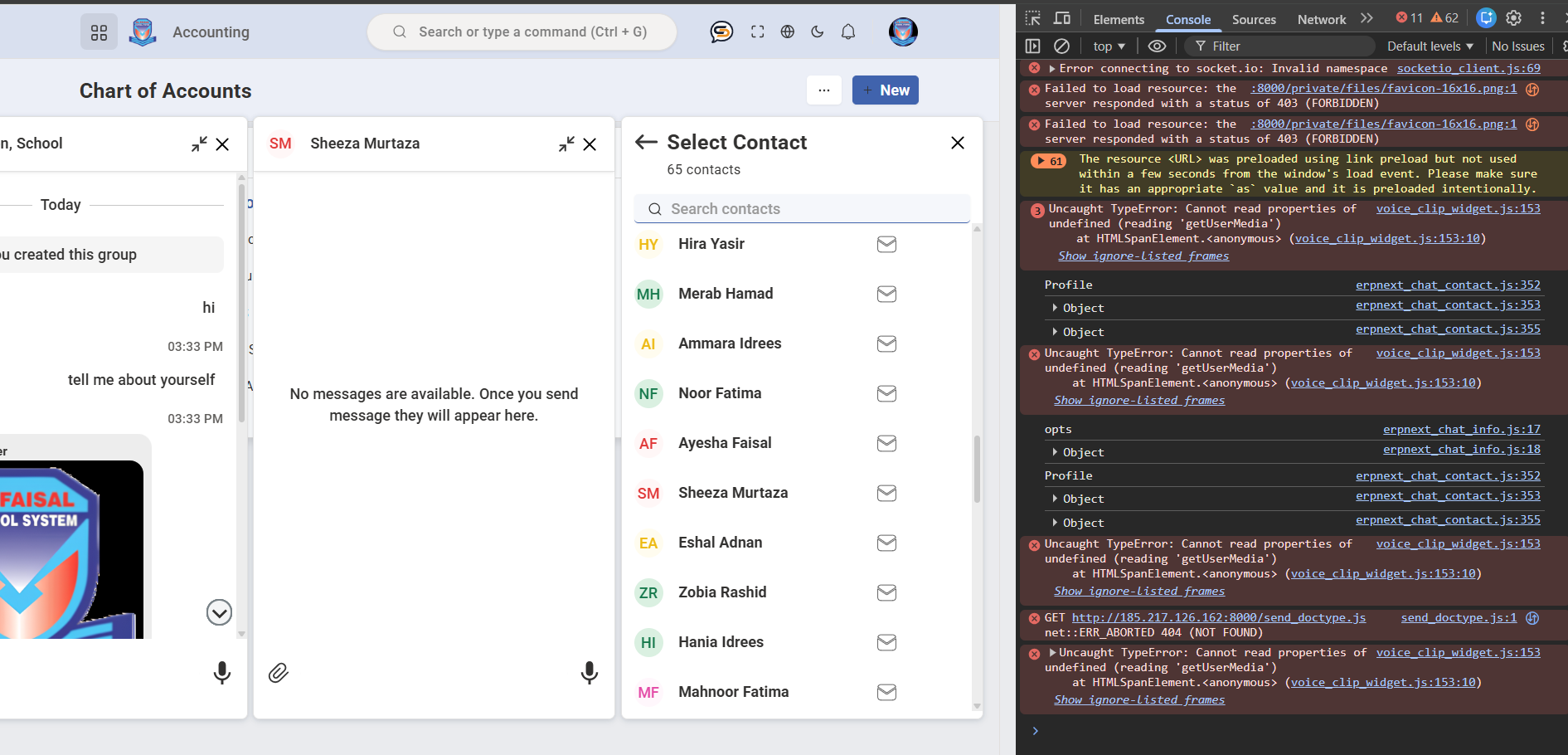
ok i understand this things voice features is not working basically i am creating software for school so i need it for internal communicaiton in school so i need chat app for this purpose
No problem. The Admin doesn’t have a chat icon, and as for voice, it should work. Please send me any additional details so I can assist further.
As for your app, I think it’s a great fit—especially with the omni-channel feature—to communicate with both students and parents.
ok thanks any documentation of this app to understand all features if yes kindly send me
1 Like
Do the Next update of Clefincode_chat will allow administrator to chat? since the admin account is a support to erpnext system
does this app support frappe version 16?
Did you find the solution for voice feature? I am also facing issue when I try to submit voice message it gives error saying canvas is undefined.
@ClefinCode As a regular user which branch should we use so that we don’t face errors? I installed app and current branch is develop.
@dynovative Can you please tell me which branch should we use as the final version? Is it develop branch or develop-marketplace branch? because I can’t see any other branch named version-16 or version-15 etc.