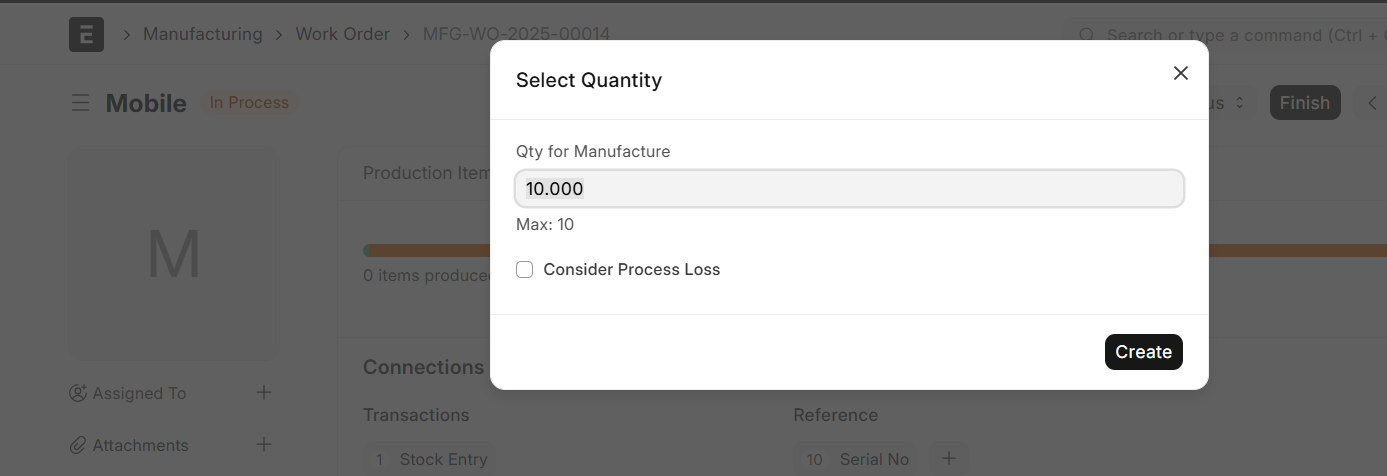
What does consider process loss checkbox in workorder exactly do
3 Likes
@DakshKothari18 The “Consider Process Loss” checkbox in a Work Order is used when your production process naturally results in a loss of raw materials (wastage, evaporation, scrap, etc.).
Here’s what it does exactly:
- When checked, ERPNext looks at the Process Loss % (defined in the BOM or operation) while issuing raw materials.
- The system will then increase the required raw material qty so that after accounting for the expected loss, you still produce the intended finished goods qty.
- Example:
- You want to make 100 kg of Product.
- BOM shows it needs 100 kg of raw material with 5% process loss.
- If “Consider Process Loss” is checked → system will reserve/issue 105 kg of raw material (100 usable + 5 lost).
In short:
- Checked = raw material requirement accounts for process loss.
- Unchecked = system assumes zero process loss, only reserves exact qty as per BOM.
1 Like