i want this type of result
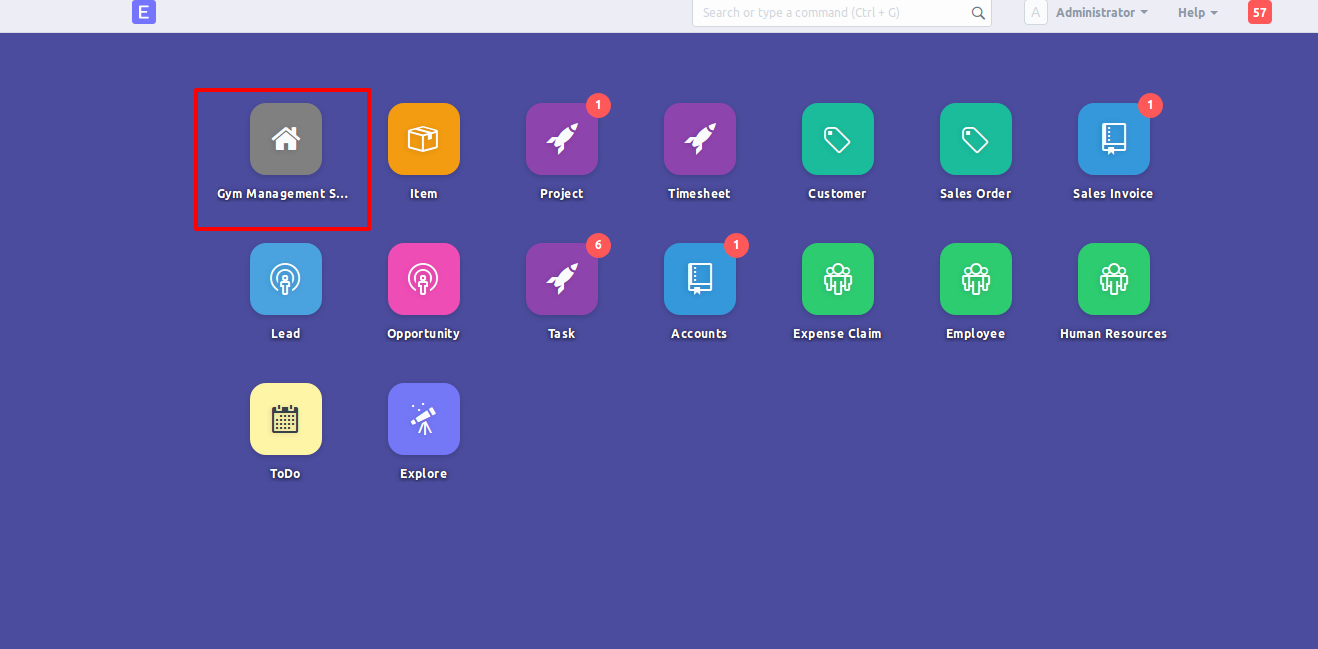
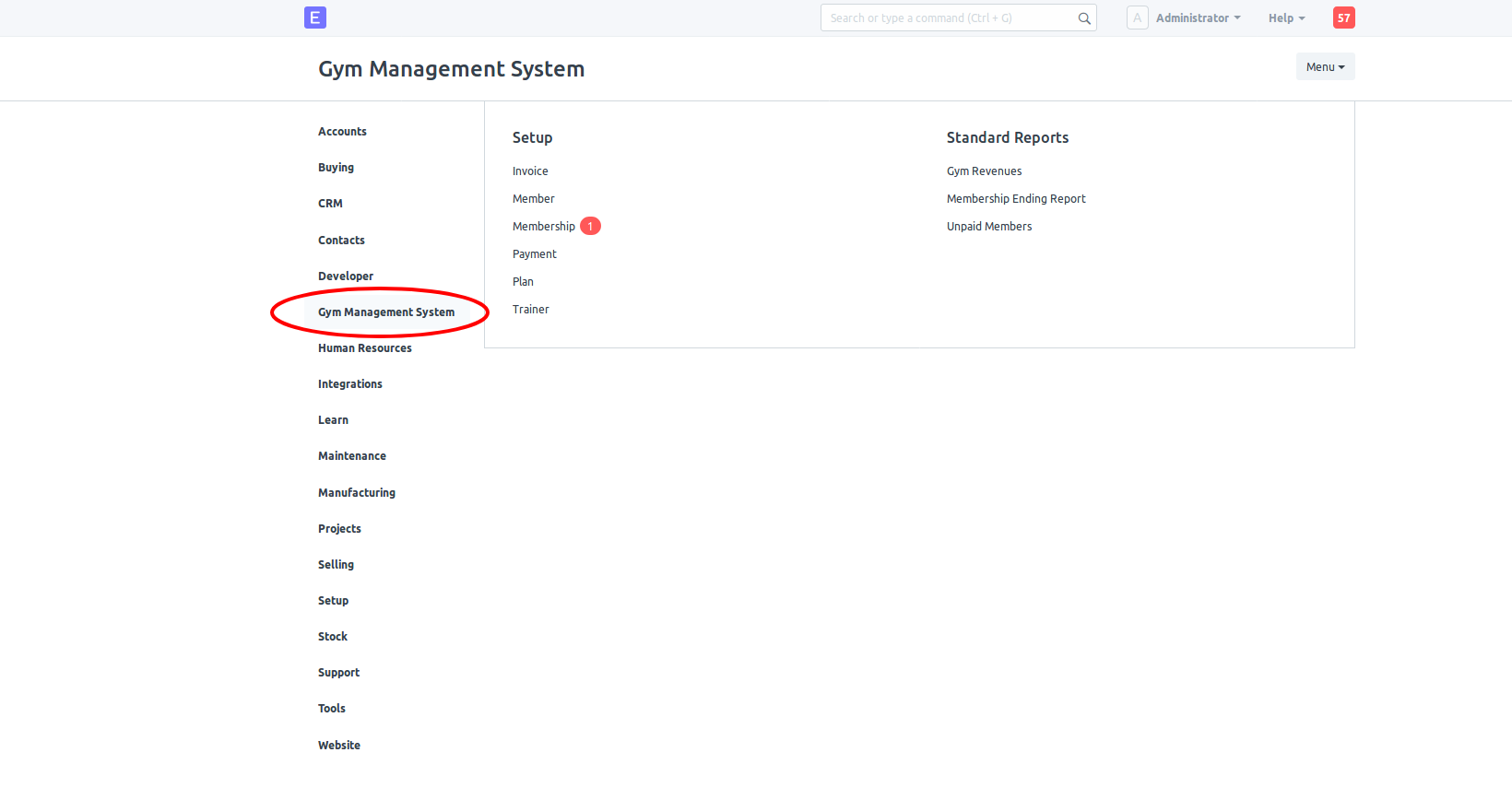
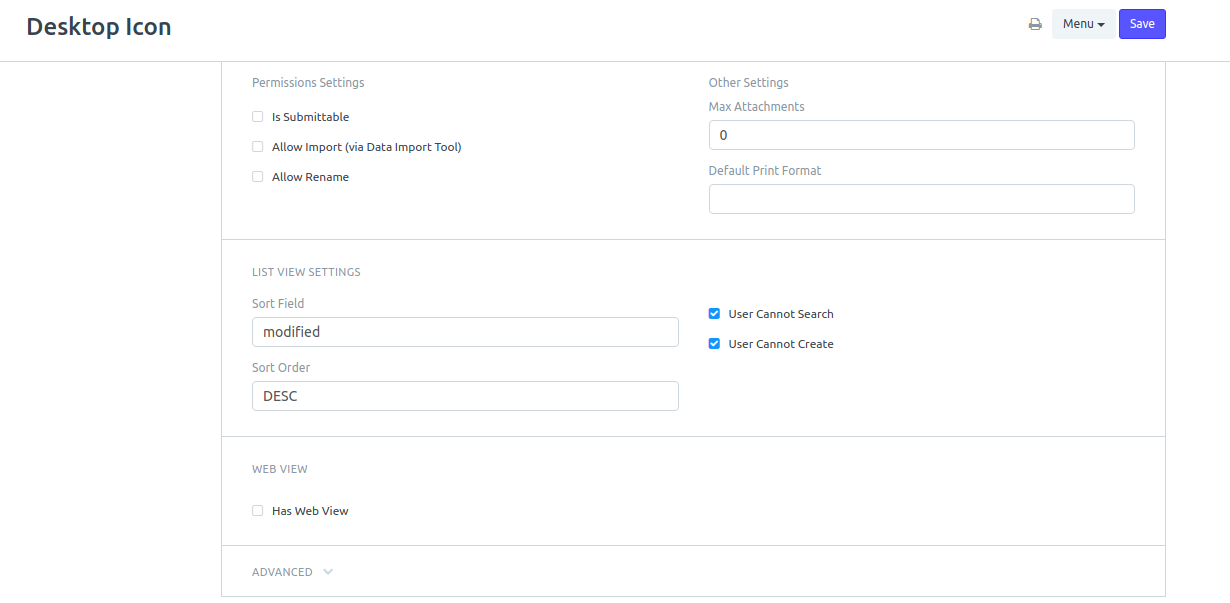
You need to add your new module information in the Desktop Icon doctype
notice that this doctype is not searchable by a user, you can edit this and add administration role and add your doctype
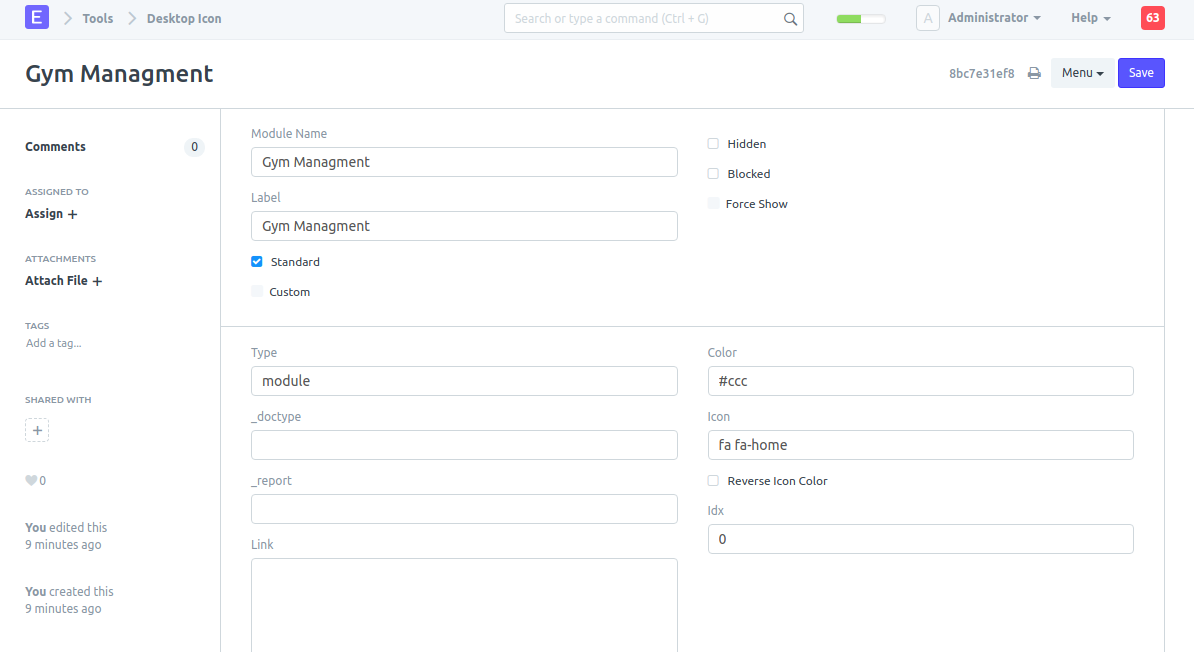
You can add your icon to the icon field( you can use awesome font icons )
After adding it and refreshing, your module icon will appear on the Desk and the modules page


Can you please show full steps
can icon be displayed without giving _doctype in Desktop Icon ?
And in Gym Management hoe did you displayed Setup
You can display your doctypes by adding them in new py file in config folder
If you’re trying to learn by developing this module?
Send a PR. Refer how module is added for Hotels