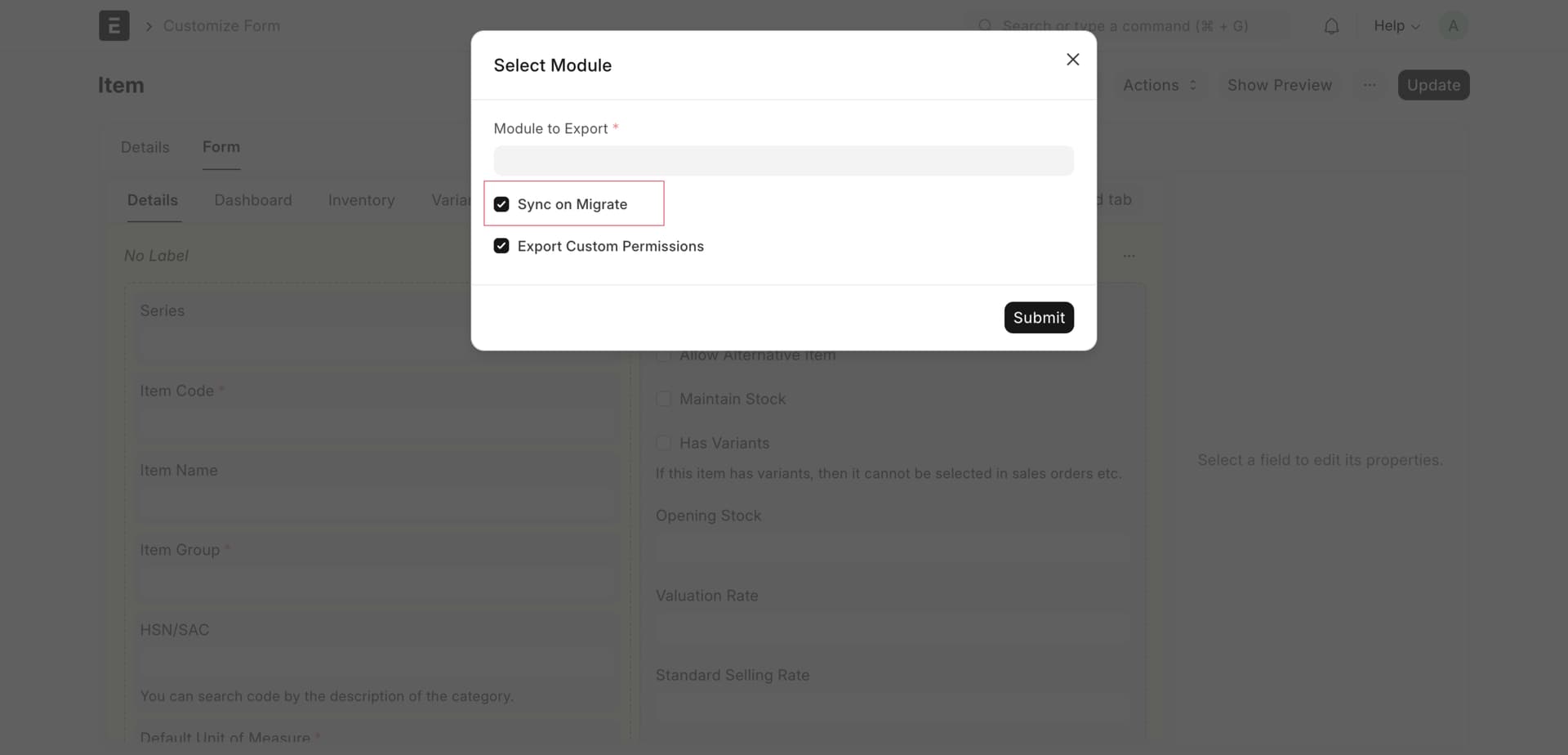
If you export the field using the export-fixtures command, any changes made to the field will require you to reapply the command “bench export-fixtures” to update the custom field. However, with every site update or migration, the field will also be updated automatically each time.
I’m using Frappe version 14. I followed your instructions for exporting data using bench export-fixtures and enabled ‘Sync on Migrate,’ but the changes still aren’t showing up.
@Kartheek_P88 Did this resolve the issue for you? I’m currently running into problems when migrating exported customizations. The sync_on_migrate flag doesn’t seem to be working in my case.
Make sure to take backup of your site. Go to the site that needs to be migrated, open the Customization for teh desired Doctype(s), in the actions search for the ‘Reset All Customization’, this would reset the customization of that site to its default as if you have not customized it at all (data for those fields might be lost in this case).
Then, on next migrate the site, your custom app would made the necessary changes an update the customization again
I think that this is an intended behavior, as deleting a custom field leads to deleting all data associated with it, which could be an unexpected behavior from your side/client side. There might be other reasons too.
You may make an before_migrate/after_migrate script that runs automatically to remove deleted custom fields
Yeah, but if I delete a custom field, I’d expect all data associated with it to be deleted as well, right? In what scenario would that actually be problematic? If I still need the data, I have other options—like hiding the field—instead of permanently deleting it.
 then it will sync in every migrate.