Kunal4
October 3, 2025, 11:07am
1
how can i set header to print on all pages
SALES INVOICE
{{ doc.company }}
Invoice No.{{ doc.name }}
Dated{{ frappe.utils.formatdate(doc.posting_date, "dd-mm-yyyy") }}
Delivery Note{{ doc.delivery_note or '-' }}
Mode/Terms of Payment{{ doc.payment_terms_template or '-' }}
Reference No. & Date.{{ doc.po_no or '-' }}
Other Reference(s)-
Consignee (Ship To): {{ doc.customer_name }} <hr style="margin: 5px 0; border: 0; border-top: 1px solid #000;">
<i>Buyer (Bill To):</i><br>
<strong>{{ doc.customer_name }}</strong><br>
{% if doc.customer_address %}
{% for line in doc.customer_address.split('\n') %}
{{ line }}<br>
{% endfor %}
{% endif %}
{% if doc.billing_address_gstin %}GSTIN: {{ doc.billing_address_gstin }}<br>{% endif %}
Place of Supply: {{ doc.place_of_supply or '-' }}
Buyer's Order No.{{ doc.po_no or '-' }}
Dated{% if doc.po_date %}{{ frappe.utils.formatdate(doc.po_date, "dd-mm-yyyy") }}{% else %}-{% endif %}
Dispatch Document No.-
Delivery Note Date-
Dispatched through{{ doc.transporter_name or '-' }}
Destination{{ doc.shipping_address_name or '-' }}
Terms of Delivery{{ doc.terms or '-' }}
Page
<head>
<style>
.print-format {
margin-right: 1mm !important;
margin-left: 1mm !important;
/* margin: 1mm !important; */
padding: 0mm !important;
}
thead {
display: table-header-group;
}
/* table,
tr,
th,
td {
border: 1px solid black;
} */
/* table,
th,
td {
border: 1px solid rgb(97, 152, 201);
border-collapse: collapse;
border-style:groove;
} */
/* tfoot{
display: table-footer-group;
} */
body {
margin-right: 1mm !important;
margin-left: 1mm !important;
padding: 1mm !important;
}
</style>
</head>
<body>
<!--Header Shb Start-->
<div id="header-html" class="hidden-pdf">
<table style="width: 100%;">
<tr>
<td style="width: 20%; text-align: right; vertical-align: top;">
<img alt="Logo" src="/files/Logo.jpg"
style="width: 100px; max-width: 100%; height: auto;">
</td>
<td style="width: 40%; text-align: left; vertical-align: top;">
<p style="font-size: 15px; color: rgb(27, 7, 141); font-weight: bold; margin: 0;">
My Company</p>
<p style="font-size: 9px; color: black; margin: 5px 0;">
Address Line1<br>
Address2<br>
</p>
<p style="font-size: 11px; color: black; font-weight: 400; margin: 0;">
Vat: XXXXXX
</p>
</td>
<td style="width: 40%; text-align: right; vertical-align: top;">
</td>
</tr>
</table>
<div>
<hr style="height: 1px; margin-top: 1mm; margin-bottom: 1mm;">
</div>
</div>
<!--Header End -->
<h3>{{ doc.select_print_heading or "Invoice" }}</h3>
<div class="row">
<div class="col-md-3 text-right">Customer Name</div>
<div class="col-md-9">{{ doc.customer_name }}</div>
</div>
<div class="row">
<div class="col-md-3 text-right">Date</div>
<div class="col-md-9">{{ doc.get_formatted("invoice_date") }}</div>
</div>
<table class="table table-bordered">
<tbody>
<tr>
<th>Sr</th>
<th>Item Name</th>
<th>Description</th>
<th class="text-right">Qty</th>
<th class="text-right">Rate</th>
<th class="text-right">Amount</th>
</tr>
{%- for row in doc.items -%}
<tr>
<td style="width: 3%;">{{ row.idx }}</td>
<td style="width: 20%;">
{{ row.item_name }}
{% if row.item_code != row.item_name -%}
<br>Item Code: {{ row.item_code}}
{%- endif %}
</td>
<td style="width: 37%;">
<div style="border: 0px;">{{ row.description }}</div></td>
<td style="width: 10%; text-align: right;">{{ row.qty }} {{ row.uom or row.stock_uom }}</td>
<td style="width: 15%; text-align: right;">{{
row.get_formatted("rate", doc) }}</td>
<td style="width: 15%; text-align: right;">{{
row.get_formatted("amount", doc) }}</td>
</tr>
{%- endfor -%}
</tbody>
</table>
<!--Footer Start-->
<div id="footer-html" class="visible-pdf">
<footer
style="font-family: Arial, sans-serif; font-size: 12px; color: #333; margin-top: 20px; border-top: 1px solid #ccc; padding-top: 10px; text-align: center; line-height: 1.5;">
<p style="margin: 5px 0; font-weight: 500;">
Thank You For Your Business | If you have any questions, please call: XXXXX
</p>
<p style="margin: 5px 0; font-size: 11px;">
Registered Office: XXXX
</p>
<p style="margin: 5px 0; font-size: 11px;">
Phone: XXXX • Fax: XXXX •
<a href="http://www.www.com" style="color: #0066cc; text-decoration: none;">www.website.com</a>
•
<a href="mailto:[email protected] " style="color: #0066cc; text-decoration: none;">[email protected] </a>
</p>
</footer>
</div>
</body>
you must need ; wkhtmltopdf with patched qt
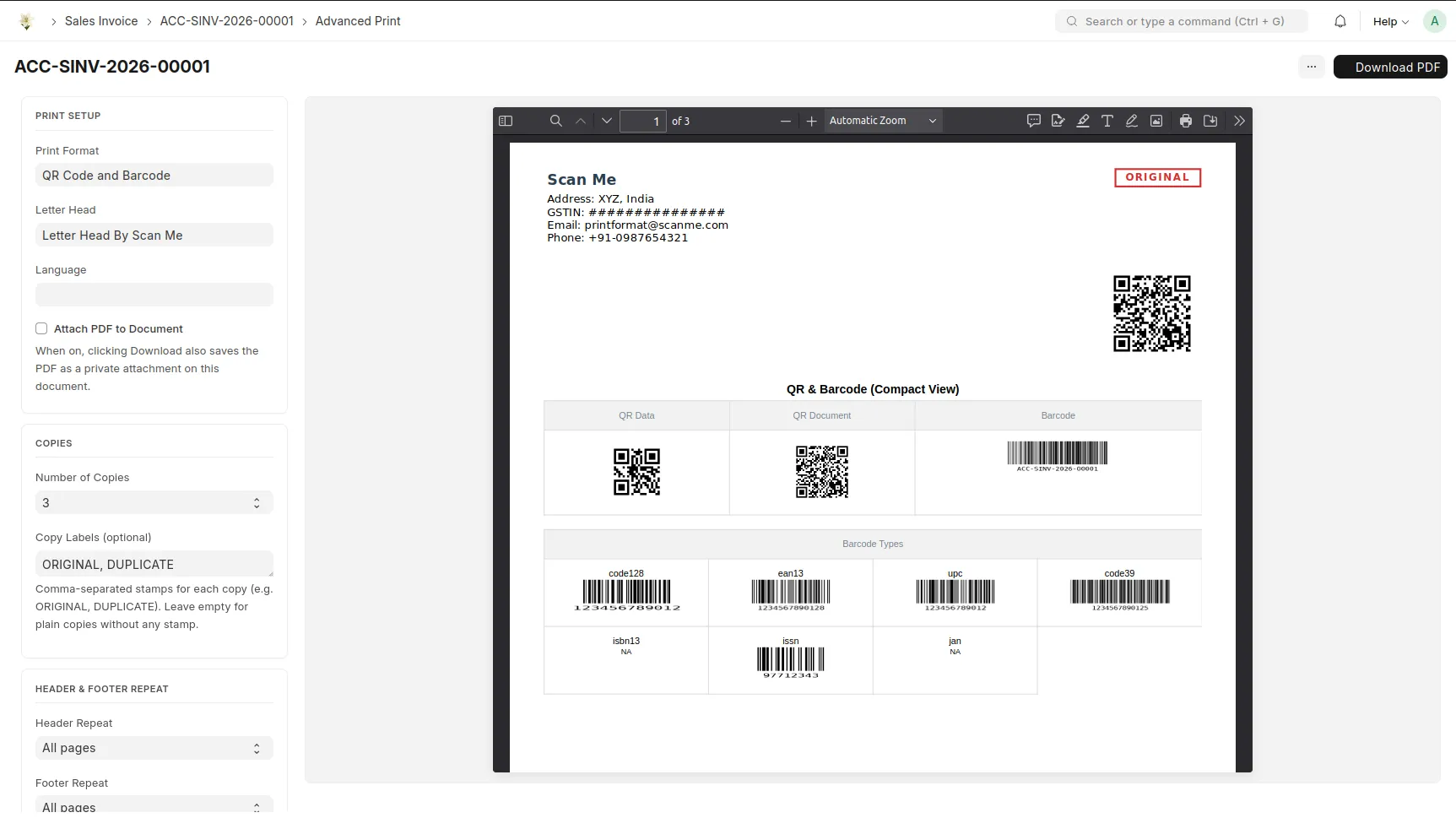
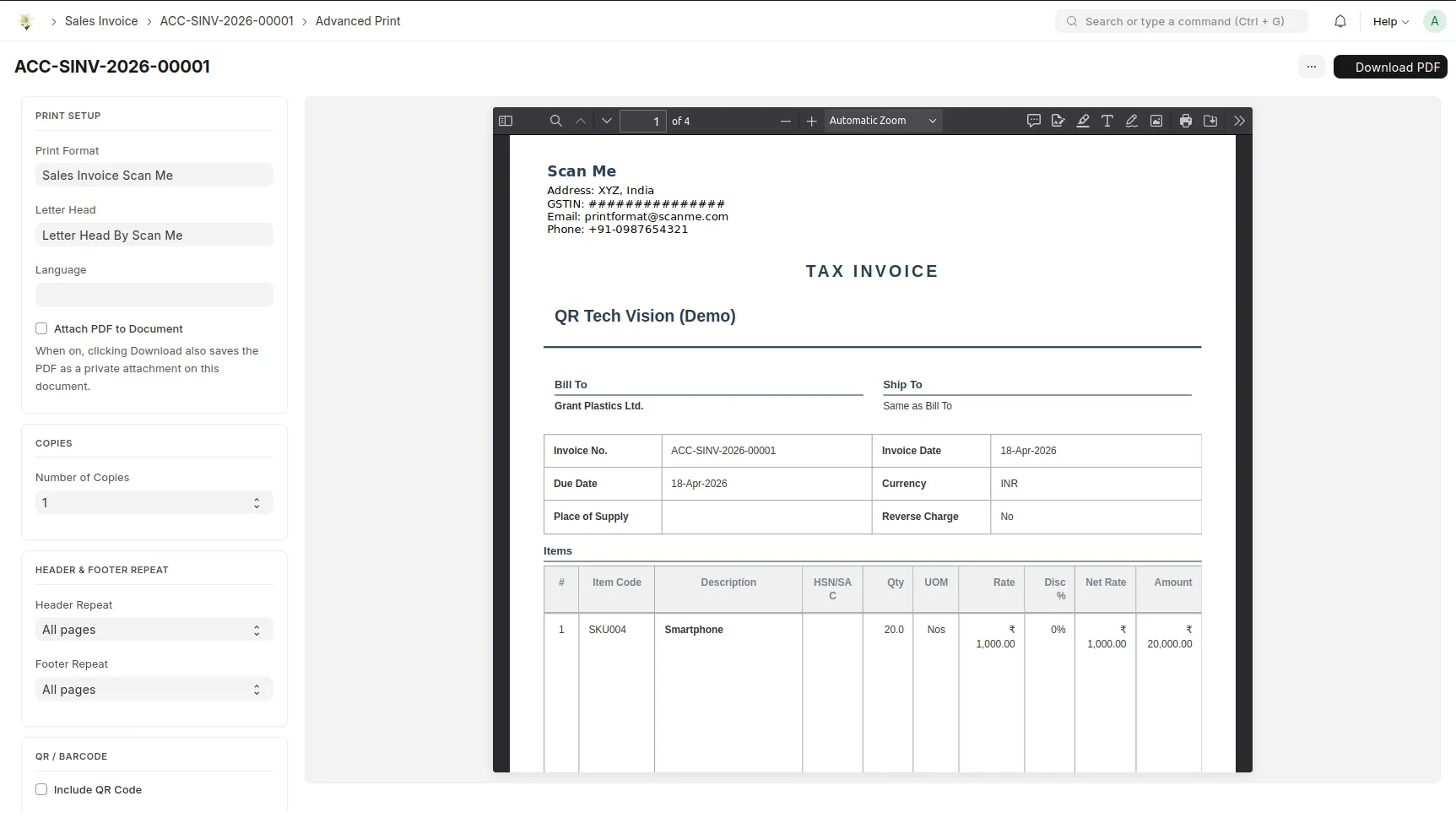
Try scan me custom app it handle all type of repeatation of header and footer in print preview as well as pdf.
Frappe cloud
Github
Web App for Frappe and ERPNext to Use QR and Barcode
For those who need a custom print format with repeating headers and footers using the Chrome PDF Generator , here is a sample template. header and footer are embeded on html.
{%- macro fmt(v) -%}{{ frappe.format_value(v | float, {"fieldtype": "Currency"}, doc=doc, currency=doc.currency) }}{%- endmacro -%}
{%- macro fdate(d) -%}{{ frappe.format_date(d, 'dd MMM yyyy') }}{%- endmacro -%}

{%- set _cust_name = doc.party_name if doc.quotation_to == "Customer" else None -%}
{%- set cust_doc = frappe.get_doc("Customer", _cust_name) if _cust_name else None -%}
{%- set customer_vat = (cust_doc.custom_vat_registration_number if cust_doc else "") or "" -%}
{%- set customer_name_ar = (cust_doc.customer_name_in_arabic if cust_doc else "") or "" -%}

{# Sales Orders linked to this Quotation #}
{%- set so_list = [] -%}
{%- set so_rows = frappe.db.sql("SELECT DISTINCT soi.parent FROM `tabSales Order Item` soi WHERE soi.prevdoc_docname = %s", (doc.name,)) -%}
{%- for so in so_rows -%}{%- if so[0] and so[0] not in so_list -%}{%- set _ = so_list.append(so[0]) -%}{%- endif -%}{%- endfor -%}

{%- set _qr_text = "DLITS | Quotation: " + (doc.name or "") + " | Total: SAR " + ("%.2f" | format((doc.grand_total or 0) | float)) -%}

<head>
<meta charset="UTF-8">
<style>
/* Saudi Riyal symbol font — embedded as base64 to avoid Content-Type issues in Chrome PDF */
@font-face {
show original
.png) {{ doc.company }}
{{ doc.company }}