Dear Everyone,
Can I custom ticket ID ?
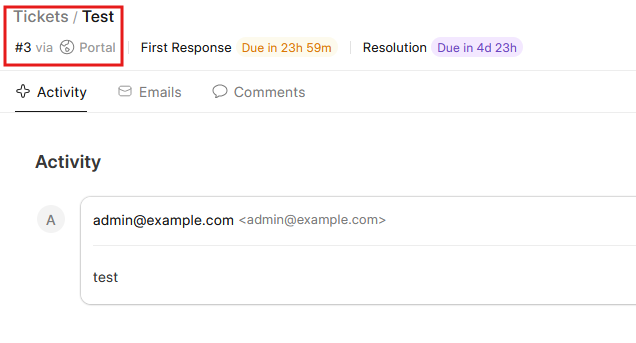
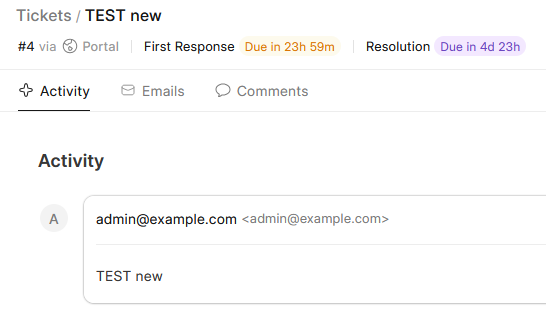
When I open a new ticket, I want Frappe HelpDesk to generate a ticket ID of #TK000002 rather than #2.
Thanks so much 
Thong Nguyen
Dear Everyone,
Can I custom ticket ID ?
When I open a new ticket, I want Frappe HelpDesk to generate a ticket ID of #TK000002 rather than #2.
Thanks so much
Thong Nguyen
Yes, this is possible. You can customize the Ticket ID format in Frappe Helpdesk so that new tickets follow a pattern like TK000002 instead of just 2.
Open the Helpdesk Ticket DocType.
Click on Customize Form.
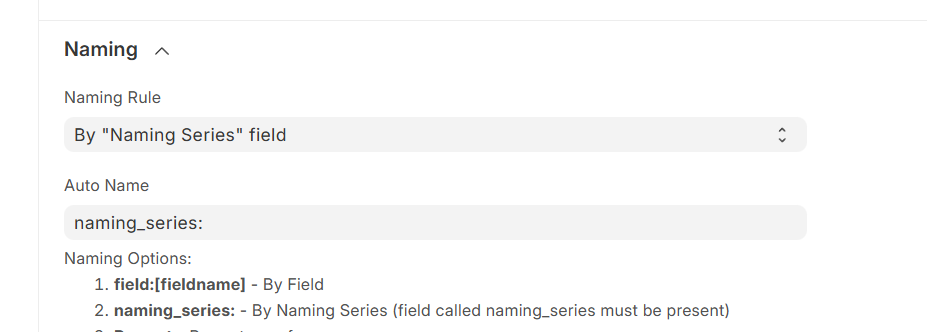
Scroll to the Naming section.
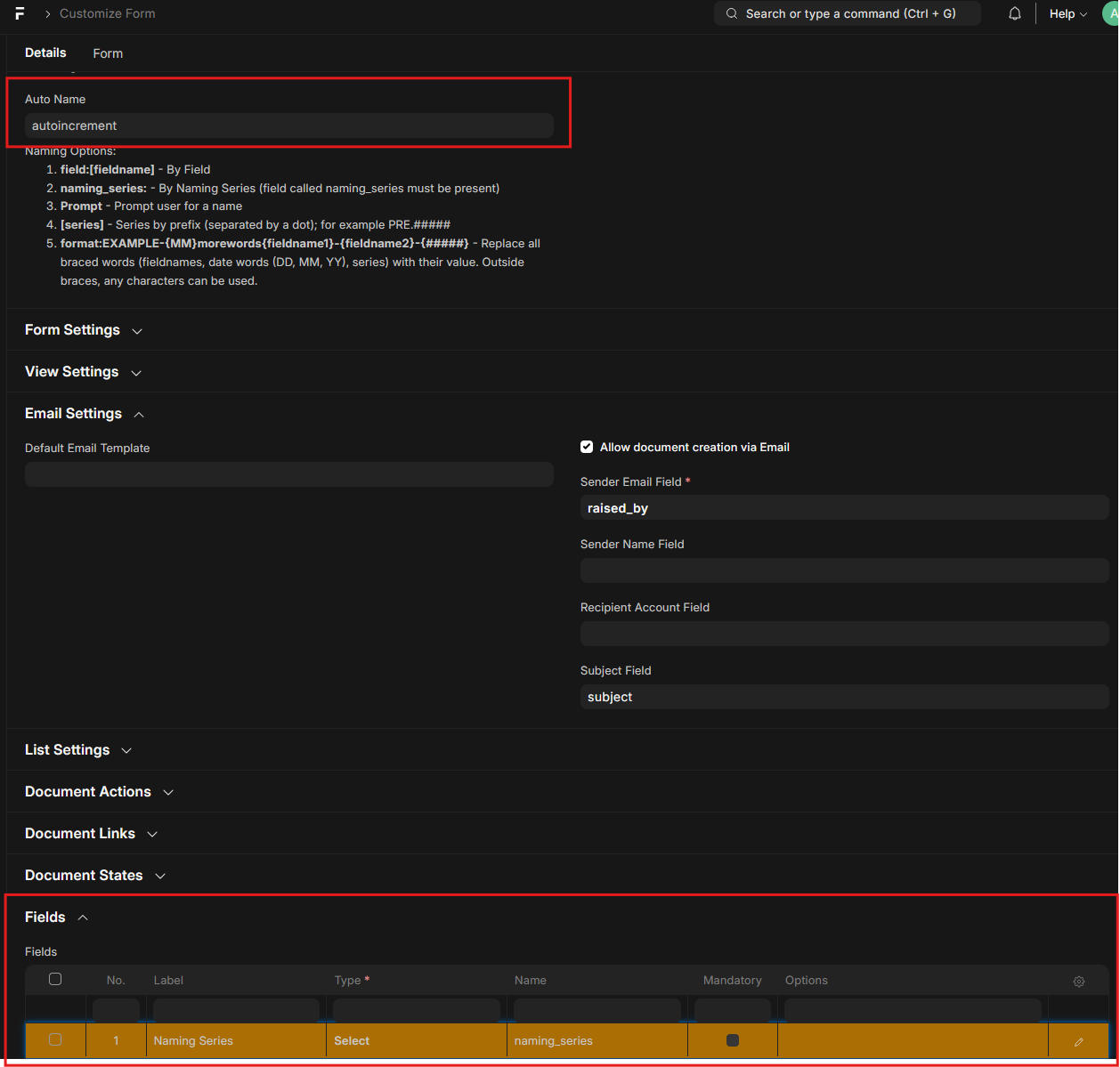
Change the Autoname to use a naming series:
naming_series:
In the Naming Series field, add something like:
TK.######
(You can increase or decrease the number of # depending on how many digits you want.)
Save and refresh your system.
All new tickets will be generated in the format you set, for example:
TK000001
TK000002
TK000003
Old tickets will stay as they are, but new ones will follow your custom pattern.
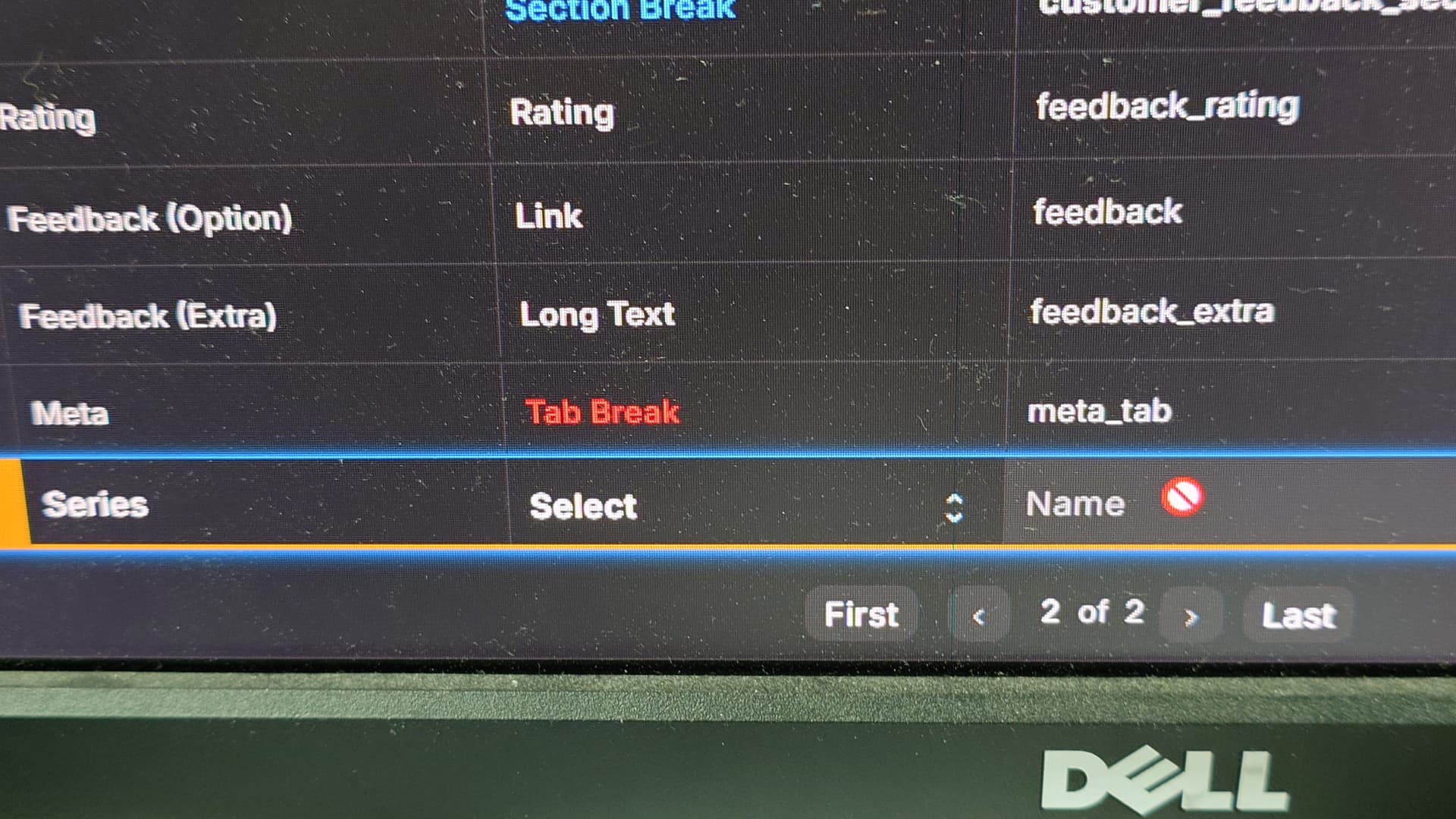
Scroll down and check if you can find a field called ‘Naming Series’.
I don’t see in Fields.

It should be like this
if you don’t find any then add this
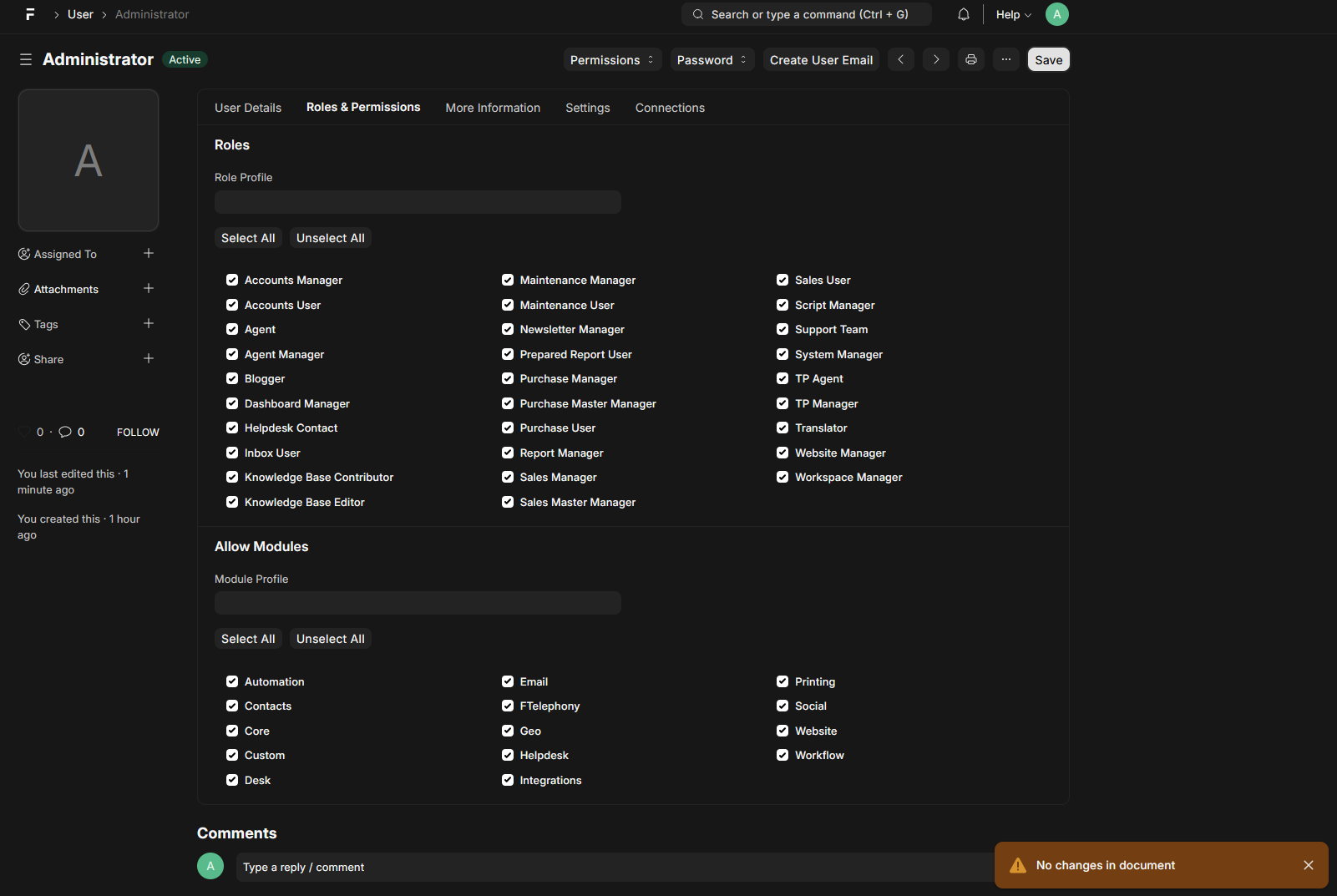
Check your roles and permission.
Try this method it may help
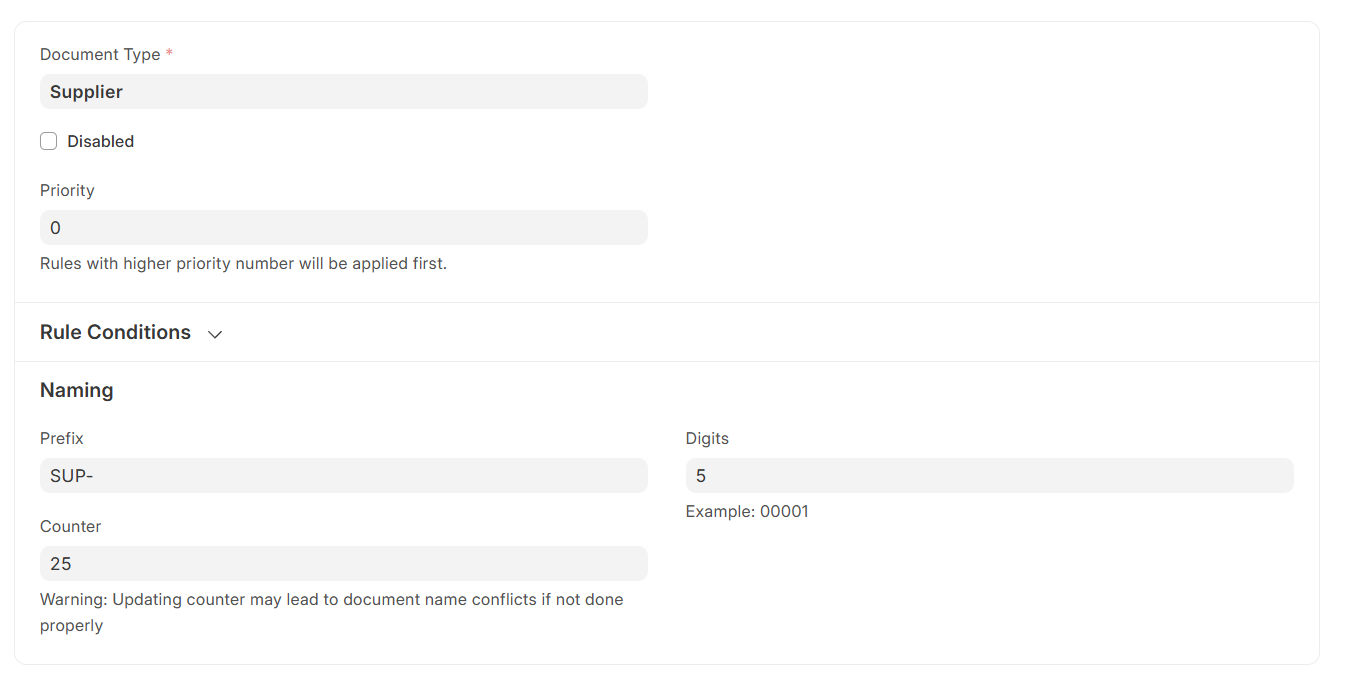
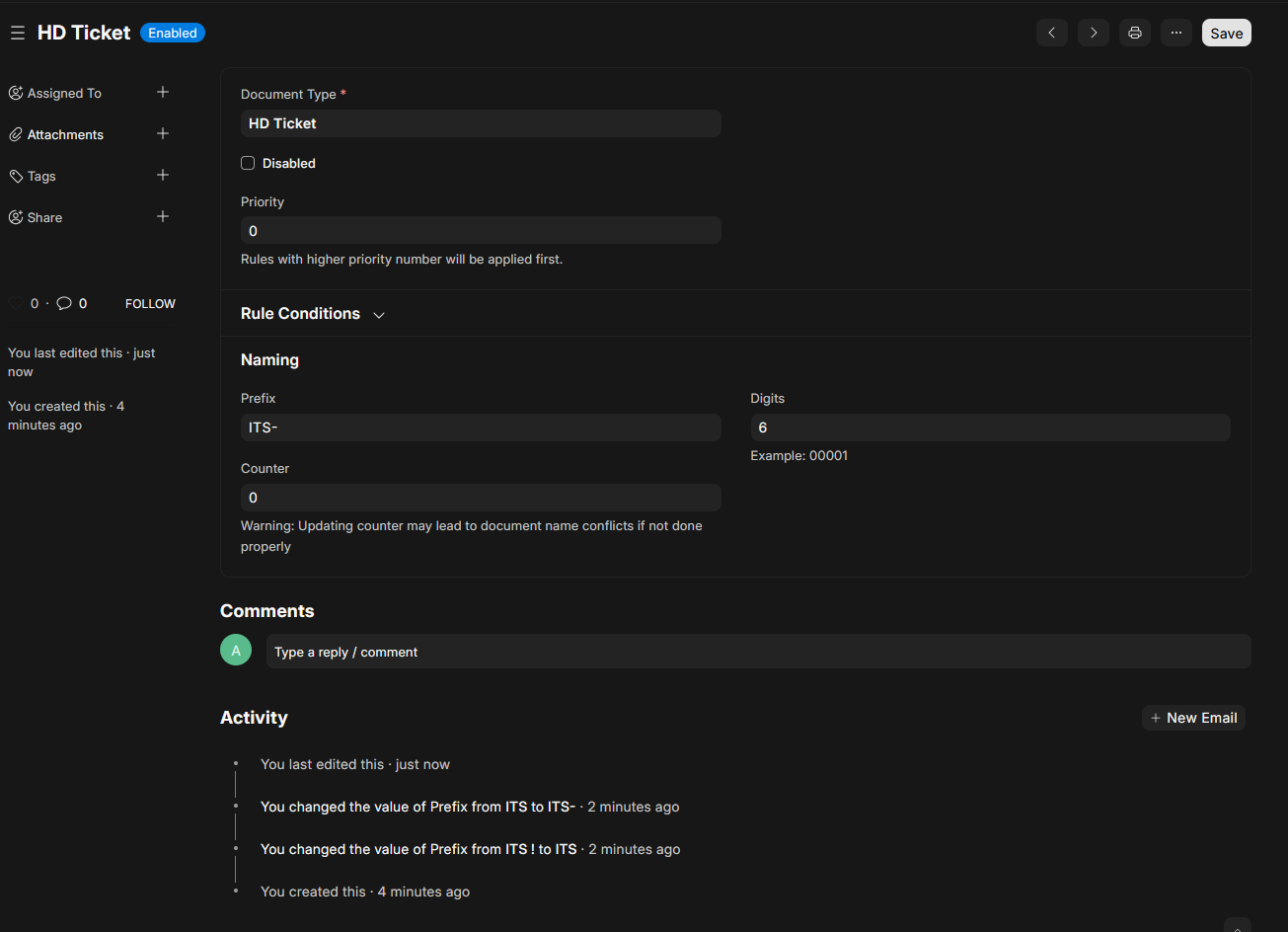
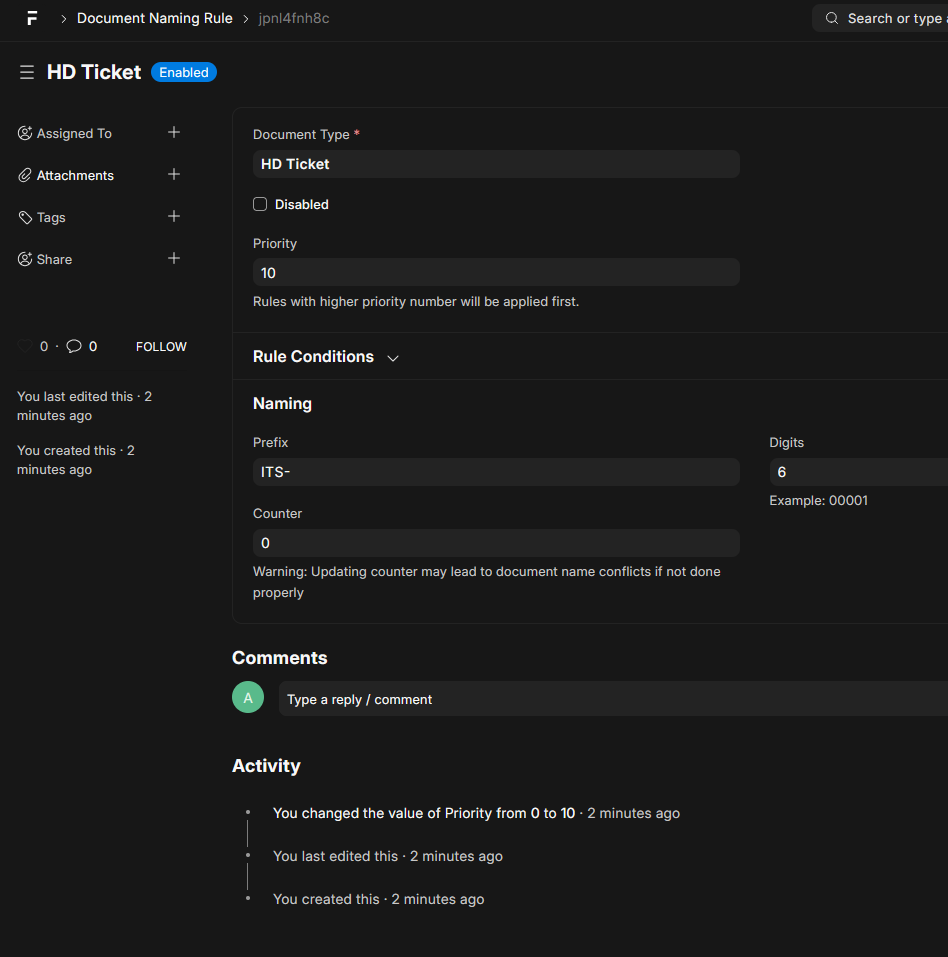
Go to Document Naming Rule >>> Select the doctype >>> write the prefix >>> write the digit you want and then save.
After this try to create again.
Set the priority to 10 and then try again
then try to add a custom field —-
like this is the HD ticket doctype
I can’t. I think because you have developer mode on, that’s why you can change it
No, that’s the standard behaviour of ERPNext.