Customizing Standard Workspace Sidebar

Hi all,

In ERPNext v15, you could hide items in the sidebar that you didn’t need. Anyway to do that with the Workspace Sidebars in ERPNext v16?

I’m on Frappe Cloud and it says that the standard sidebars can’t be edited when you go to the Workspace Sidebars List. If not possible, any recommended workarounds?

Thanks!

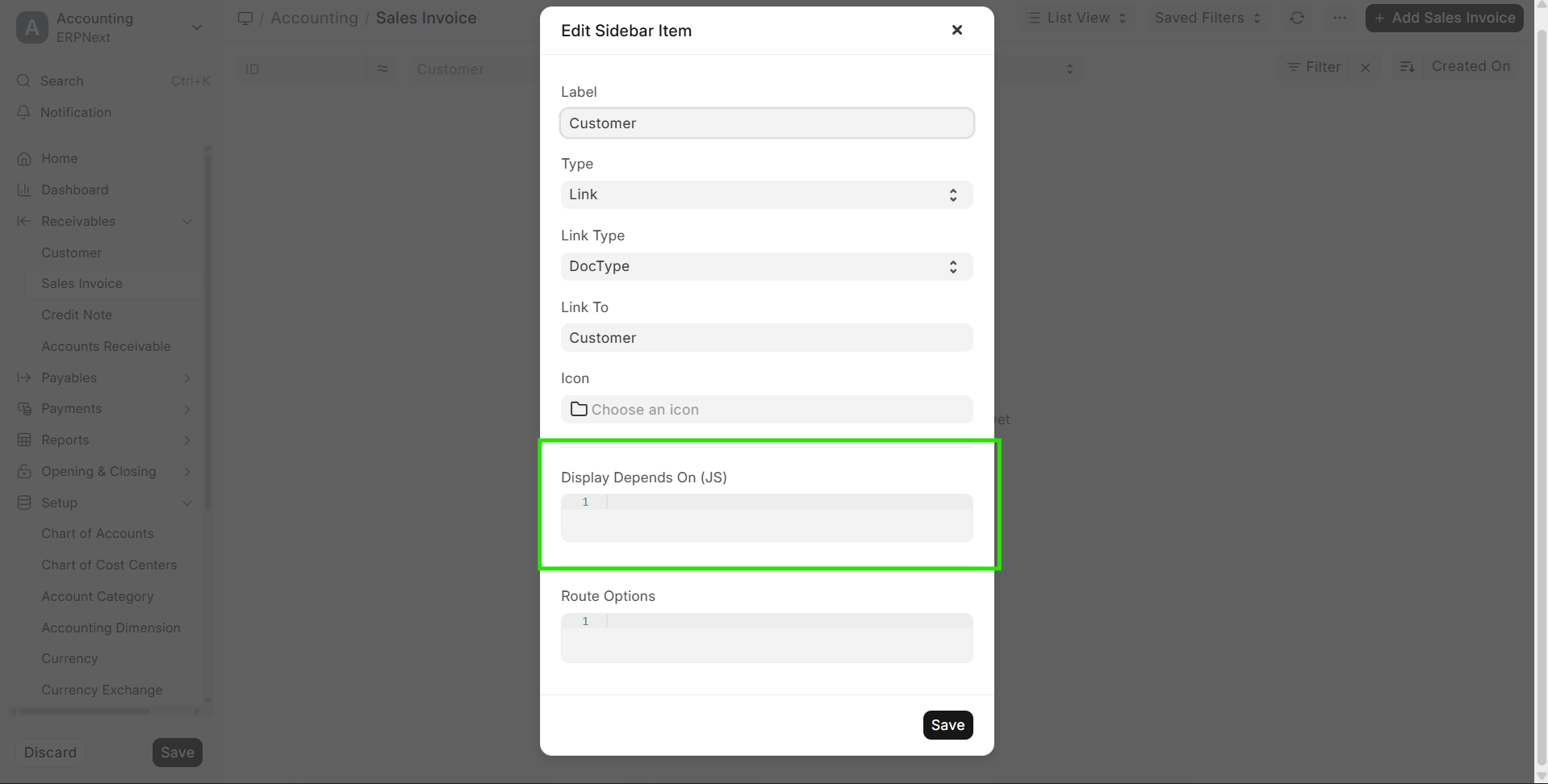
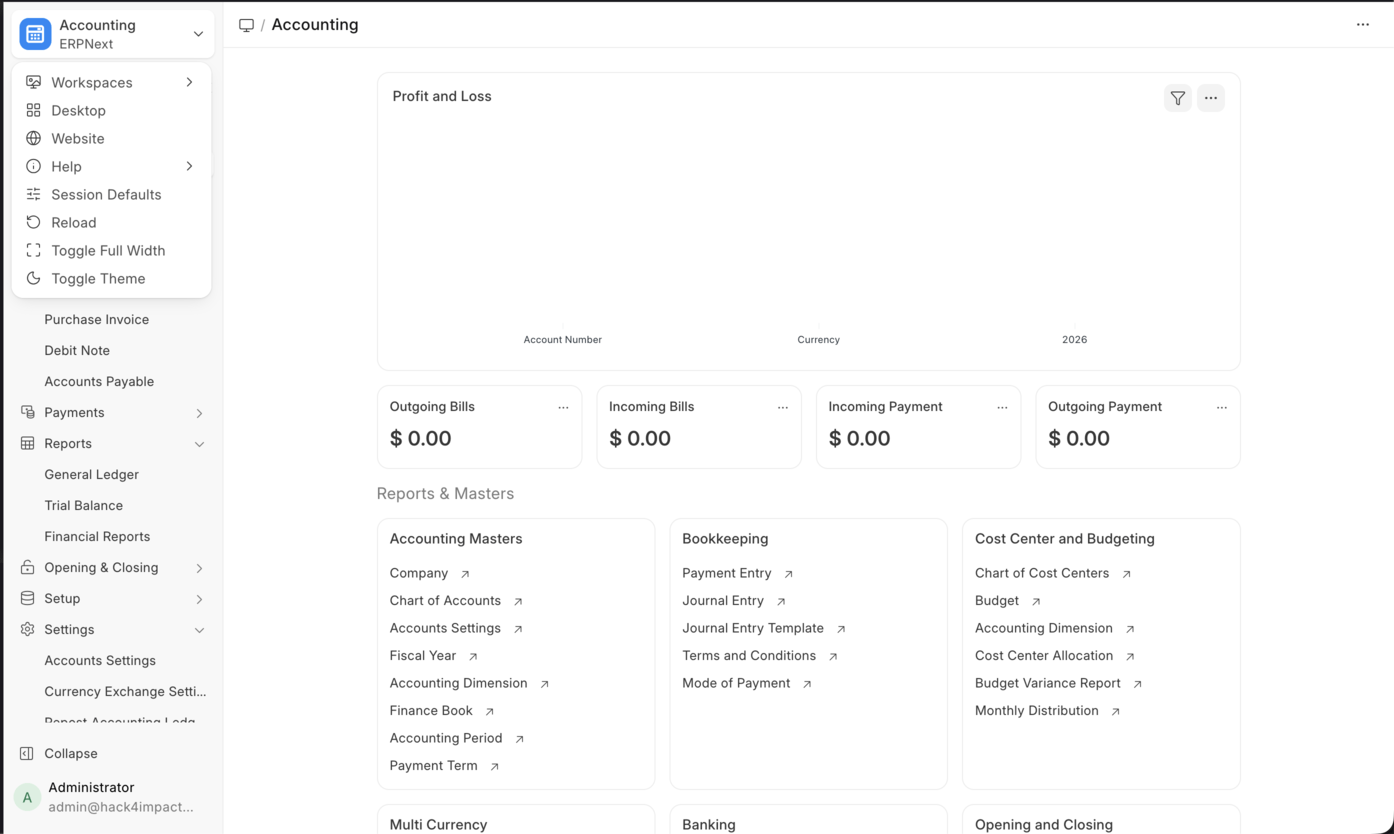
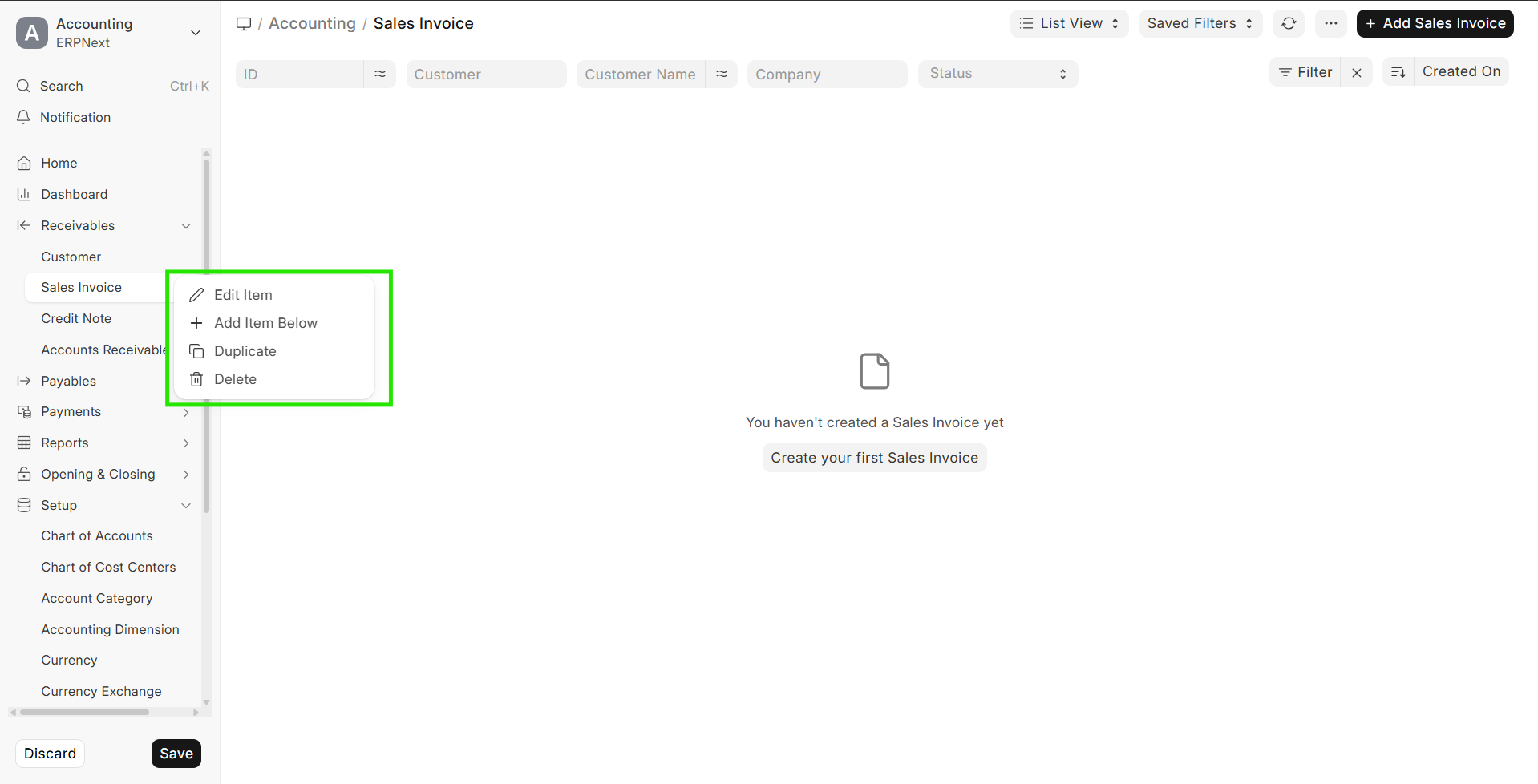
Check this options

use display depends on or delete

1 Like

Thanks for your reply! Is this the standard Accounting workspace? The “Edit Sidebar” doesn’t seem present on my workspace. And it doesn’t seem like there’s an update available for my site.
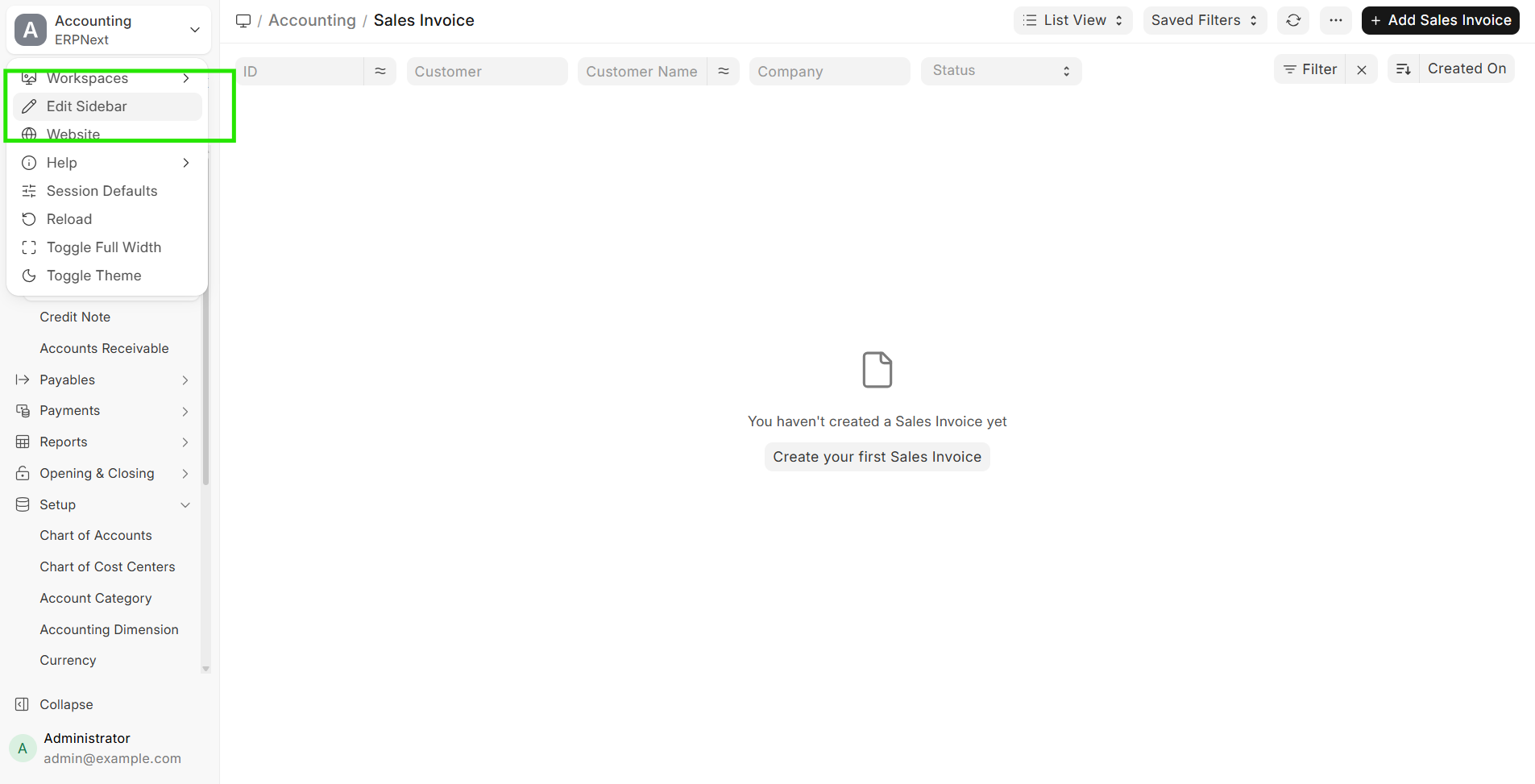
Even in my localhost it does not show up

Hi, I am having the same issue of not being able to edit sidebar items on ERPNext v16.2.0, I used to be able to edit on v16.1.0

Hey, same issue here. Option Edit Sidebar not present.

System Information:
{
“frappe”: “16.10.7”,
“erpnext”: “16.7.3”
}

Has anyone found a solution for this yet?

In v16 the “Edit Sidebar” option only shows up in developer mode — standard sidebars are read-only otherwise. If you’re self-hosted, open the backend container and edit sites/common_site_config.json, then add this line:

“developer_mode”: 1,

(mind the JSON commas). Save, run bench clear-cache, hard-refresh the browser — “Edit Sidebar” reappears.

So you have to run in developer mode just to edit the sidebar in V16. Why would this be the case?

I was looking for this conversation.
We are on version 16.25, and if we want to modify the sidebar, do we have to switch to developer mode?
There are no issues regarding this in Frappe, which I find incredible.

@gopikrishnan Can you confirm if any work is currently being done on the edit side bar issue? It seems a lot of people are facing the same problems.

@DannyMillward As per this PR ( fix: dont allow editing sidebar by sokumon · Pull Request #34988 · frappe/frappe · GitHub ), editing the sidebar is not allowed when Developer Mode is disabled:

However, since frappe.boot.developer_mode is stored on the client, you can open the browser console and run:

frappe.boot.developer_mode = 1

After that, the Edit Sidebar menu becomes accessible.

That said, this is only a client side change. I’m not sure what happens if you actually try to save changes while the server isn’t running in Developer Mode. There may be validation or other issues. I haven’t tested it myself, so if you want to try it, please do so at your own risk

1 Like

Reviving this thread because I’ve noticed more users experiencing this limitation in ERPNext v16 as well. Has anyone found a temporary workaround or plugin that allows sidebar customization? I’d also love to know if there have been any updates or announcements from the ERPNext team about bringing back the “Edit Sidebar” feature in future versions. Let’s keep this discussion going — it’s an important one!