I’ve just got my first instance of Frappe installed and running. I use an SMTP relay server to send outbound emails. How can I configure Frappe to use this for it’s system emails, like those which invite my other colleagues to become users of Frappe?
configure email account
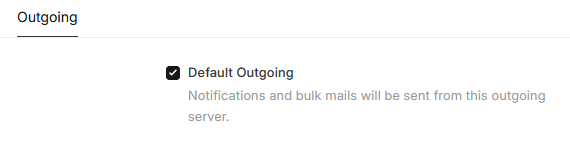
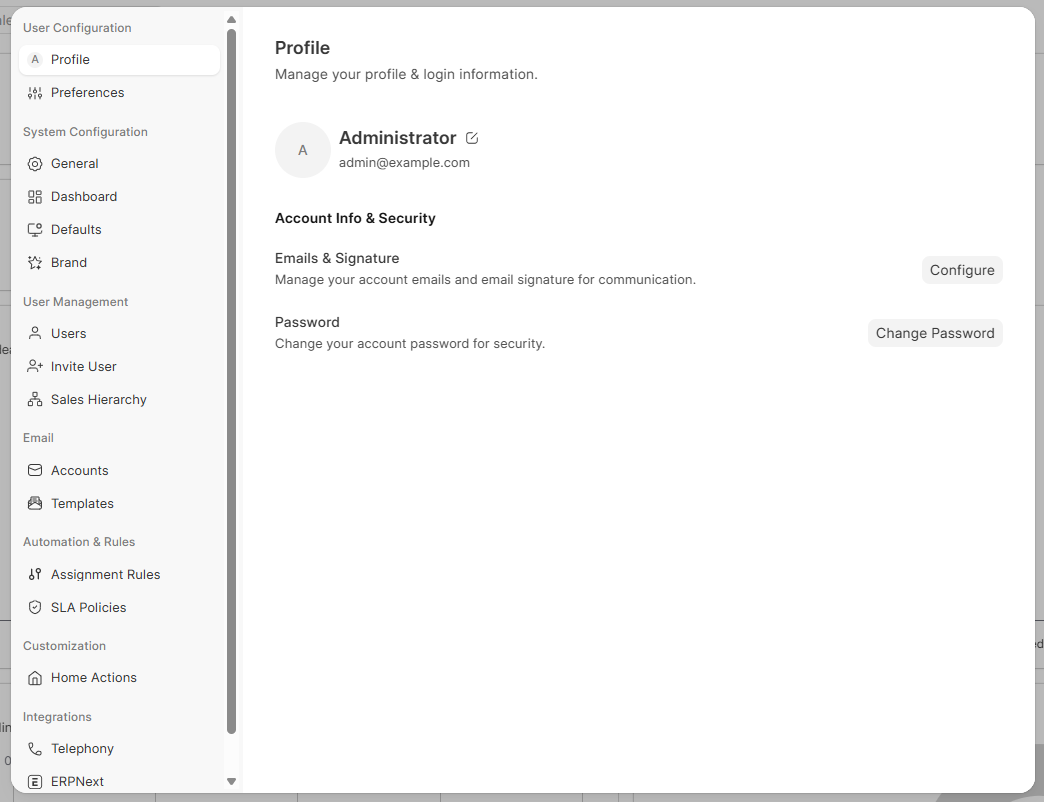
Sorry, I’m going to need a little bit more hand holding. I would’ve expected to have found the option for an SMTP server here (see image) or via environment variables. Again, I’m not looking to connect with a specific email account, but instead I want to configure the Frappe instance to send emails from an account through an SMTP server, on a provided port, with no TLS or auth.
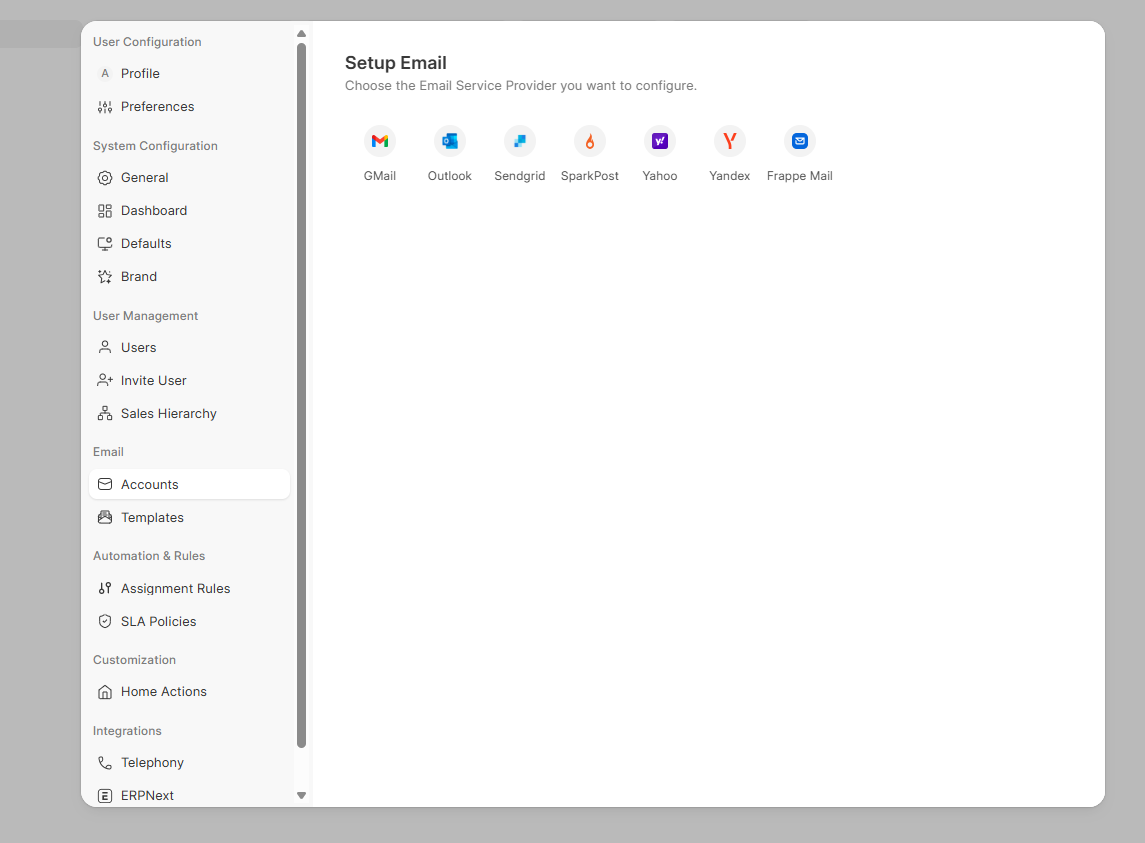
@francis1 or @meichthys - could you kindly elaborate, please? I’m eager to move past this.
What apps do you have installed in your Frappe instance? That screenshot does not look familiar to me at all. Usually you would click in the awesome bar (the search bar) and type email accounts and then click new email account and set up the SMTP settings there.
I have deployed the CRM app (I guess unknowing to me, but it’s what I was seeking) using Docker into a production instance. I used this container image and instructions: Installation
But I guess now that I’m learning more about Frappe, my updated question is: Does Frappe Framework have any built-in email configuration settings for it to send system-related emails?
I’m not very familiar with the standalone CRM app but it’s probably limited in email functionality.
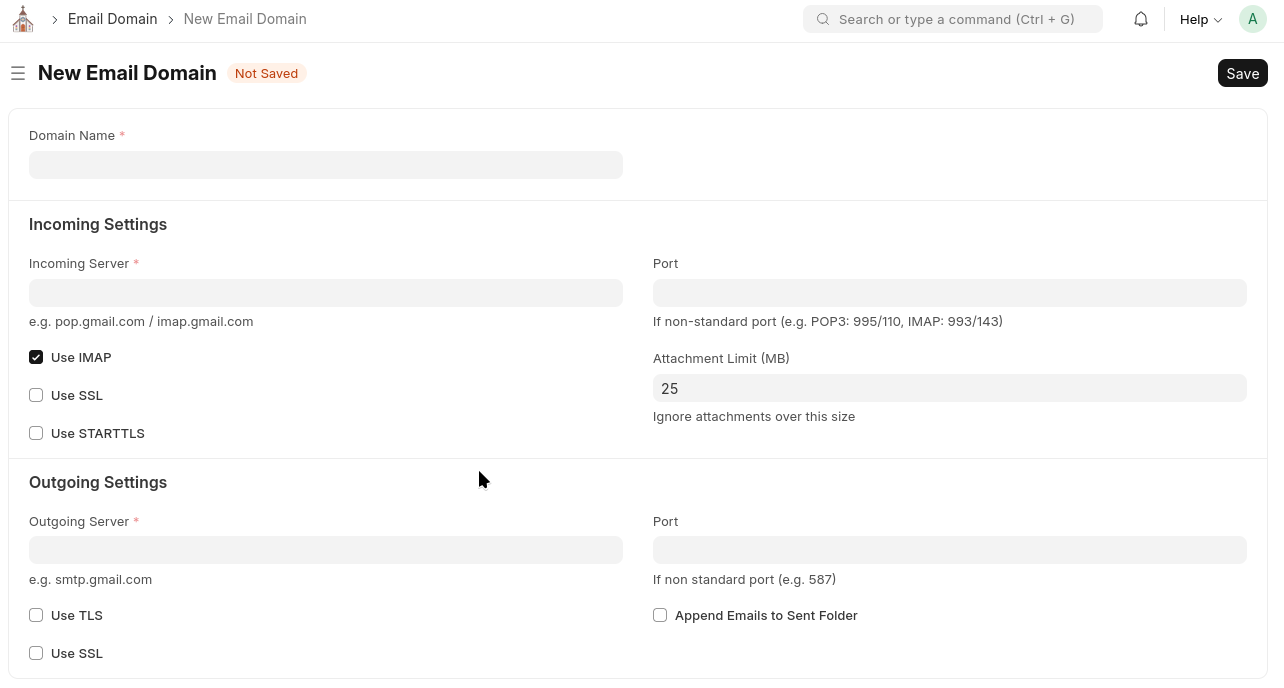
The Frappe framework itself does have system email configuration:
1 Like
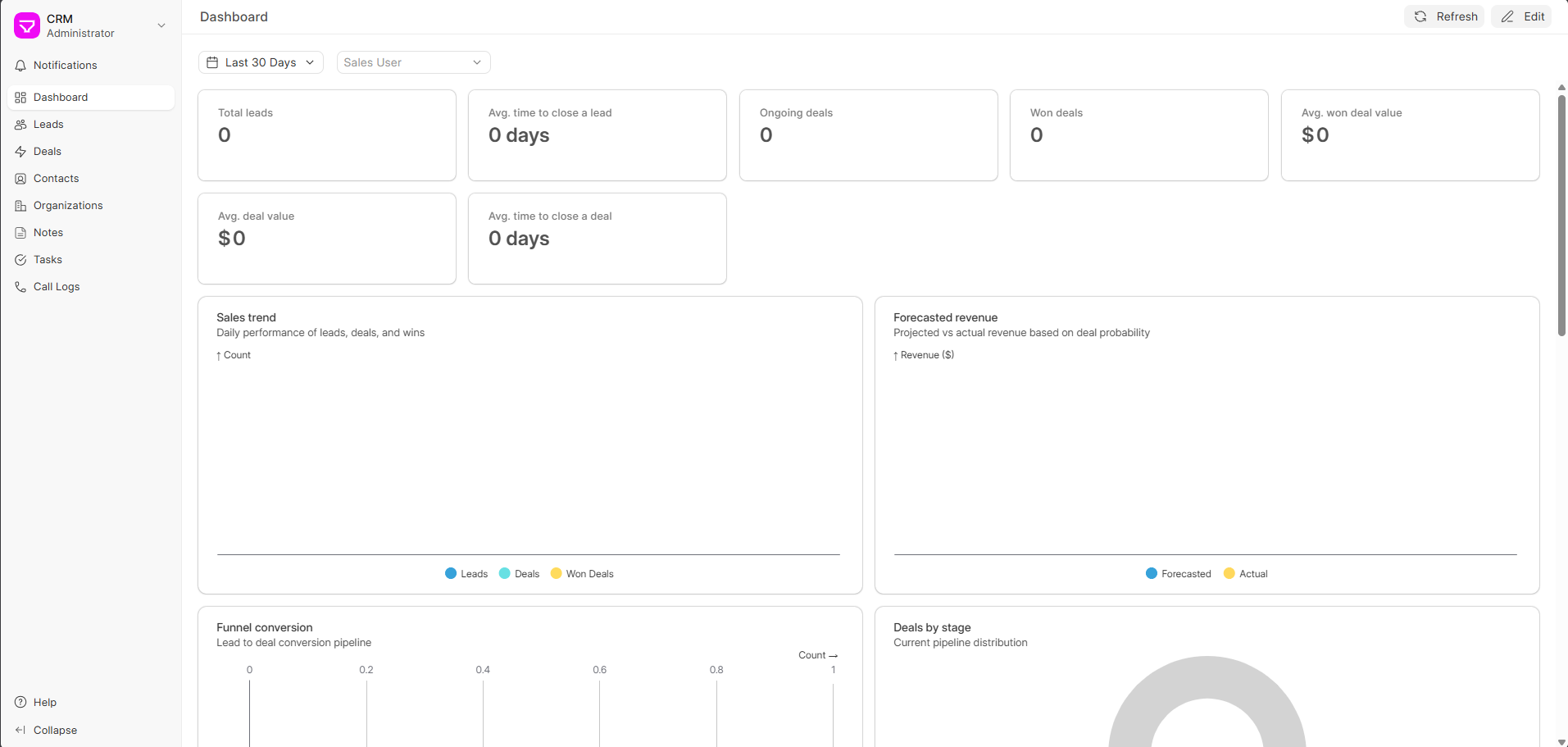

Like we said before, the screenshot i posted was from the Frappe Framework itself. I’m not familiar with the new CRM app, but you need to get to the frappe desk.
Try clicking the CRM logo at the top left and looking for ‘Apps’ or ‘Desk’. once there, you can use the search bar to go to “New Email Account”