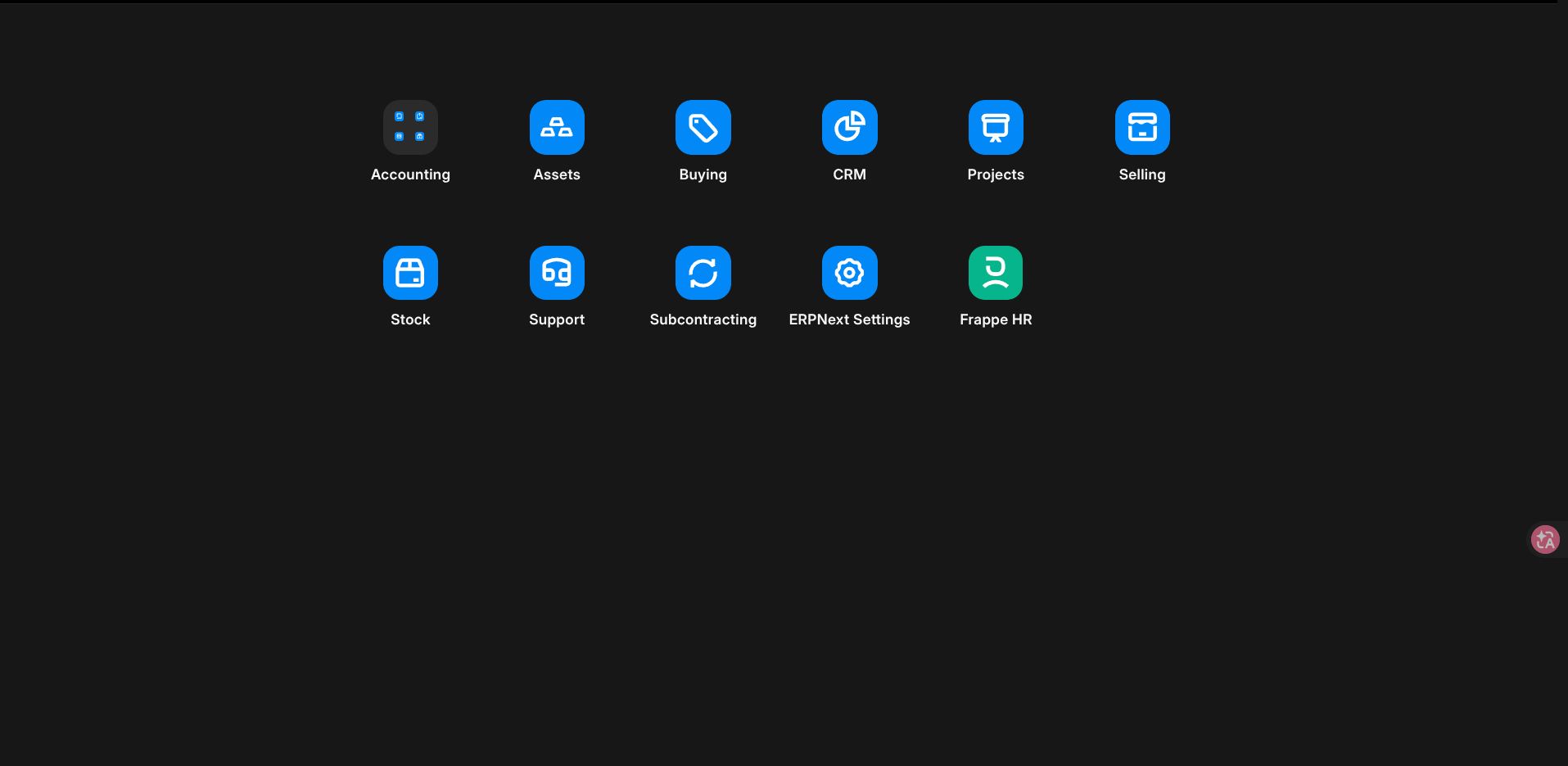
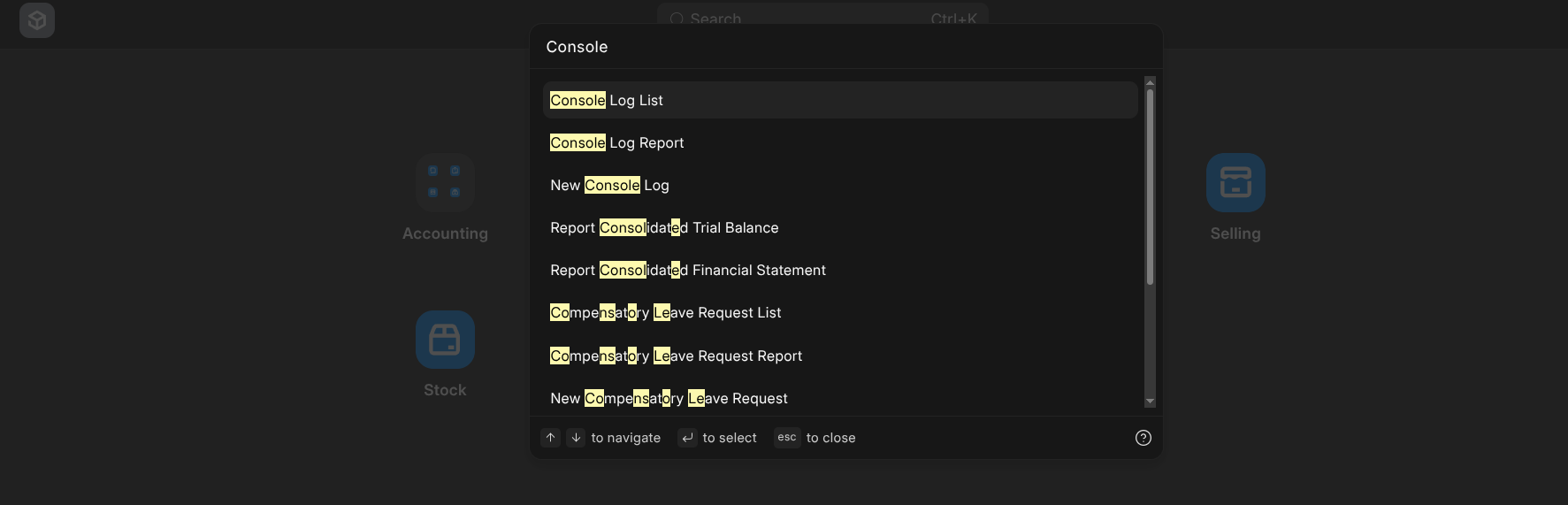
It seems in recent versions of ERPNext and Frappe the Desktop Customization Button has been removed. Also I can no longer find System Console.
System Console:
{
	"frappe": "16.12.0",
	"erpnext": "16.10.0",
	"hrms": "16.4.3",
	"telephony": "0.0.1",
	"helpdesk": "1.21.3",
	"offsite_backups": "0.0.1",
	"print_designer": "1.6.7"
}
How can I resolve it? Right now there is simply no way to customize the desktop icons.
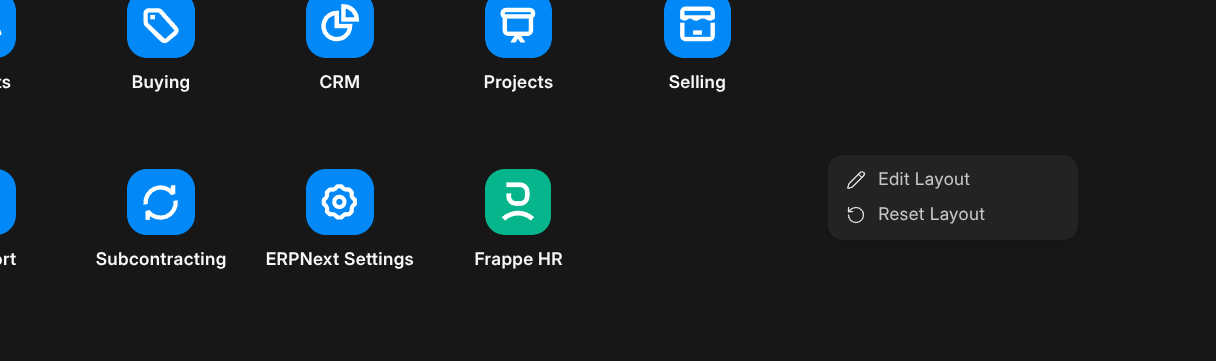
After right click, Edit Layout button appears:
There is no way to know if this even exists.
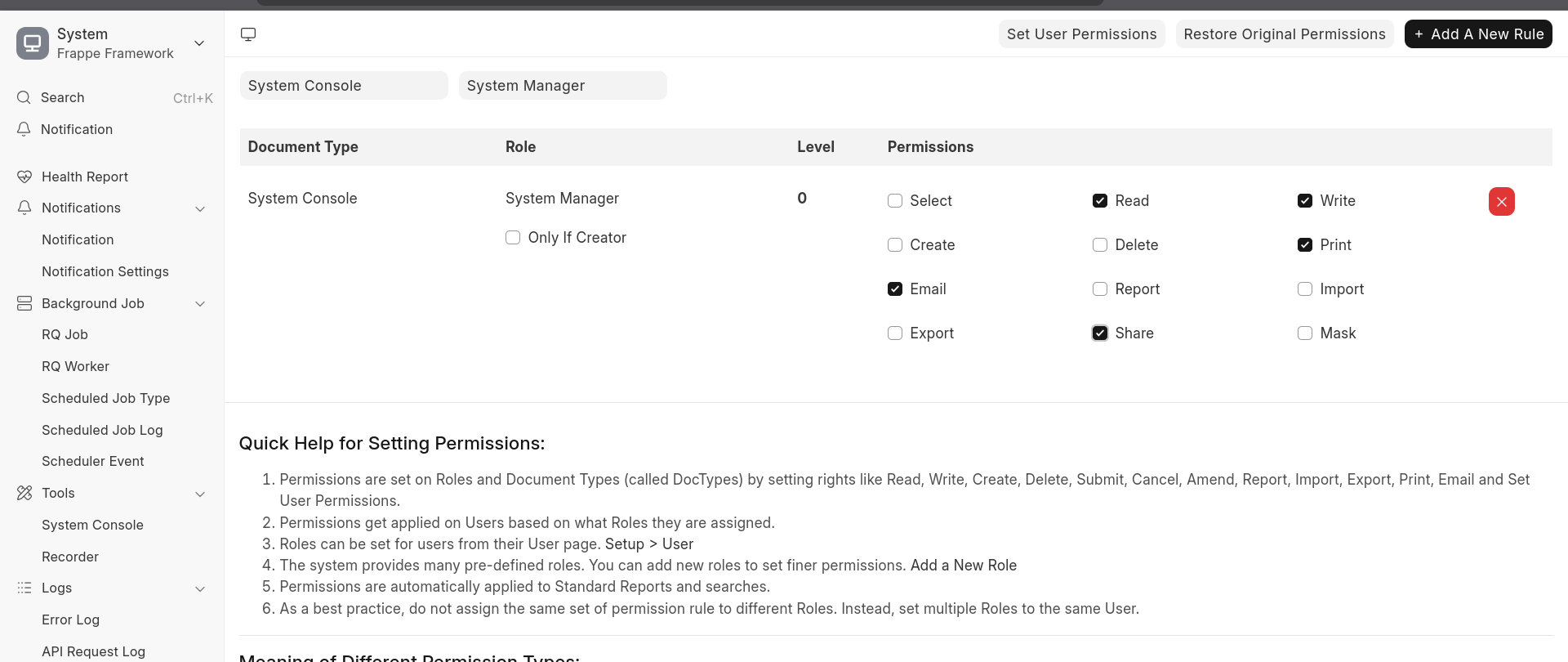
Regarding the system console: I suspect it’s permission-based. I can see it using the Administrator account but not from my regular account even though it has the System Manager role. I’m not 100% sure if it was like that in v15.
Once you do have access to the console: one neat trick I noticed is that you can use Shift-T to bring it up instantly as a pop-up in any workspace, instead of having to open the System Console page.
1 Like
It’s possible to regain access to the system console by adding this rule:
1 Like