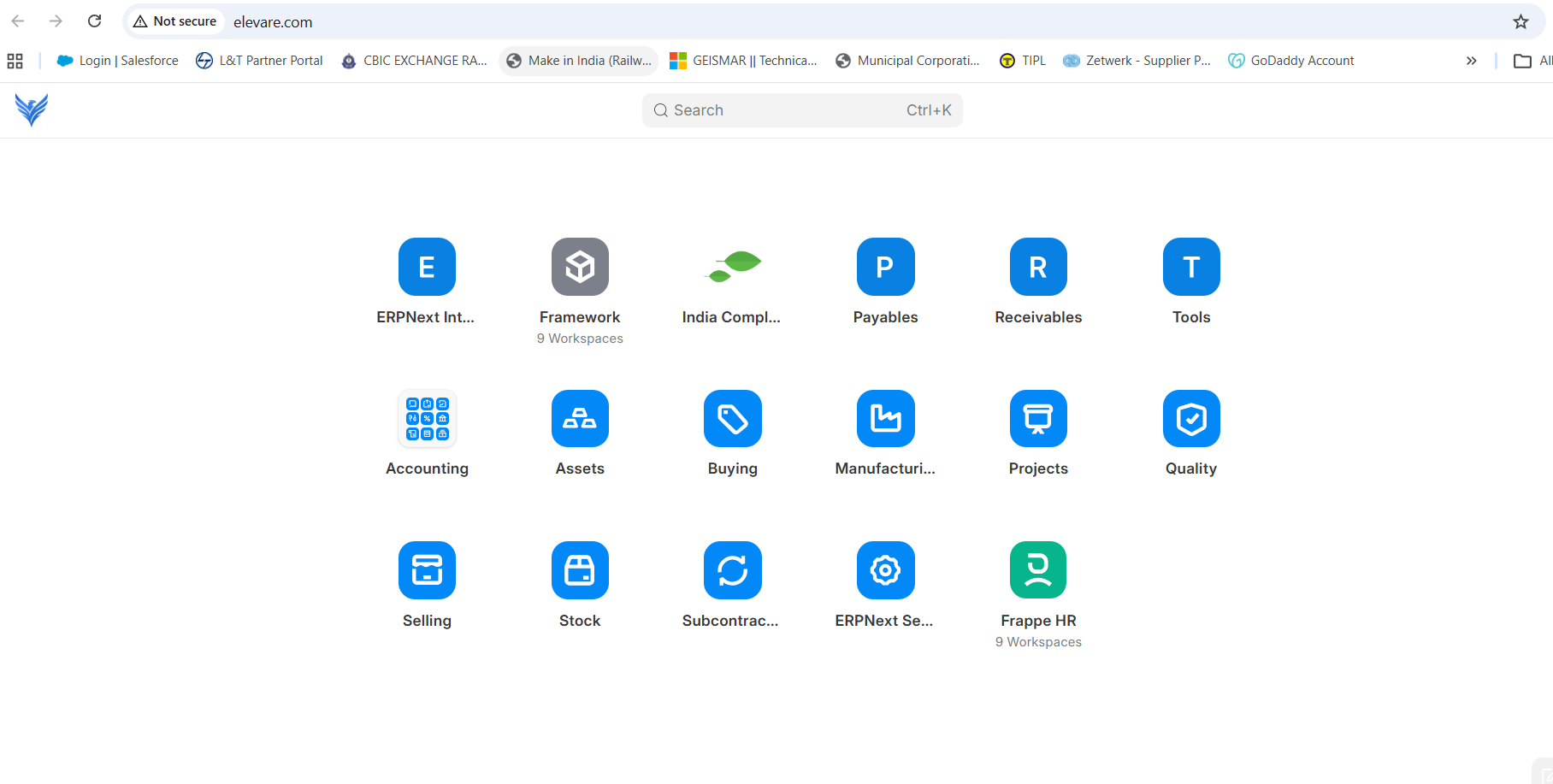
I’m really struggling to understand how to customize the Desk first page in Frappe, and I’m hoping someone can clarify whether this is a documentation issue, a UI change, or a bug.
Specifically:
I can’t find any way to edit the Desk landing page (homepage).
There’s no visible menu or obvious option to add or manage Workspaces.
Most forum posts say that Workspaces can be added or edited “from the bottom of the page,” but I don’t see anything there at all.
I also don’t understand the rationale behind placing such a critical action at the bottom (if that’s still the case), as it’s extremely non-discoverable.
I’ve spent hours searching the forum and documentation for what should be a very basic feature, and it’s been incredibly frustrating.
To make things worse:
Many forum answers link to documentation pages that now return 404 errors, which makes it even harder to figure out what’s going on.
This makes me wonder whether I’m missing something obvious, or if other users are running into the same issues due to outdated docs or recent UI changes.
Could someone please clarify:
The current, correct way to edit the Desk homepage and manage Workspaces?
Whether the documentation is outdated, and if so, where the up-to-date docs are?
If others are experiencing the same confusion?
Any guidance would be greatly appreciated. Right now, the lack of discoverability and broken links make onboarding unnecessarily painful.
Since lot of changes was included in the last weeks, I feel we should wait just a few days until the release be … “stable”. Maybe some doc or even a specific desk/sidebar/workspaces webinar or video could be a good idea.
Any?
Updated in develop to the latest commit, there is nothing that explains how users customize their own sidebars or desktop access (there is no editing from the front end, only from the doctype desktop icon).
There is a my workspaces sidebar, but it is unclear and incomprehensible how to access it, in addition to the fact that it should have the same issue raised in
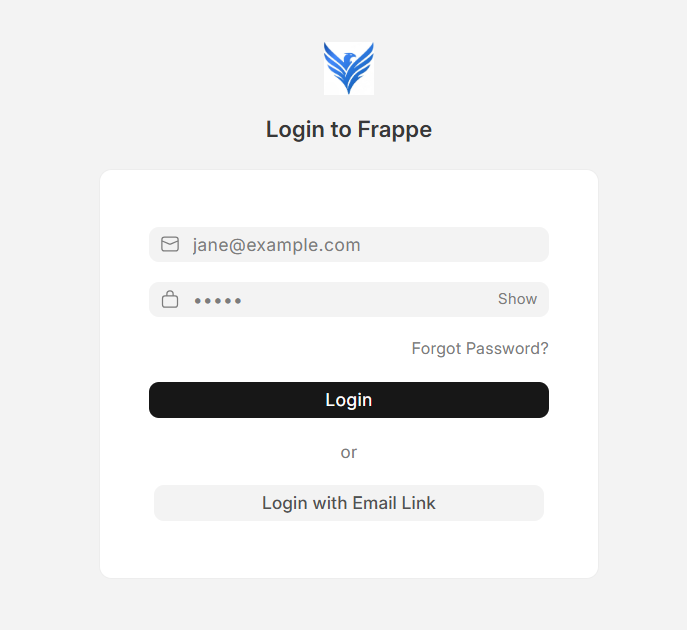
We are trying v16 - self hosted. While in v15, the homepage on our portal was the homepage of the website but now in v16, we are not able to set the homepage as default landing page.
As soon as we type the local IP address in our browser, we land at the default page as below:
 )
)