Probably been asked a million times but in the document naming settings, specifically the Request for Quotation series number I am able to create my own, but our internal systems use a number that is generates by hand and assigned to each request. For example, a new request for quotation series number would be RQ261457 (RQ = RQ, 25 = Current Year, 61457 = manually generated number).
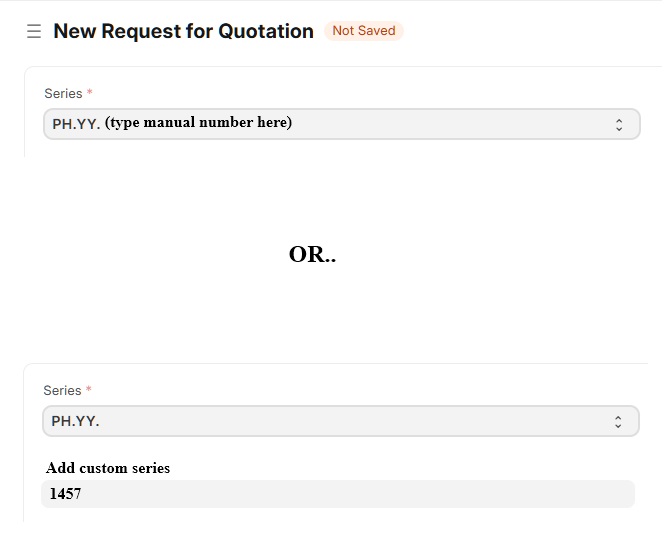
The manually generated number needs to be entered into the series field while retaining the RQ26 values. Is there a way to make that field editable or a way to add a field to enter the manually generated number and when submitting it updates the RQ to match (RQ261457).
Example
I’m not understanding your desired result.
You say the RFQ number is generated manually. To me this means we can’t automate it with ERPNext.
If the number needs to be manually entered, why not simply enter the five other characters as well?
EDIT: choose "Set by User" for the Naming Rule when customizing RFQ doctype
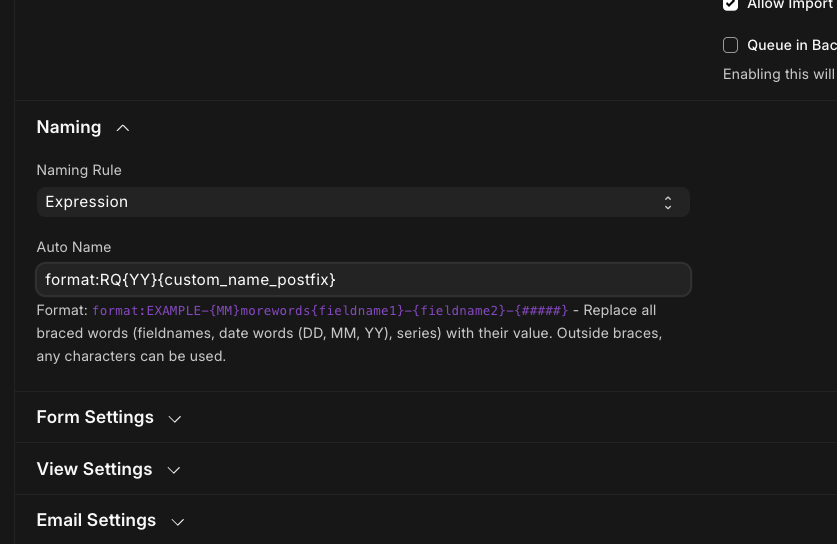
If you want the user to add the sequence of digits, create a custom field for this like custom_name_postfix. Make this field mandatory, but you won’t be able to set it as unique as number may repeat after some years, yes?
Then customize Request For Quotation, create the custom field, and set is as part of the naming.
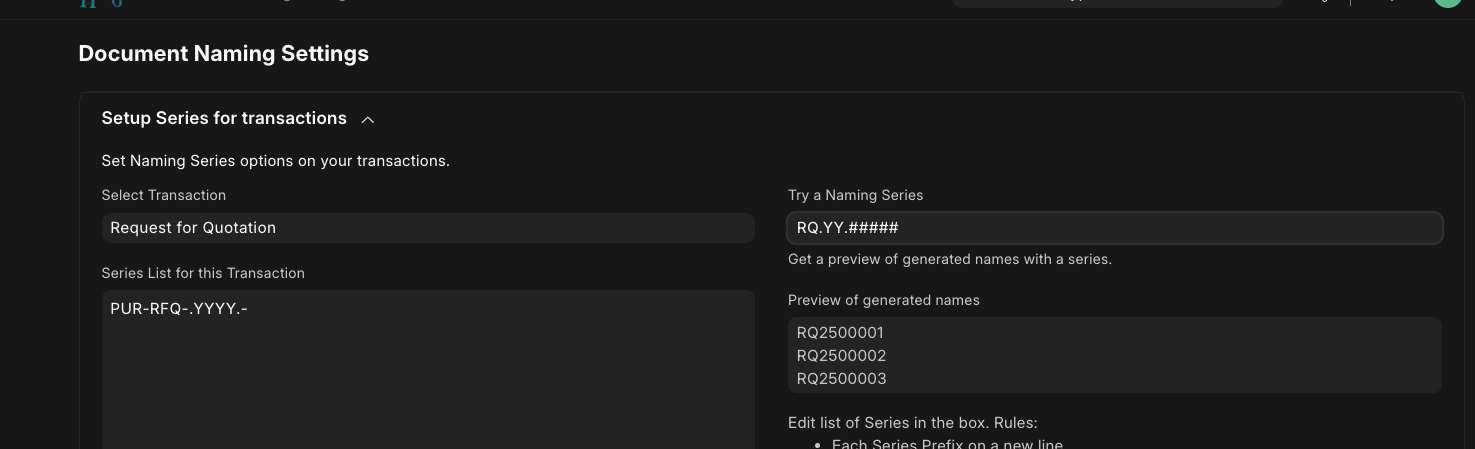
If you can convince management to let ERPNext generate the number, than you can use the naming series settings to create it.
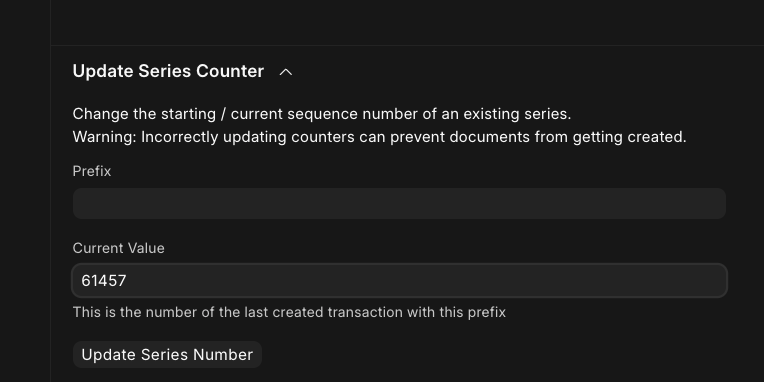
If you want to set the next number to keep it sequential with what’s been used so far, set the sequence after saving the new naming format so you can choose it for the prefix.
Are you wishing to have ERPNext partially populate the name field, so the user can manually add the remaining digits?
1 Like