Frappe Production Setup Guide
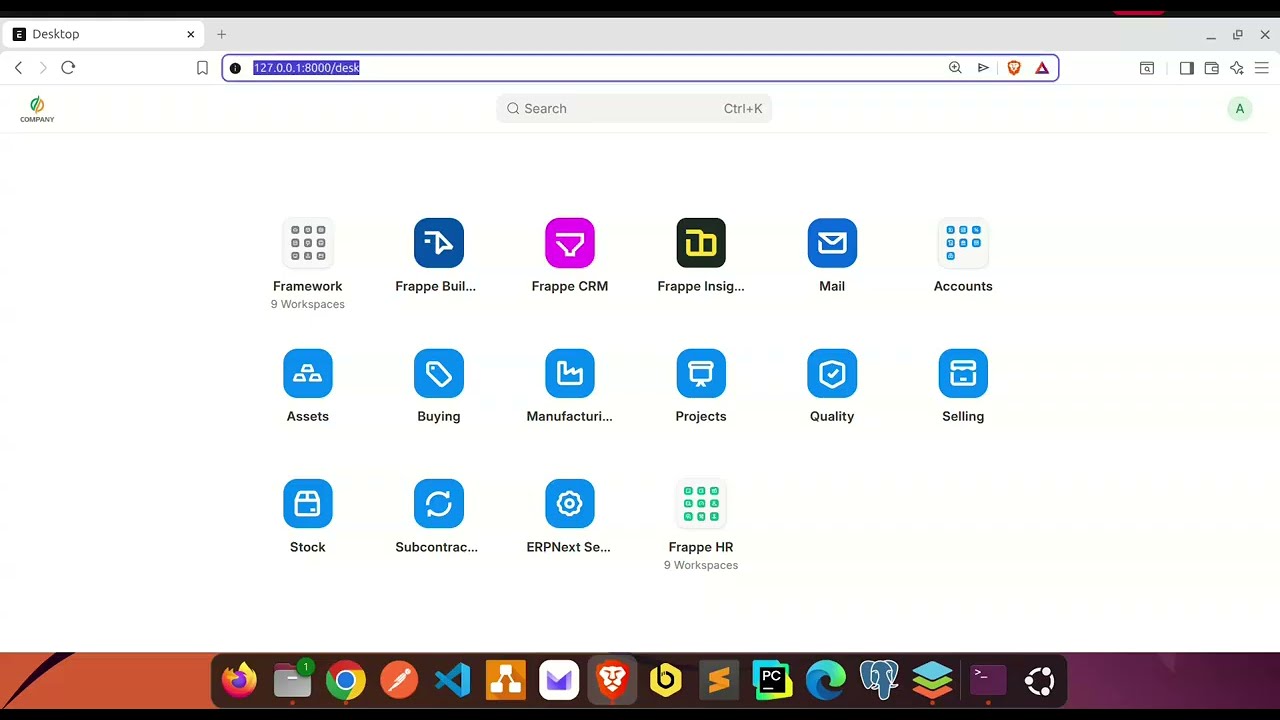
Step 1: Stop Development Mode
Before setting up production, ensure you are not running the site manually. Go to your terminal where bench start is running and press Ctrl + C to stop it. Ensure no Python processes are holding the ports.
Step 2: System Preparation & Cleaning
Ubuntu often pre-installs Apache, which conflicts with Nginx on Port 80. We remove it to prevent “Address already in use” errors.
Bash
# Remove Apache to prevent conflicts
sudo systemctl disable --now apache2
sudo apt remove apache2 -y

# Install the runtime engines
sudo apt update -y && sudo apt upgrade -y
sudo apt install -y nginx supervisor redis-server fail2ban
Step 3: Configuration Generation
Run these commands as your bench user. We ask Frappe to generate the correct configuration files for your specific site.
Bash
# Create Nginx routing rules
bench setup nginx

# Create Supervisor worker instructions
bench setup supervisor
Step 4: System Linking
We manually plug your generated files into the operating system using Symbolic Links.
Note: Replace
/home/frappe_userin the commands below with your actual home directory path (e.g.,/home/frappe_user).
Bash
# Link the Web Config (-sf forces overwrite of old links)
sudo ln -sf /home/frappe_user/frappe-bench/config/nginx.conf /etc/nginx/conf.d/frappe-bench.conf

# Link the Worker Config
sudo ln -sf /home/frappe_user/frappe-bench/config/supervisor.conf /etc/supervisor/conf.d/frappe-bench.conf
Step 5: Nginx Log Format Fix (Ubuntu 25 Config)
Ubuntu’s default Nginx is missing the “main” log format Frappe expects.
-
Edit the global config:
Bash
sudo nano /etc/nginx/nginx.conf -
Scroll to the
http {block. Paste the following exactly once above theaccess_logline:Nginx
log_format main '$remote_addr - $remote_user [$time_local] "$request" ' '$status $body_bytes_sent "$http_referer" ' '"$http_user_agent" "$http_x_forwarded_for"'; -
Save (Ctrl+O, Enter) and Exit (Ctrl+X).
-
Test the syntax:
Bash
sudo nginx -t(Proceed only if it says “syntax is ok”)
Step 6: Permissions & Assets
If permissions are too tight, Nginx cannot read CSS/JS files.
Bash
# Allow Nginx to traverse your home folder
chmod o+x /home/frappe_user

# Compile Production Assets (CSS/JS)
cd ~/frappe-bench
bench build

# Reset Ownership (Fixes Supervisor "Spawn Errors")
# Replace 'frappe_user:frappe_user' with your actual user:group
sudo chown -R frappe_user:frappe_user /home/frappe_user/frappe-bench
Step 7: Routing & Activation
We set the default site and remove the Nginx welcome page.
Bash
# Set your site as default (Replace with actual name)
bench use your_site_name

# DELETE DEFAULT NGINX PAGE
sudo rm /etc/nginx/sites-enabled/default

# Regenerate Nginx config with new default
bench setup nginx

# Reload Nginx
sudo service nginx reload

# Restart Supervisor
sudo service supervisor restart
sudo supervisorctl reload
Step 8: Security (Firewall)
Configure UFW to secure your server while allowing essential traffic.
Bash
# Install UFW
sudo apt install ufw

# Set Default Rules
sudo ufw default deny incoming
sudo ufw default allow outgoing

# Allow Critical Ports
sudo ufw allow 22/tcp   # SSH
sudo ufw allow 80/tcp   # HTTP
sudo ufw allow 443/tcp  # HTTPS

# Enable Firewall
sudo ufw enable
Step 9: Verification
Check service status (Should all be RUNNING).
Bash
sudo supervisorctl status
Access your site: Open http://localhost (or your IP address) in your browser.