Hello Team,
We are facing a file upload issue only on ERPNext Mobile (iOS).
Environment
-
ERPNext: 15.65.2
-
Frappe: 15.71.0
-
Ubuntu 24.04 (Production setup with Nginx)
-
Official ERPNext Mobile App (iOS)
-
Domain: HTTPS enabled
Issue
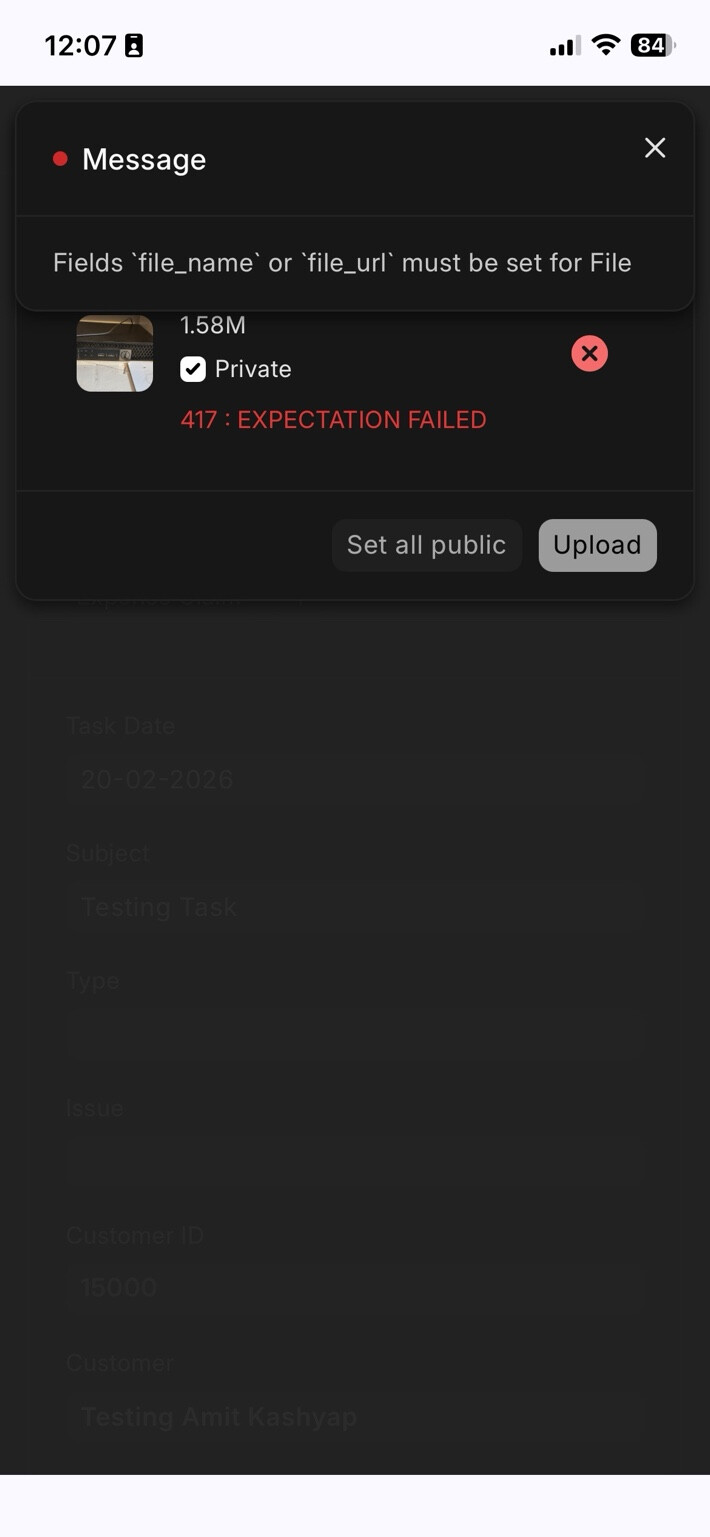
When uploading an image from iPhone using ERPNext Mobile app, the upload fails with:
Fields `file_name` or `file_url` must be set for File
HTTP Status: 417 (initially)
Important Observations
-
 Upload works from Android mobile app
 -
Upload works from Web (browser)
-
 Upload fails only from iOS
 -
No traceback in
web.error.log -
Nginx config is correct (disabled
Expect: 100-continue) -
Request reaches backend (
POST /api/method/upload_fileseen in nginx logs) -
iPhone camera format changed to JPEG (Most Compatible) — still fails
Nginx Logs
Upload request is reaching server normally:
POST /api/method/upload_file HTTP/1.1
No server-side Python traceback.
Suspected Cause
It appears that the iOS ERPNext Mobile app is not properly sending file_name in multipart request, causing backend validation failure in File doctype.
Has anyone faced this issue with ERPNext v15 + iOS Mobile App?
Is this a known bug in ERPNext Mobile (iOS)?
Any recommended patch or configuration fix?
Thanks in advance.