Hi,
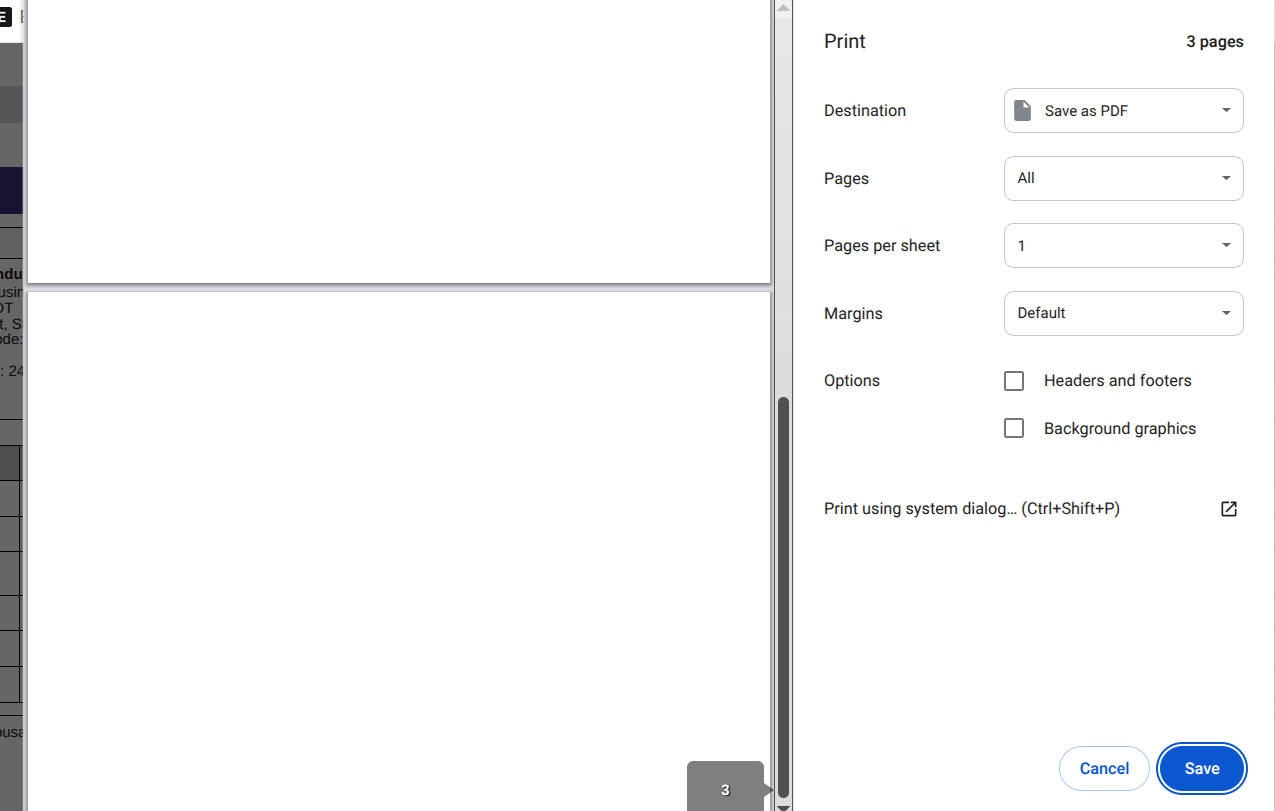
I’m facing an issue where print preview in ERPNext shows completely blank pages.
Even though the document has data, the preview (and PDF) is empty.
What I Tried
- Checked different documents
- Used browser print (Ctrl+P)
- Tried “Save as PDF”
Issue
Print preview loads but pages are blank.
Environment
- ERPNext Version: [your version]
- Browser: [Chrome/Firefox]
Screenshot
Has anyone faced this issue or knows a fix?