Hi , any one have any idea on how can I filter this assign to dialog boxes User Link Type field ? When I click on the user a dialogue Box Opens Up with a User field . I want to filter it according to a field in the doctype .
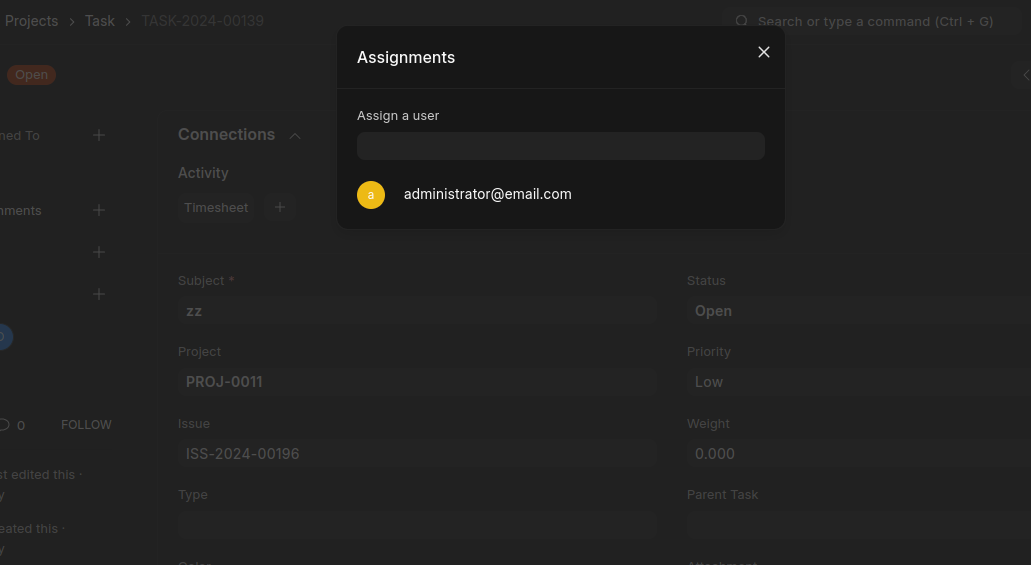
You want to give permission according to doc type ? via the dialog box ?
Not Necessary permission , But I want to filter the drop down link field according to the project field it should show only the people mentioned n the project . I have made some customization in project doctype where users are defined . I want it to show only those users
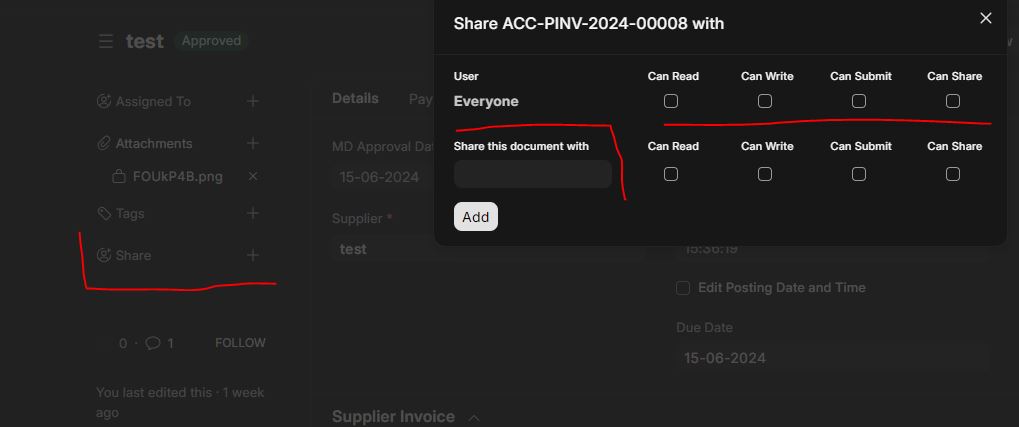
@rs115199789 i a not looking for that . when you click on the user who is assigned . it pops a dialogue box with a link field . i want to use set_query or any other way to fetch some users from a different doctype .
was able to achieve this by this . You can choose to trigger the function for different point . it needs some furnishing but this is the basic code . Module and User is my custom doctype
frontend
user_filter=(frm)=>{
    if (frm.doc.project) {
        frm.page.sidebar.find('.avatar-frame').on('click', function() {
            setTimeout(function() {
                let dialog = frappe.ui.open_dialogs[0];
                if (dialog && dialog.fields_dict) {
                    let user_field = dialog.fields_dict.user;
                    if (user_field) {
                        // Dynamically set the get_query function for the user field
                        user_field.get_query = function() {
                            return {
                                query: "path",
                                filters: {
                                    project: frm.doc.project
                                }
                            };
                        };
                        // Refresh the field to apply the new query
                        user_field.refresh();
                    }
                }
            }, 500); // Adjust the delay if necessary
        });
    }
}
backend
@frappe.whitelist()
def get_project_users(doctype, txt, searchfield, start, page_len, filters):
    project = filters.get('project')

    users = frappe.db.sql("""
        SELECT
            user AS name
        FROM
            `tabModule and User`
        WHERE
            parent = %s
    """, (project,), as_dict=True)

    # Frappe expects a list of tuples (value, description)
    results = []
    for user in users:
        results.append((user['name'], user['name']))  # Using name for both value and description

    return results
Great  can you share a screenshot of the results if possible ?
Thank you
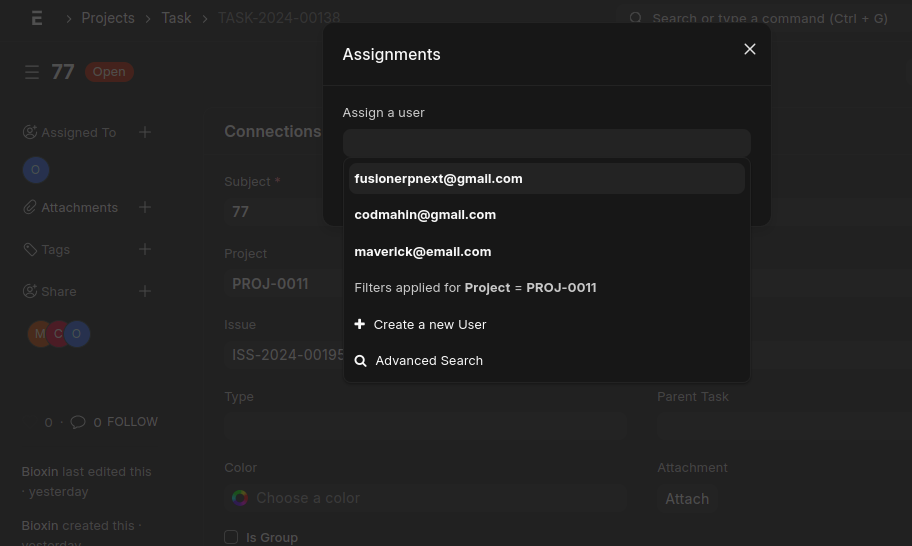
Thanks great work
where to apply this code and this assignment dialogue is custom dialogue box or is this functionality “assign to” given by frappe.