Hi everyone,
I’m excited to share FlowAgent, an open-source visual workflow automation platform built natively for Frappe & ERPNext.
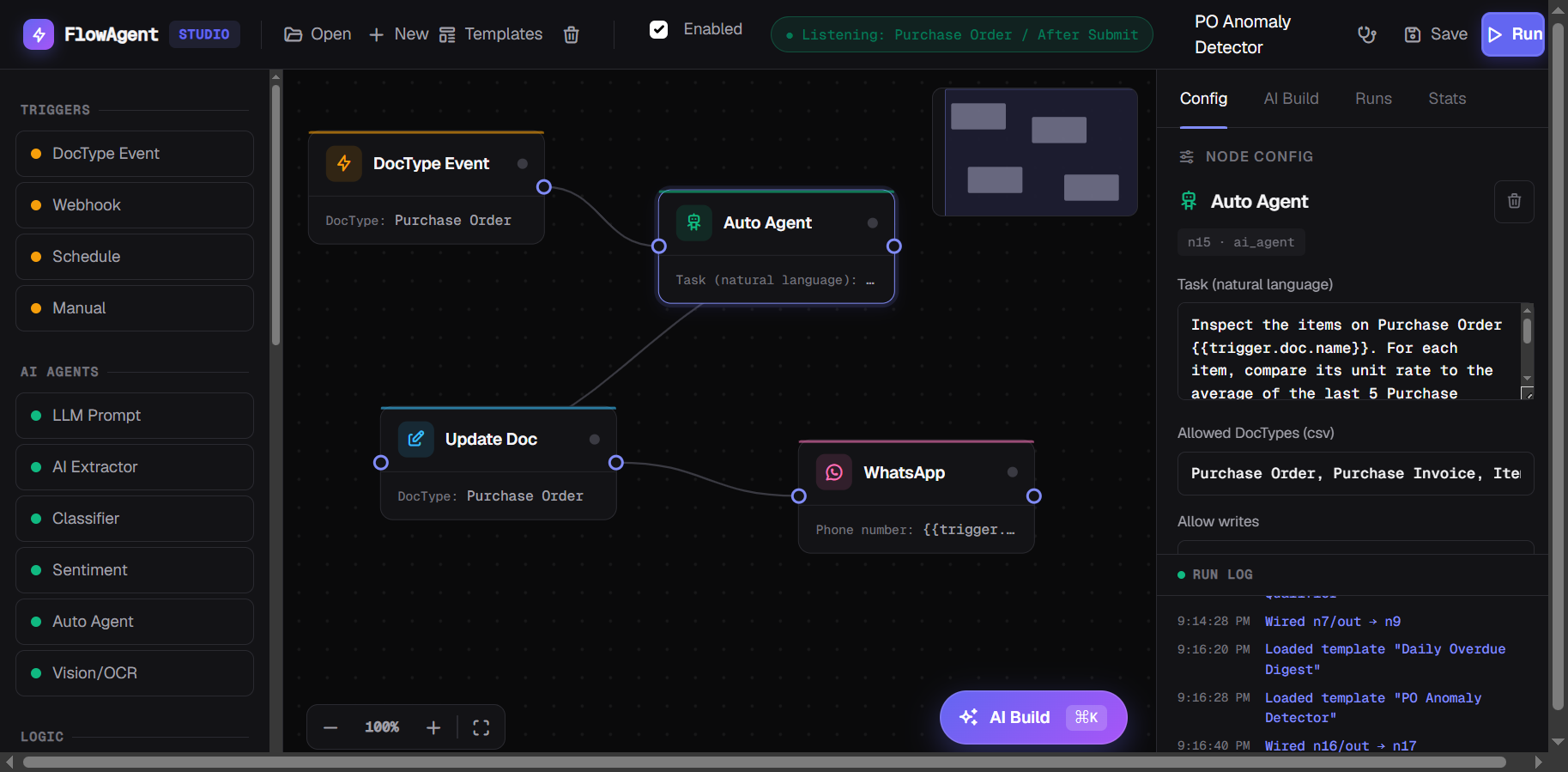
FlowAgent is designed to help users create AI-powered workflows using a drag-and-drop interface — without depending on external workflow tools or writing complex code.
Features
- Visual drag-and-drop workflow builder
- AI workflow generation from plain English prompts
- AI agents, classification, extraction & automation nodes
- DocType event triggers, schedules & webhooks
- Native ERPNext / Frappe integration
- WhatsApp, Slack, HTTP, Google Sheets integrations
- Workflow execution tracing and monitoring
- Sandboxed execution and permission-controlled agents
Example Use Cases
- Auto-qualify leads using AI
- Trigger approval workflows based on invoice values
- Build document processing pipelines
- Send automated notifications and alerts
- Create autonomous AI agents for ERP operations
AI Workflow Builder
Describe your process in plain English, and FlowAgent instantly builds a complete AI-powered workflow for you.
Example:
“When a Sales Invoice is submitted, extract the amount with AI, and if it’s greater than 50,000 send a WhatsApp alert.”
Why I Built This
The Frappe ecosystem has powerful building blocks, but there wasn’t a native visual workflow automation experience combining workflows, AI agents, and ERP operations in one place.
FlowAgent aims to bridge that gap.
Looking for Feedback
I would love community feedback:
- What workflows would you build?
- Which integrations or nodes should be added next?
- Any suggestions to improve the workflow builder experience?
GitHub
Explore the project, contribute ideas, and follow development on GitHub.
Looking forward to feedback, testing, and contributions 
Beta Notice
FlowAgent is currently in beta and under active development. Expect bugs, missing features, and occasional breaking changes while the platform evolves. Feedback, testing, and contributions are highly appreciated.