Samsul
1
Hello,
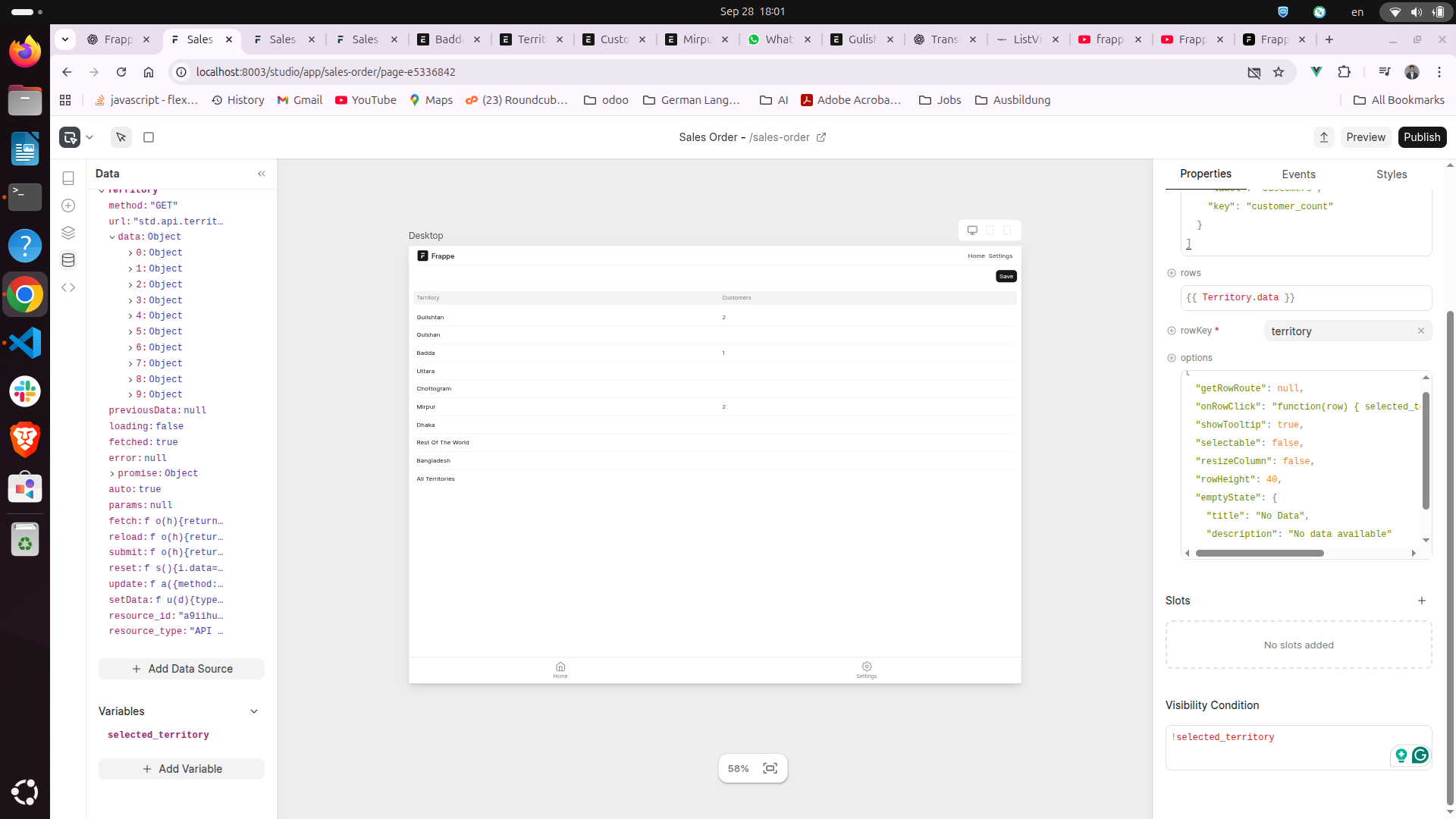
I am working with Frappe Studio and trying to achieve the following workflow:
- I have a table (List View) in Studio which shows Territories with a column
customer_count.
- When I click on a row, I set the selected territory into a variable:
onRowClick: "function(row) {
    selected_territory = row.territory;
    console.log('Selected:', selected_territory);
}"
Now, once selected_territory is set, I want this table (Territory List) to hide automatically.
So, in the Visibility Condition I tried:
!selected_territory
Expectation:
- Before clicking →
selected_territory is undefined → table should be visible.
- After clicking →
selected_territory has a value → table should hide.
Problem:
 The table does not hide after clicking. It seems like
 Visibility Condition is not reacting to the global variable (selected_territory).
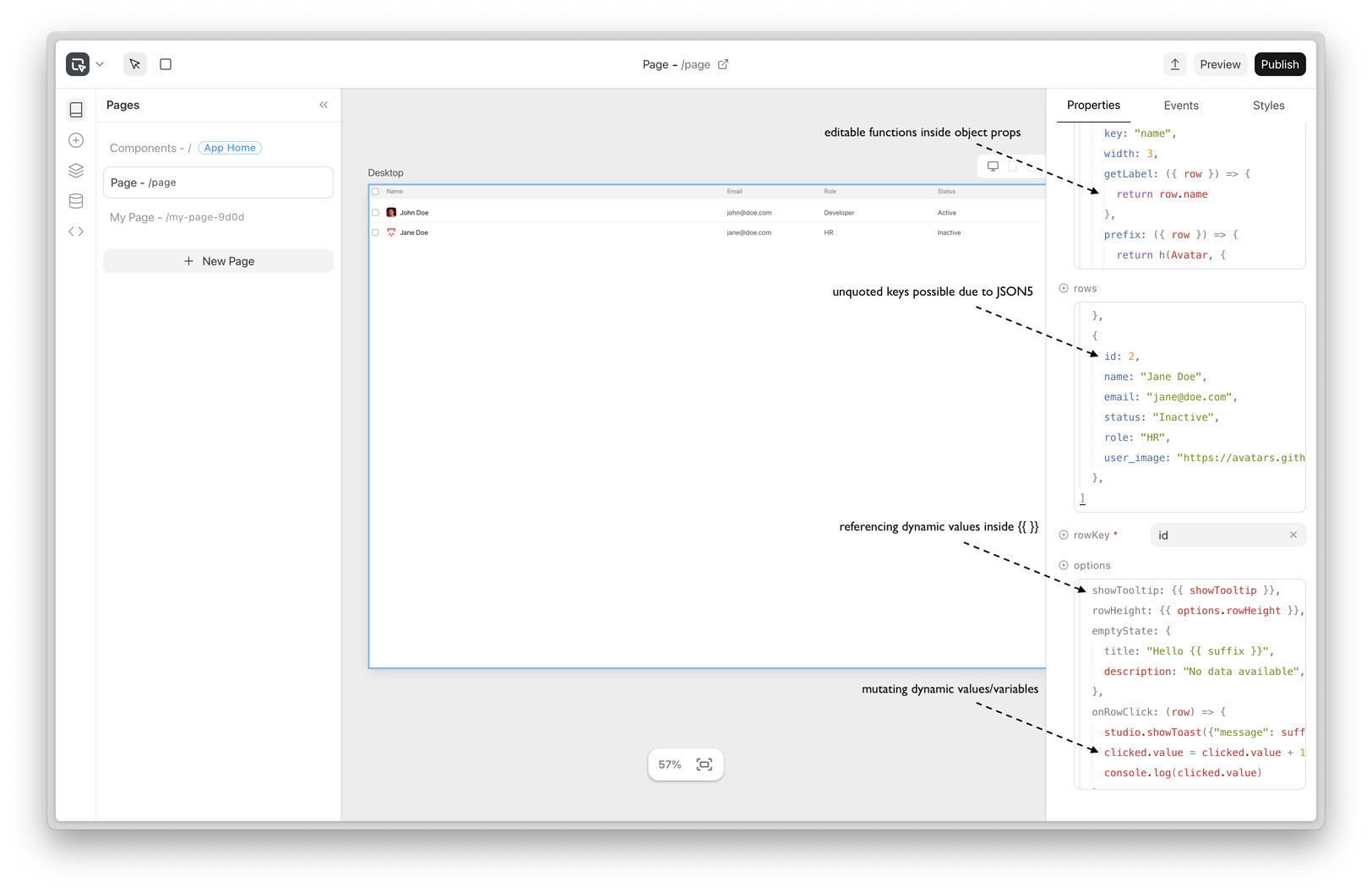
Functions inside object props are supported now:
You can write the function as (use .value in functions):
onRowClick: (row) => {
	selected_territory.value = row.territory
	console.log('Selected:', selected_territory.value)
}