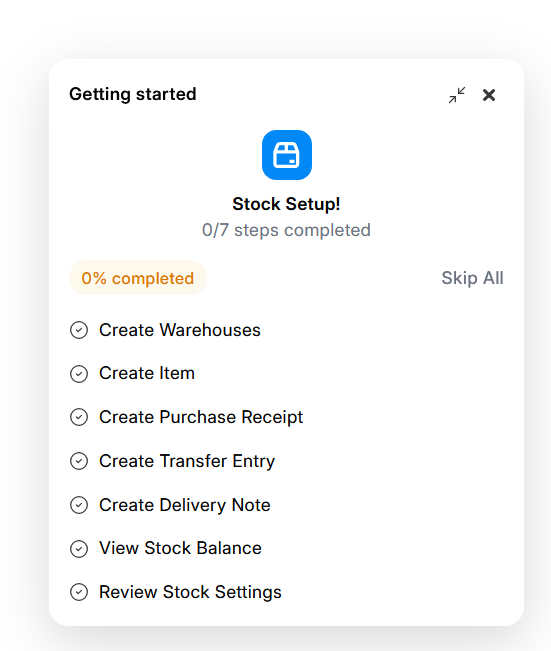
Upgraded to 16.10 today and am now getting these “Getting started” popups on the lower right of the screen. I click Skip All and close it but it pops up again a little while later. I figured maybe they were related to the onboarding setting (System Settings > Enable Onboarding) so I unchecked this but it hasn’t helped. Starting to get a little annoying. Anyone know how to get rid of these?