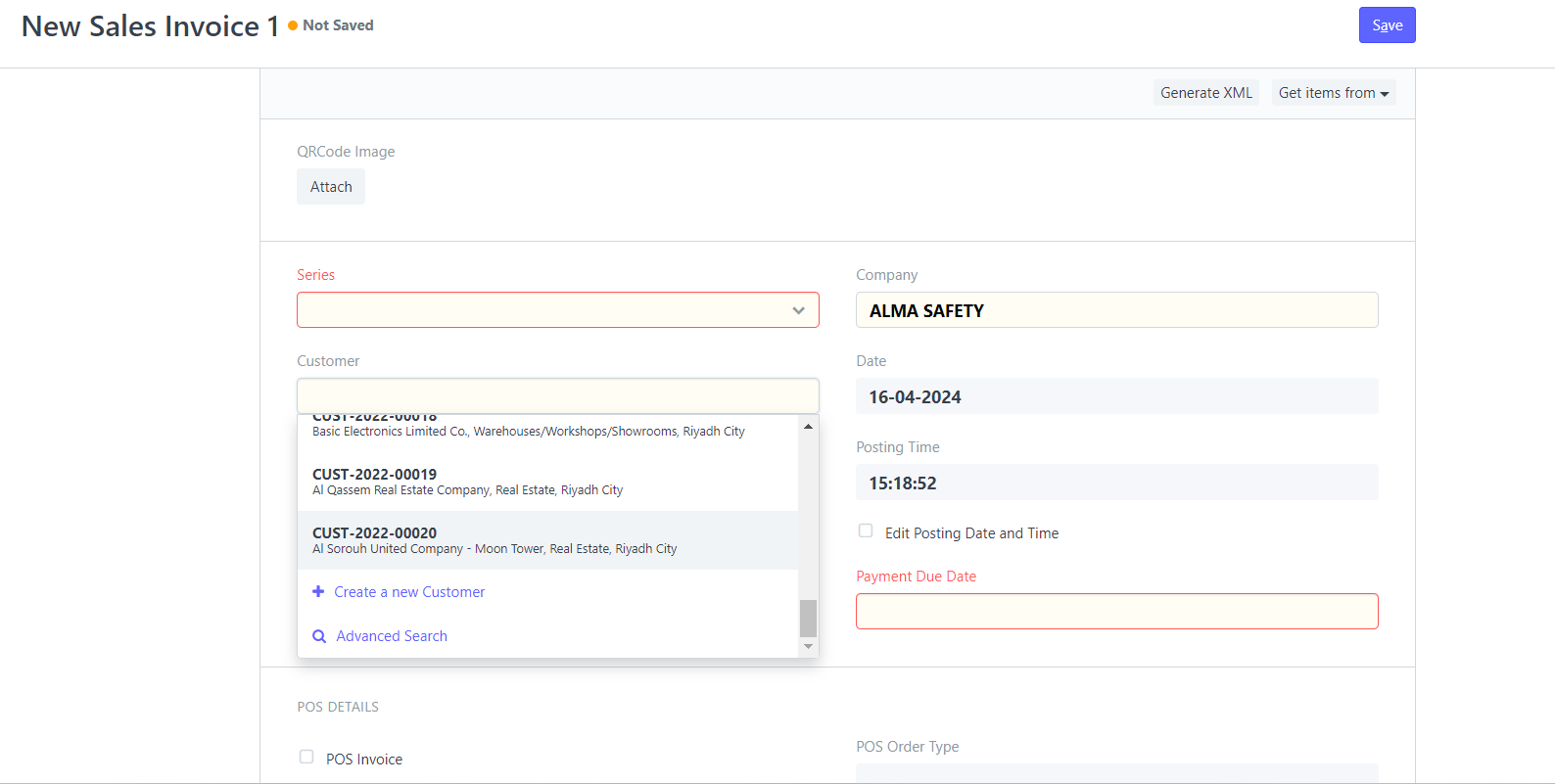
I have a sales invoice Doctype which have two links, the first link is Company and the other is Customer.
What I want is when I select a company from Company list and I go to customer link the list will shown only the customer under the chosen company.
Hello Brother @Hardik_Gadesha ,
Do you know?
@Nada-86 apply filter
not working with me
frappe.ui.form.on('Sales Invoice', {
   onload: function(frm) {

        cur_frm.set_query("customer", function ()
                {
                        return {
                                filters: { 'company': 'ALMA Safety Company' }
                 };
        });
     }
});
also I tried to switch between the customer and company
frappe.ui.form.on('Sales Invoice', {
   onload: function(frm) {

        cur_frm.set_query('company', 'ALMA SAFETY', function ()
                {
                        return {
                                filters: { 'customer': 'ALMA SAFETY' }
                };
        });
    }
});
Hi @Nada-86,
Please apply it:
frappe.ui.form.on("Sales Invoice", {
    refresh:function(frm) {
        frm.set_query("customer", function() {
            return {
                "filters": {
                    'company': frm.doc.company
                }
            };
        });
    }
});
Reference documentation: Overriding Link Query By Custom Script
Forum search: Search results for 'set_query order:latest' - Frappe Forum
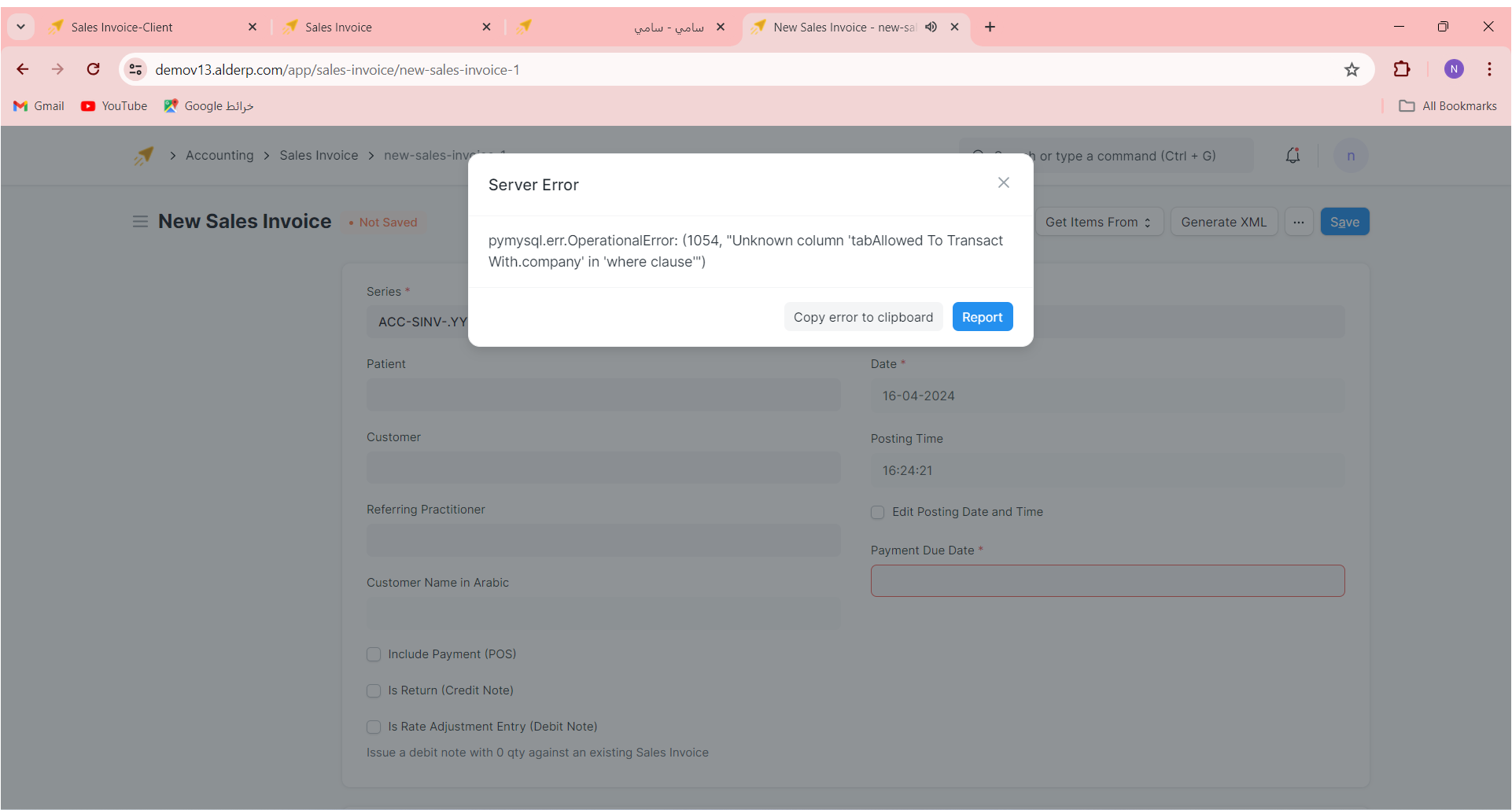
not working 
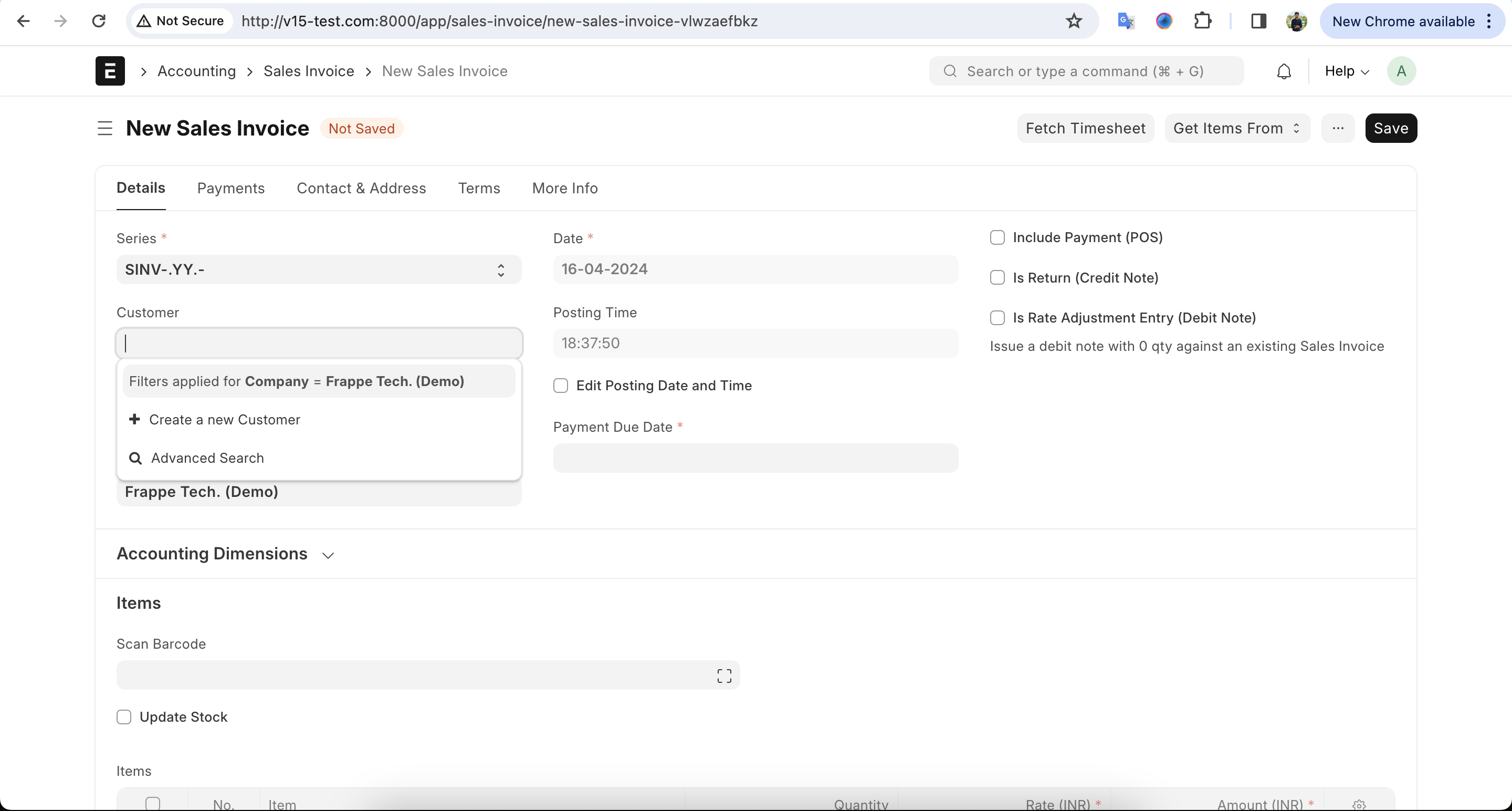
It’s version 12, so I don’t know if it worked or not.
But it worked in v13, v14 and v15
Please check it.
Oh 
Please check your field name and also set the filter.
Please read the documentation that I provided in the above post.
@NCP
Yeah I did but I don’t know why it not working 
Hello @NCP ,
I want to ask you if I can apply on item?
it mean when I chose company the item will only shown under the name of company.
I have this code
frappe.ui.form.on("Sales Invoice", {
 	refresh(frm) {
 	    cur_frm.cscript.onload = function(frm) {
 	        cur_frm.set_query("item_code", "items", function() {
 	            return {
			filters: {"item_group": "Grove Fitting"}
		};
	});
}}
});
Please check it.
Yeah thanks, I saw this but what I mean is filter depends on company name.
Do I need to use if and if else condition
Try it your way!
I need help