I wanna the user be able to only see some modules
Sales, PosNext, Accounts.
How can i hide all the other modules so that the user see only what they need?
I wanna the user be able to only see some modules
Sales, PosNext, Accounts.
How can i hide all the other modules so that the user see only what they need?
Hi,
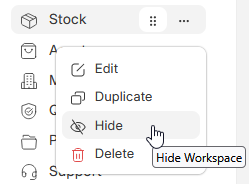
From the Desk, click Edit, lower right , then click on the menu item , then the … to the right , Hide.
There may be other, better ways though. See if that will work .
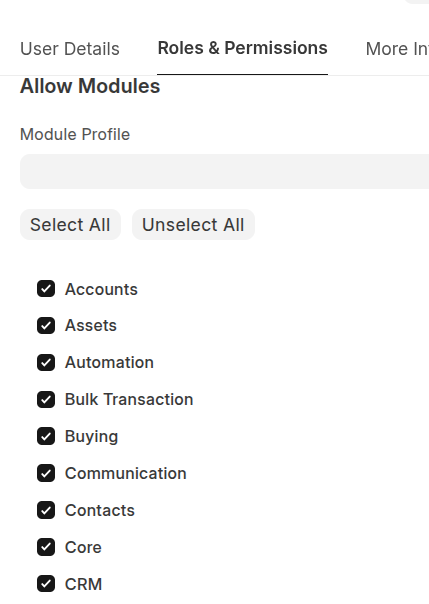
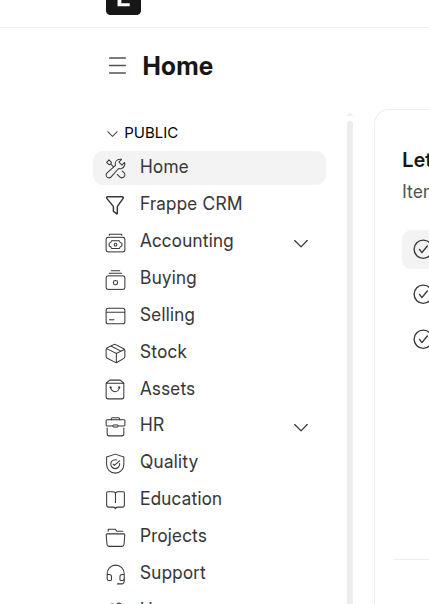
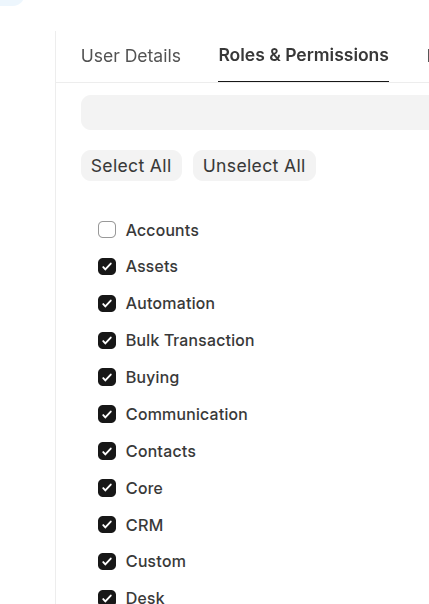
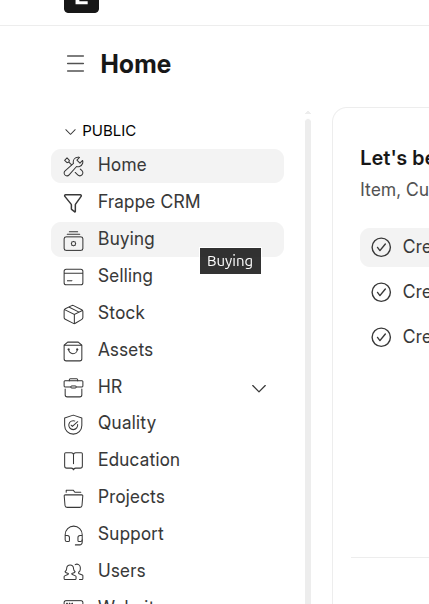
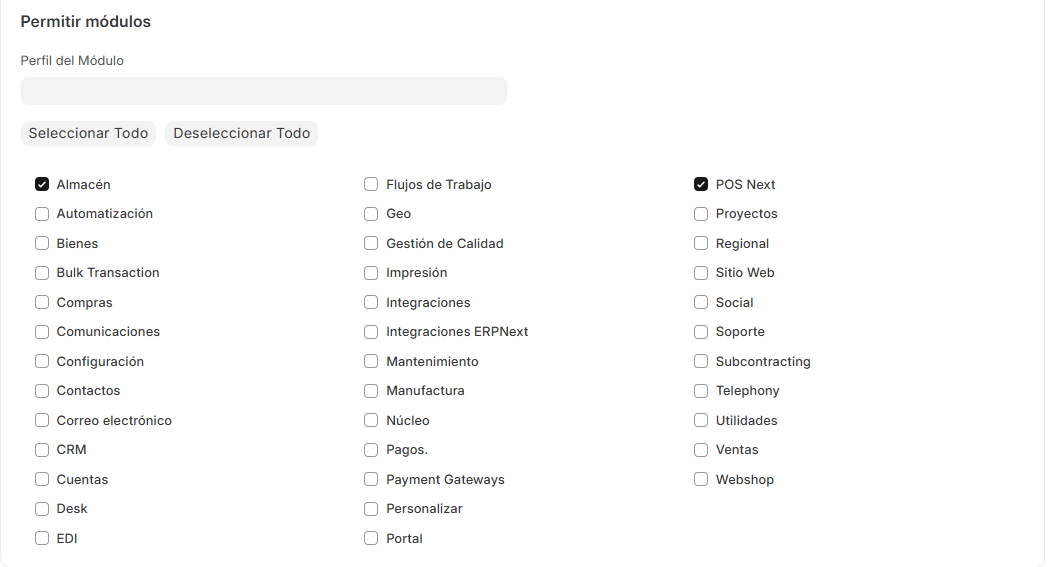
@Jordi7-7 You can use Allow Modules section in Roles & Permissions tab of User doctype.
Before:
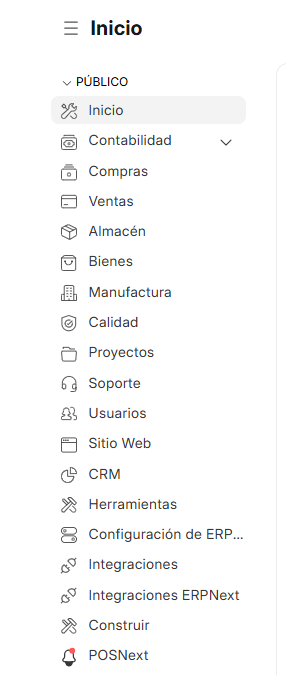
After:
thanks for your response.
I actually have done that but i dont know why, the modules don’t hide
I don’t know why it doesn’t work
It may be that these are still displayed because roles are still directed to the DOcTypes. If you adjust the roles accordingly to which modules users should only be allowed to access, they should disappear from the workspace view.
If you want to retain the rights but hide the modules for viewing only, edit the workspace
in workspace list /app/workspace you can hide or show it to user based on roles