How can we change the emp id format from "HR-EMP-00000" to something like "XYZ01"

How can we change the emp id format from “HR-EMP-00000” to something like “XYZ01”
Hi @pradipshah,

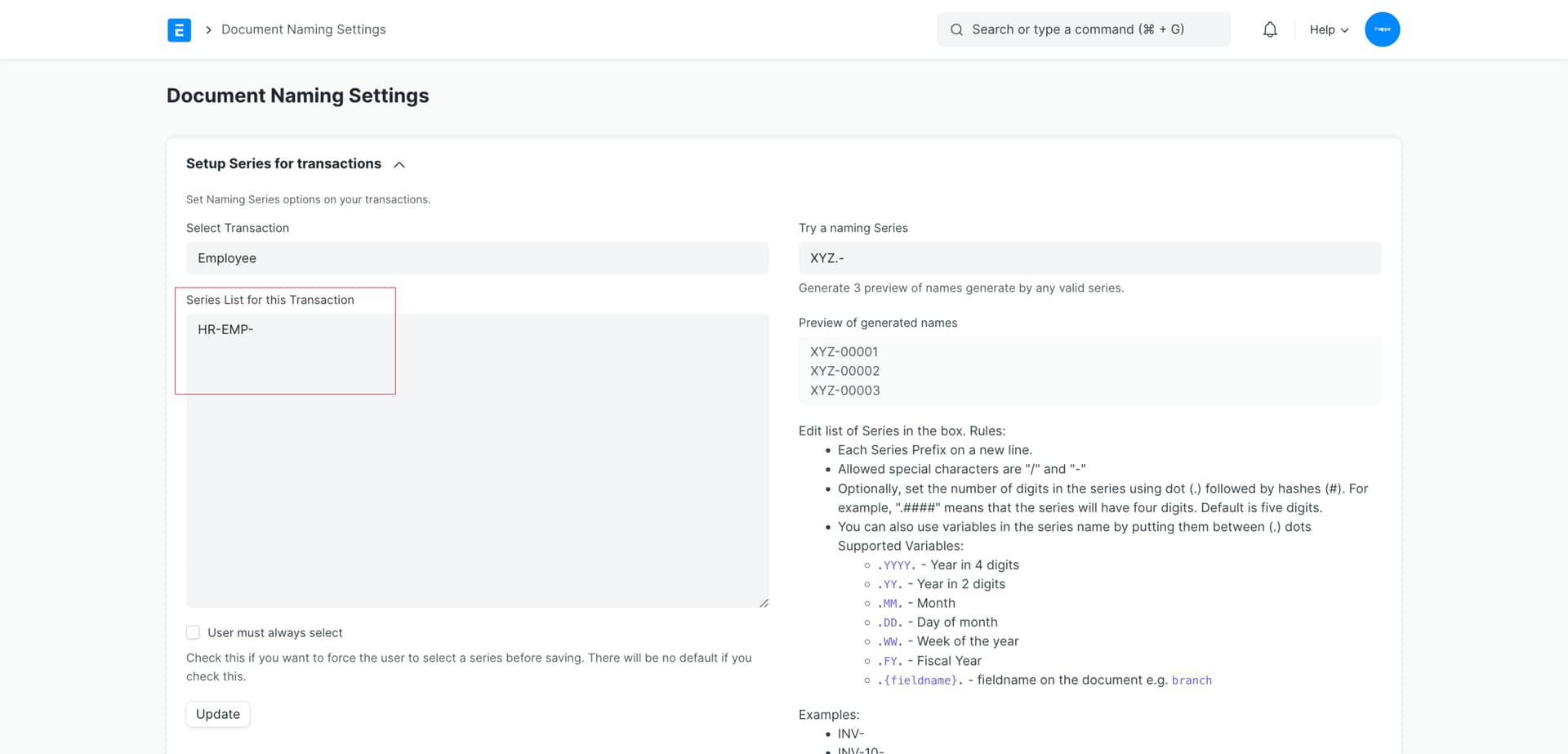
Please go to the Document Naming Settings and set it.

1 Like

There is an option called HR Settings, In that there is a field called “Employee Naming by”, It is a “select” field, So please choose “Employee Number”, Now try to create a new employee, there is new mandatory field displayed, In that you can easily give your own custom series.