Hi,
I need to change small text fields height.
Can we change the height of small text field ?
Thank you
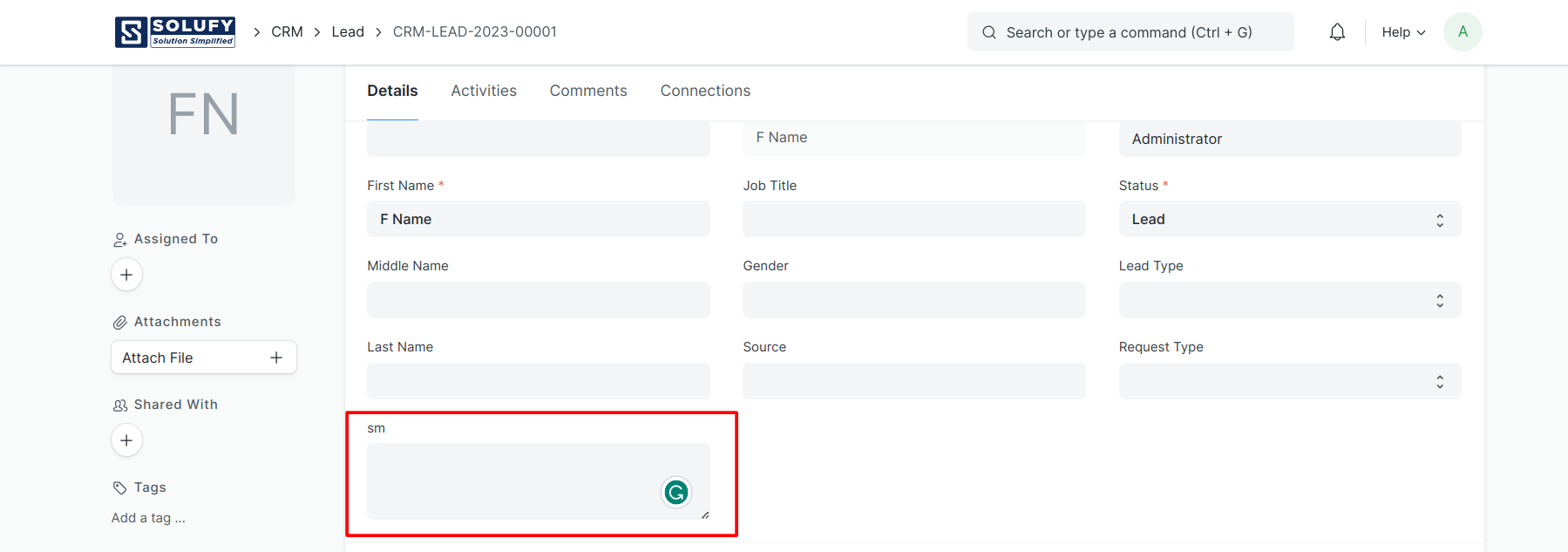
We added a Small Text in the lead and the field name is sm.
Please apply the custom/client script.
frappe.ui.form.on('Lead', {
	refresh: function(frm) {
		$("textarea[data-fieldname='sm']").css({'height':'70'});
	}
});
Before:

After added a code:
Thank You!
5 Likes
Thank you So Much
Could we change the small text in the child table doctype. I try but it didn’t work with child table . When click on edit, the popup appear, I would like to have the change css for this display.
Please show me how can do it?
Thanks in advance.