hello,
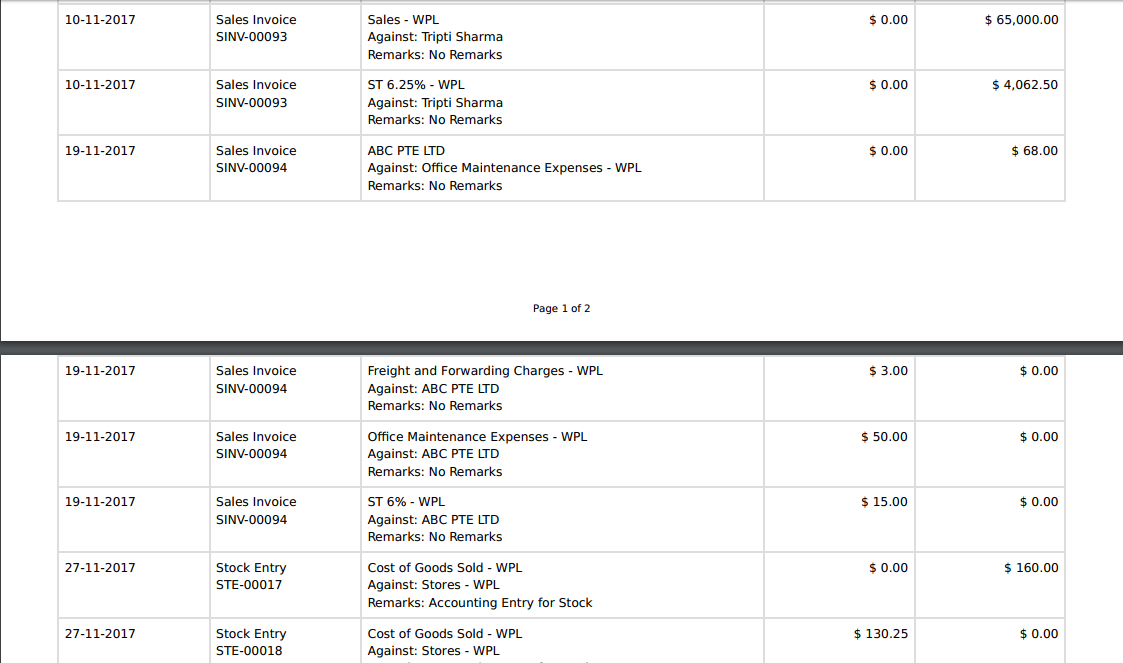
I am trying to generate a PDF report in Frappe with letterhead and page numbering.
The problem: the letterhead does not appear at all in the generated PDF (not on the first page or subsequent pages).
i want Footer page (1 of 2) coming on every page. Similarly i want to add letterhead on every page.
I want to add number page in report print format.(Same as Print format)
You are using print option or pdf option?
PDF will add footer with page number and letter head
Also you can create your own print format if needed, check other print format of reports
e.g. erpnext/erpnext/accounts/report/accounts_receivable/accounts_receivable.html at develop · frappe/erpnext · GitHub
erpnext/erpnext/accounts/report/general_ledger/general_ledger.html at develop · frappe/erpnext · GitHub
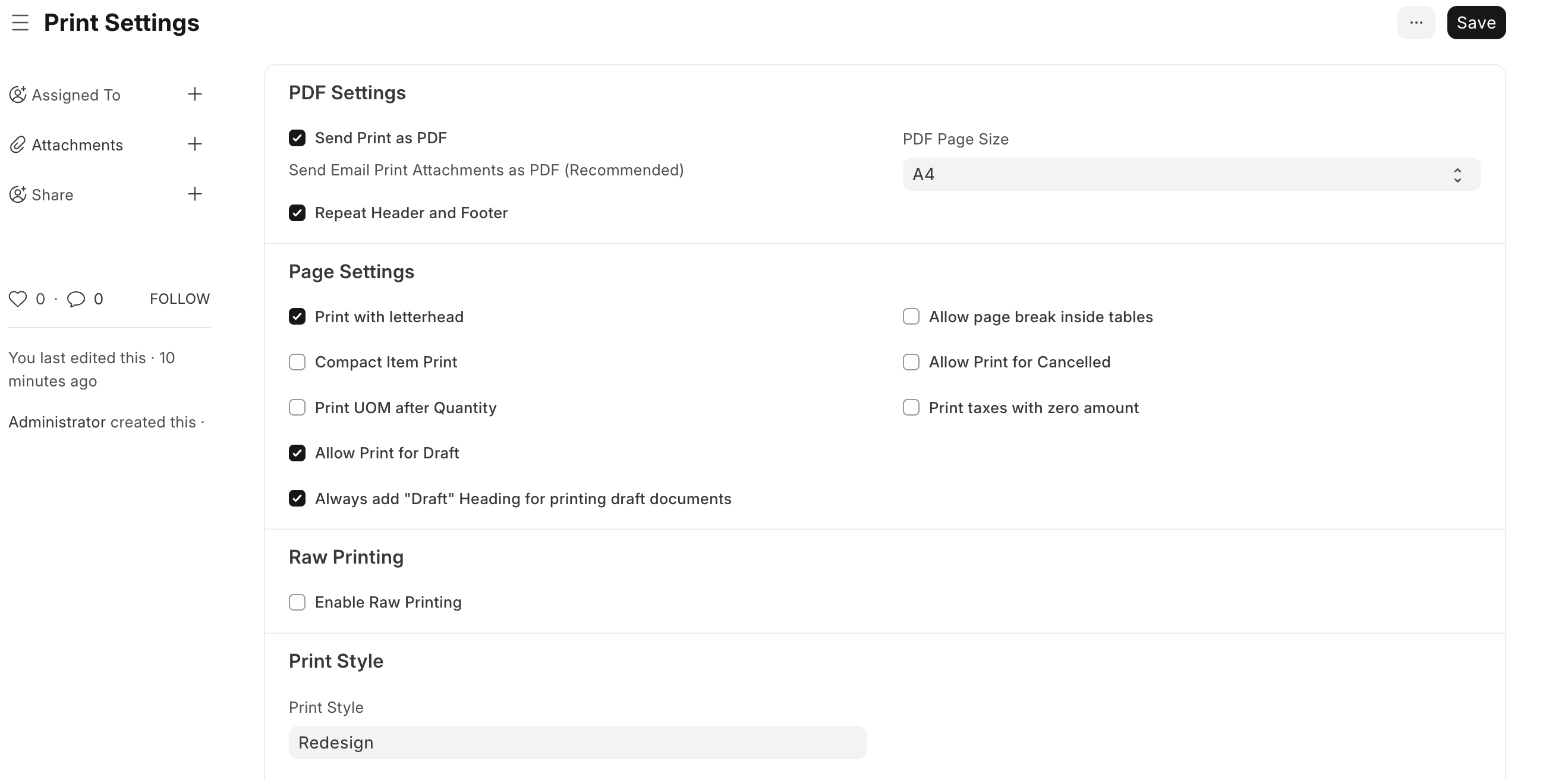
Also do check print settings
I resolve it. it s a problem of wkhtmltopdf version
1 Like
I messed with this a while ago. You gotta enable add_letterhead when rendering, and also make sure your actual letterhead config isn’t hiding it after page 1.
For the page numbering, Frappe supports those tags out of the box. Just style it in a fixed footer so it shows up right on every page
yeah for me too not the same issue but i have other issues with the wkhtmltopdf