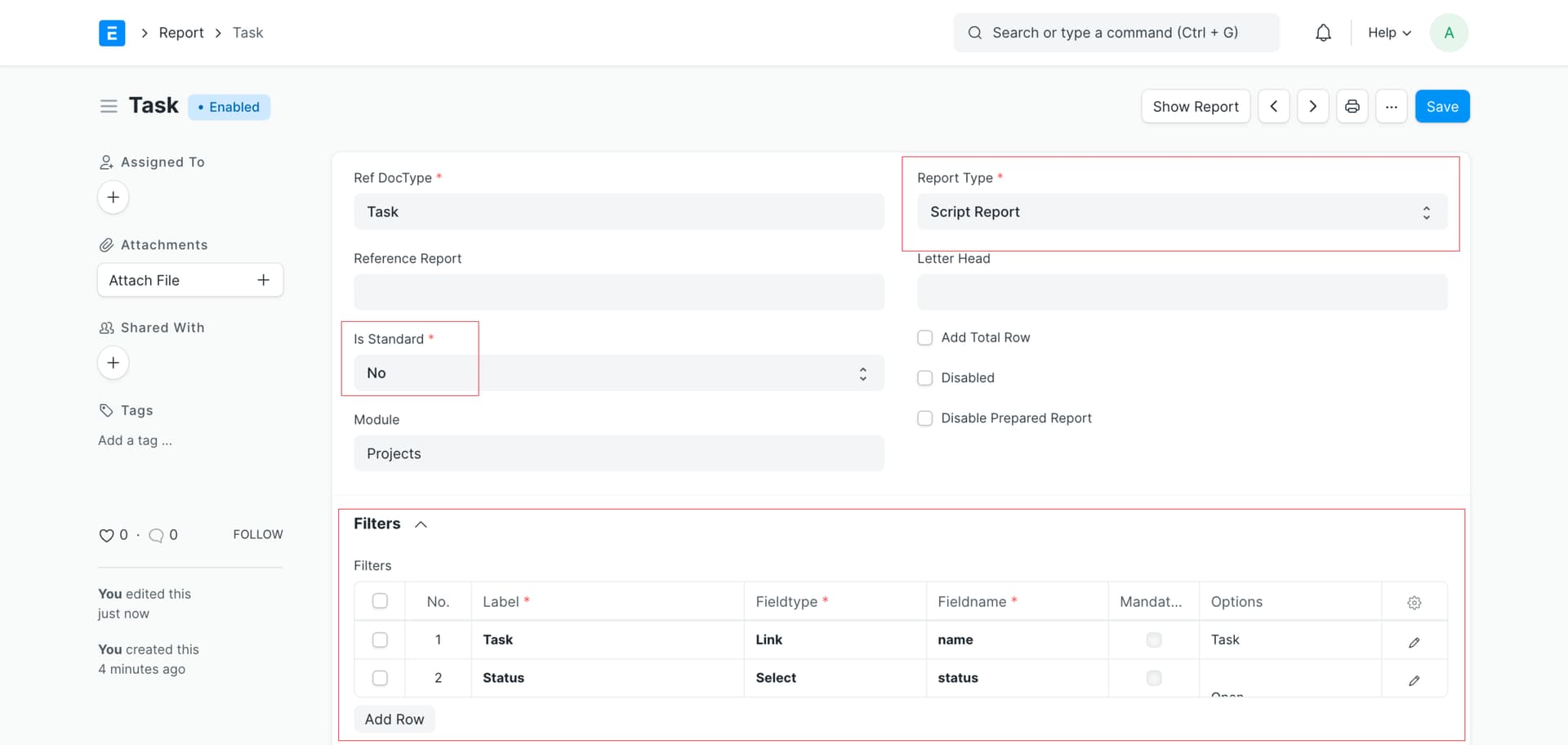
Otherwise you can also use the server script from the UI side.
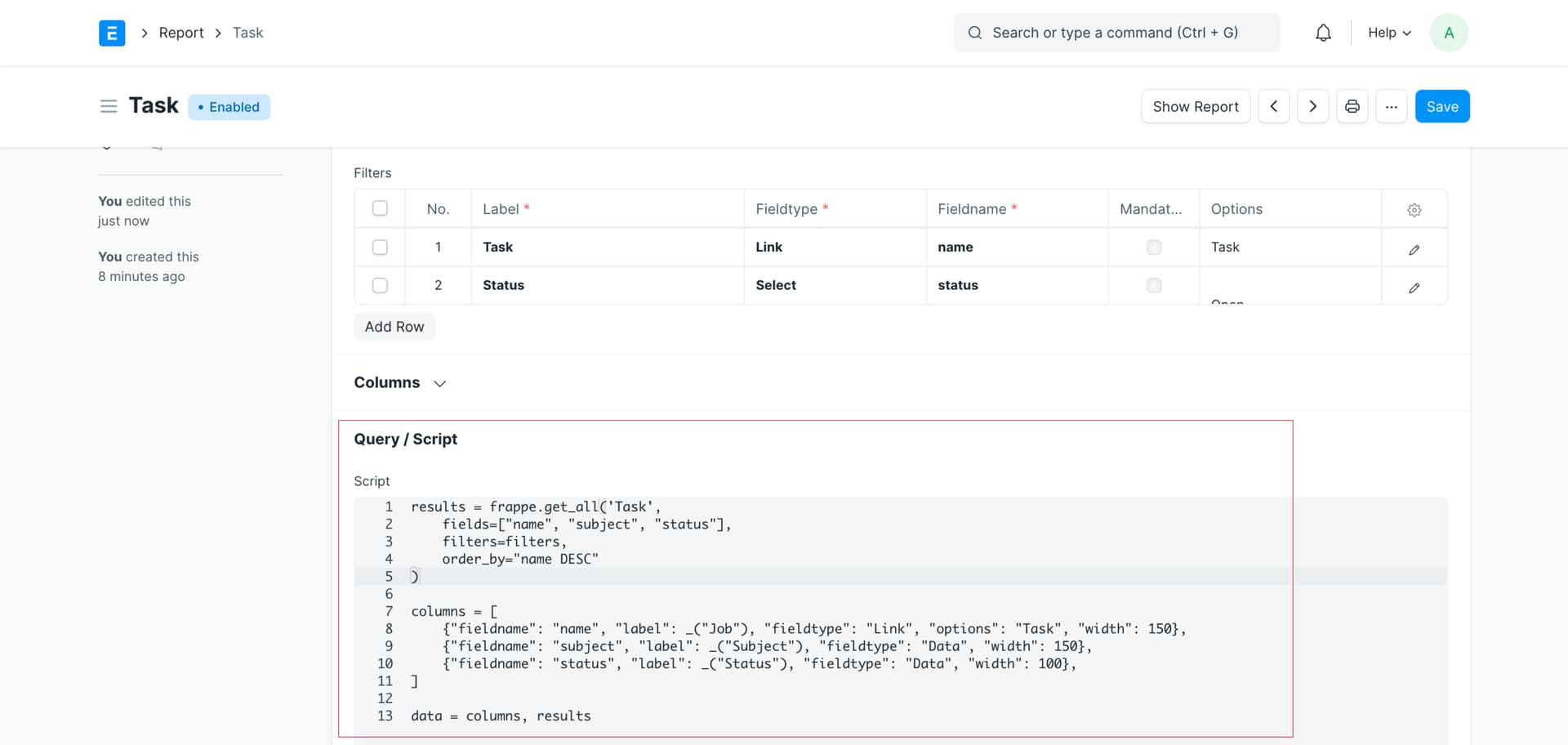
Script:
results = frappe.get_all('Task',
    fields=["name", "subject", "status"],
    filters=filters,
    order_by="name DESC"
)

columns = [
    {"fieldname": "name", "label": _("Job"), "fieldtype": "Link", "options": "Task", "width": 150},
    {"fieldname": "subject", "label": _("Subject"), "fieldtype": "Data", "width": 150},
    {"fieldname": "status", "label": _("Status"), "fieldtype": "Data", "width": 100},
]

data = columns, results
Output:
I hope this helps.
Thank You!