Hi
Try this
go to website settings
under brand… select the image or logo you want to display
beneath that under “Brand Html”
put this code
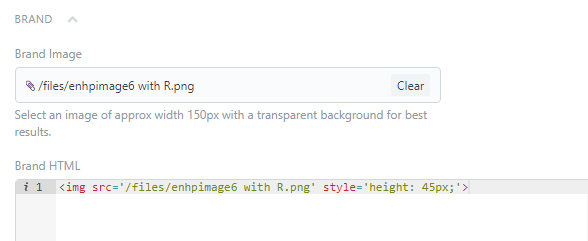
enhpimage6 ---- change this to your image name
adjust the pixel size to suit
hope this helps
Regards
Hemanth