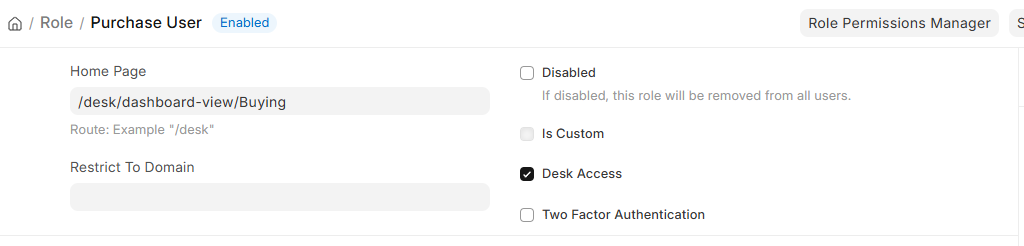
I already setup the Purchase User Role HomePage to /desk/dashboard-view/Buying using admin user, after logout then login using Purchase User Credential, it still redirect to /desk.
Is there’s anyone know how to do this? Thank you.
Is there’s anyone know how to do this? Thank you.
The Role “Home Page” field is mainly used for portal/website users and does not reliably control the landing page for a System User with Desk Access.
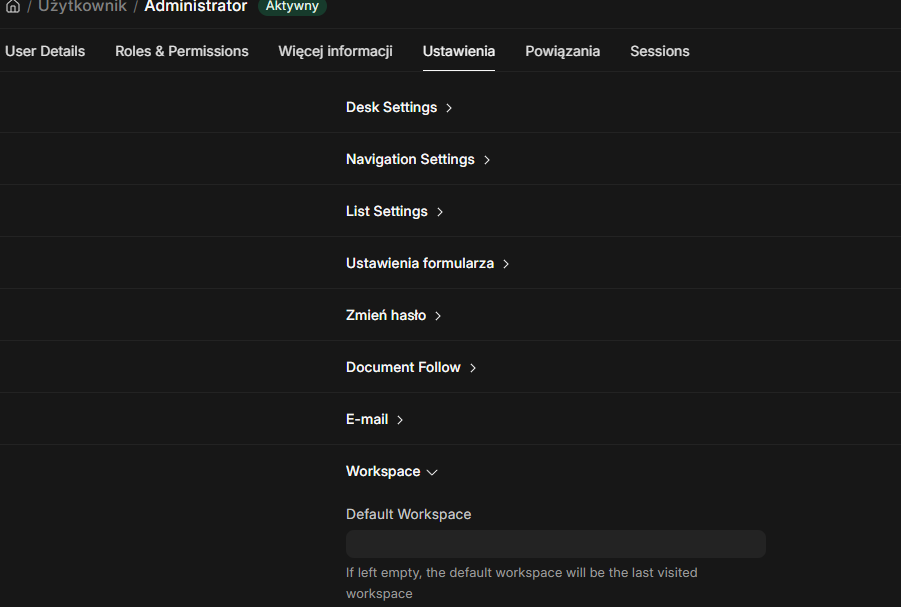
For a Desk user, try setting the workspace directly on the user:
Avatar → My Settings → Default Workspace → Buying
Then save, log out and log in again. Also try a hard refresh with Ctrl + Shift + R.
The route /desk/dashboard-view/Buying also looks like a legacy route. Open the Buying workspace manually and use the current workspace route, usually something like /app/buying.