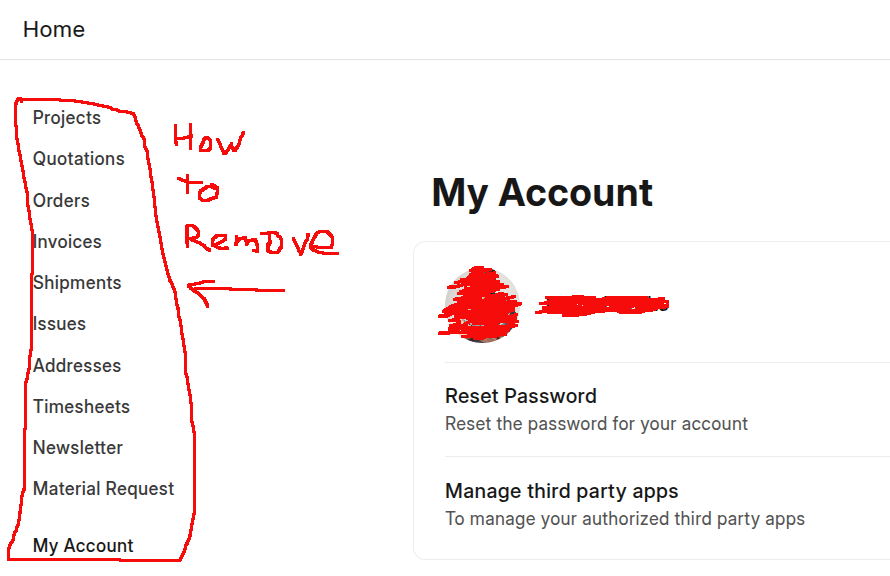
When a “website user” logins to erpnext, there’s a page with menus on the left.
A “website user” is very limited access user.
How to hide or disable the menu?
Here’s the screenshot.
When a “website user” logins to erpnext, there’s a page with menus on the left.
A “website user” is very limited access user.
How to hide or disable the menu?
Here’s the screenshot.
Double-check whether the user has been granted any permissions — it’s appearing because of that. You can modify the list from Portal Settings.
Thank you very much for helping.
I login in as Administrator and found the portal setting.
In the portal setting there is a check box called “Hide Standard Menu”.
I ticked and the whole left menu was gone.
Thank you again for helping.