How to enable Serial Number after invoices already created?

Hi,
I created an Item without enabling Has Serial No, and already made some invoices/stock entries. Later I realized this item must be tracked with Serial Numbers.

Since ERPNext doesn’t allow changing this after transactions, what is the best practice to handle this?

Thanks!
Hi @Stark

You can not update item type if you have already recorded transaction on it.

You have to either recall those transaction or disable it and create new one with correct item master definition.

Thank you

  1. using stock entry: material issue to make the stock balance 0

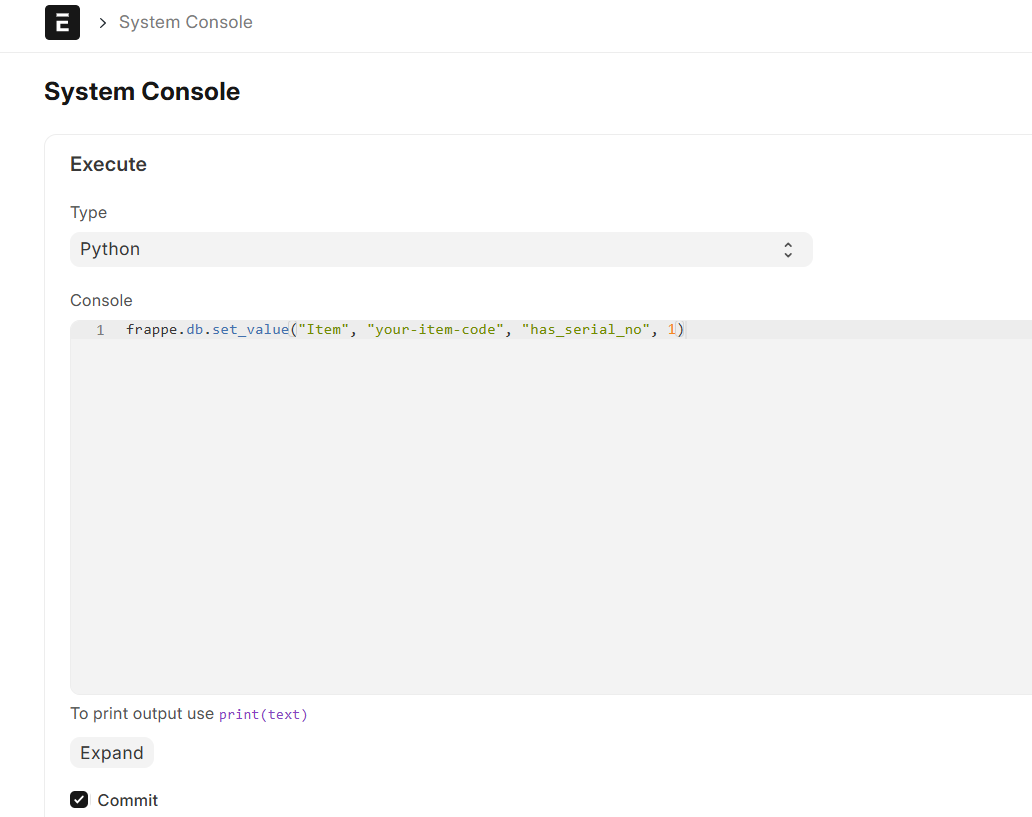
  2. use system console frappe.db.set_value(“Item”, “your-item-code”, “has_serial_no”, 1) to activate has_serial

  3. move the stock back by stock entry material receipt, now you can assign serial number