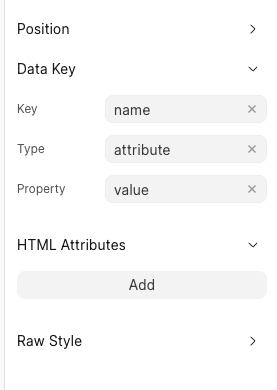
I was trying to fetch the data from a doctype and show that in a form dropdown, I tried by using data script and configured data key to the field but this didn’t work
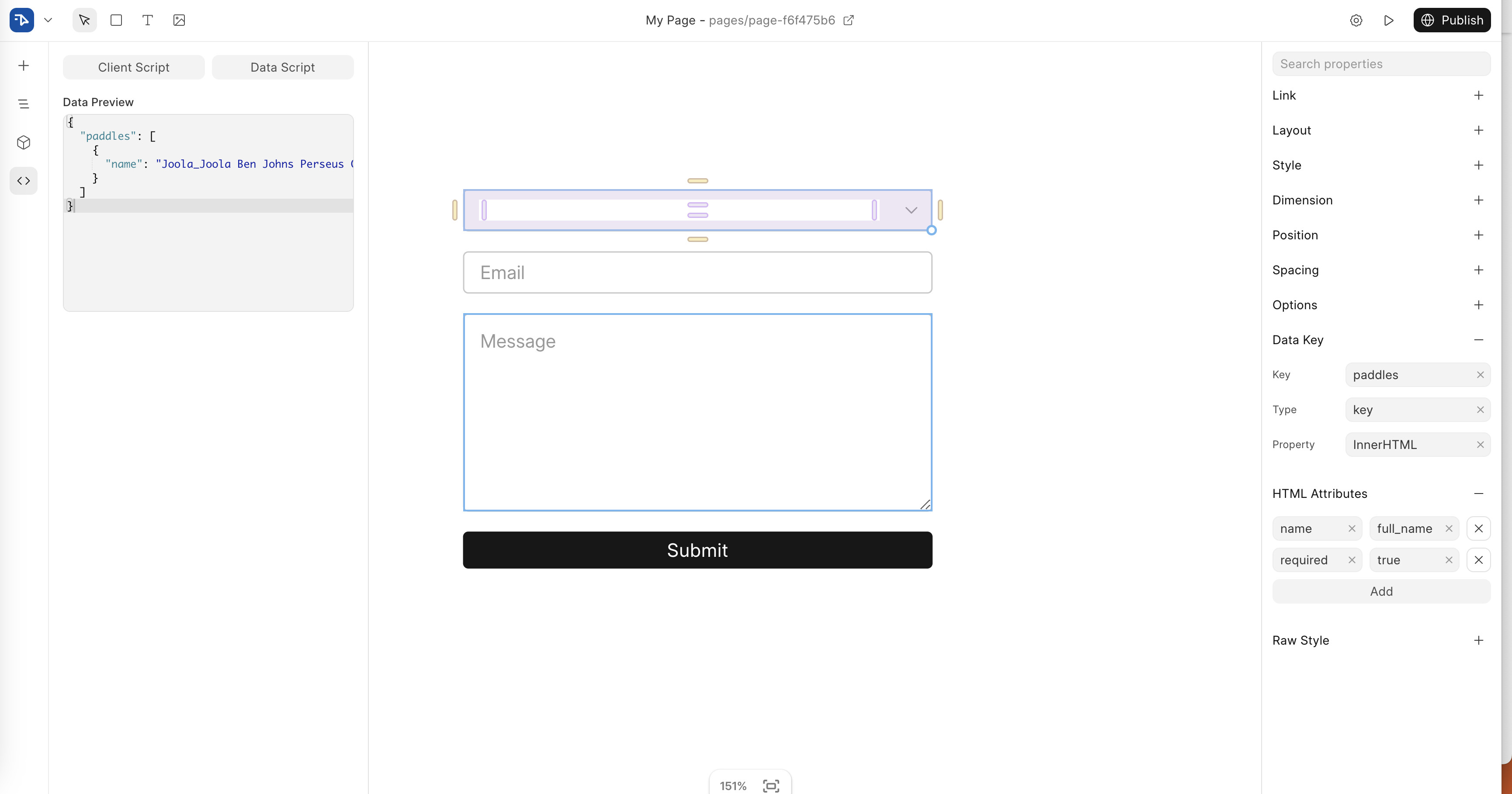
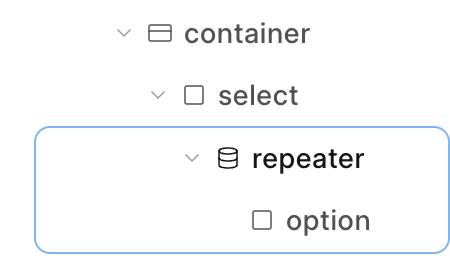
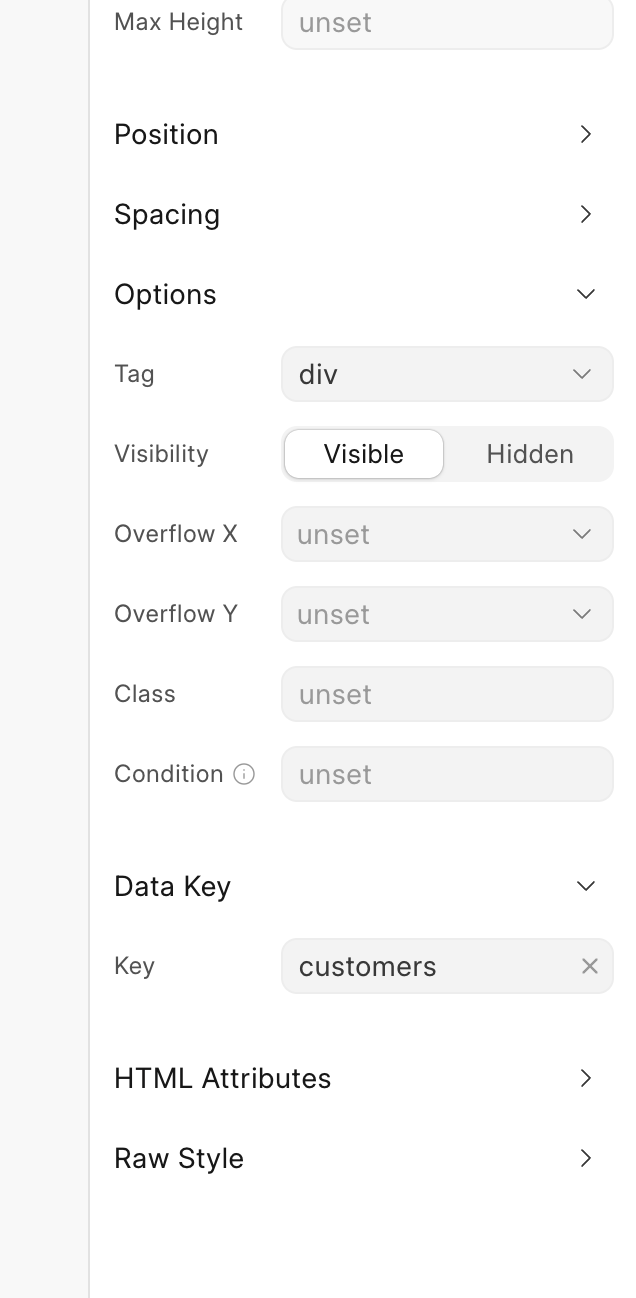
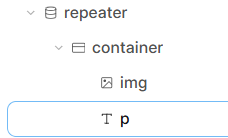
For Dropdown, use Select Tag and Then Add Options Tag in it. Wrap this Options Tag in a Container and Repeat this Block. Set Your Data Key paddles for this repeated block. And Set Data Key name for Options. Your structure will be look like
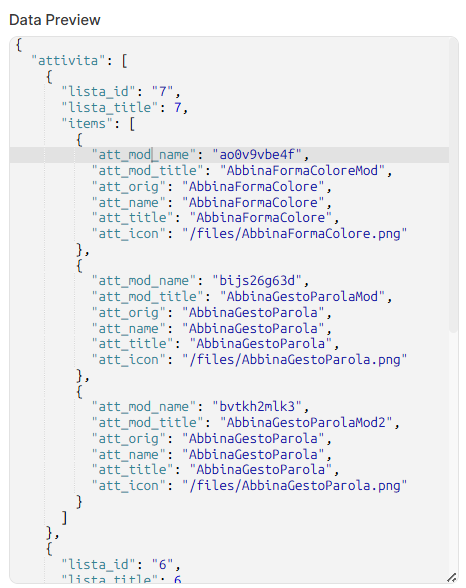
As a reference, you can use Data Script(from sidebar) to fetch a list of documents and set it as the data source for a Repeater block in Frappe Builder.
You can refer to the official documentation here:
Example:
To fetch a list of Customers, you can use the following in your Data Script:
I was able to create the options for select field successfully. However I am not sure how to set the value property on the options dynamically. I tried to use the variables and the do work but the context is not correct.
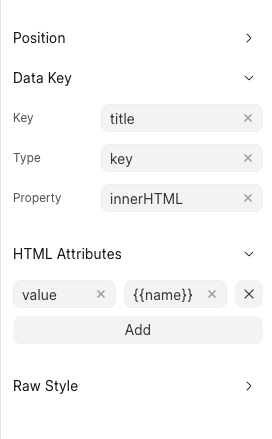
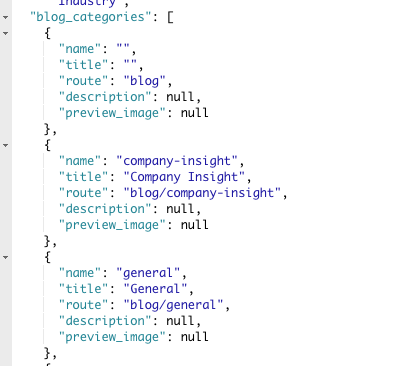
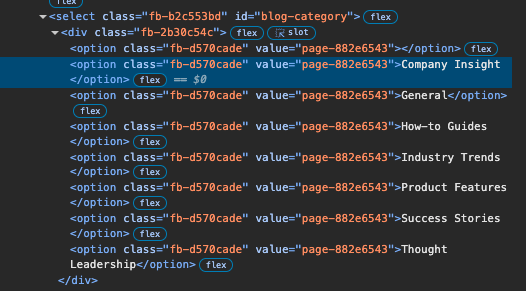
For example in the example attached below. You can see the title is coming fine however I also want to set the name as the value of the options. When I add the name as variable it picks the name of the page instead
I was able to add the value attribute dynamically. Had to look into the source code. My question that will it better to provide option to have multiple Data Key bindings? Like I wanted bind the value attribute and the innerHTML property. As a work around I had to add a span in the options separately.