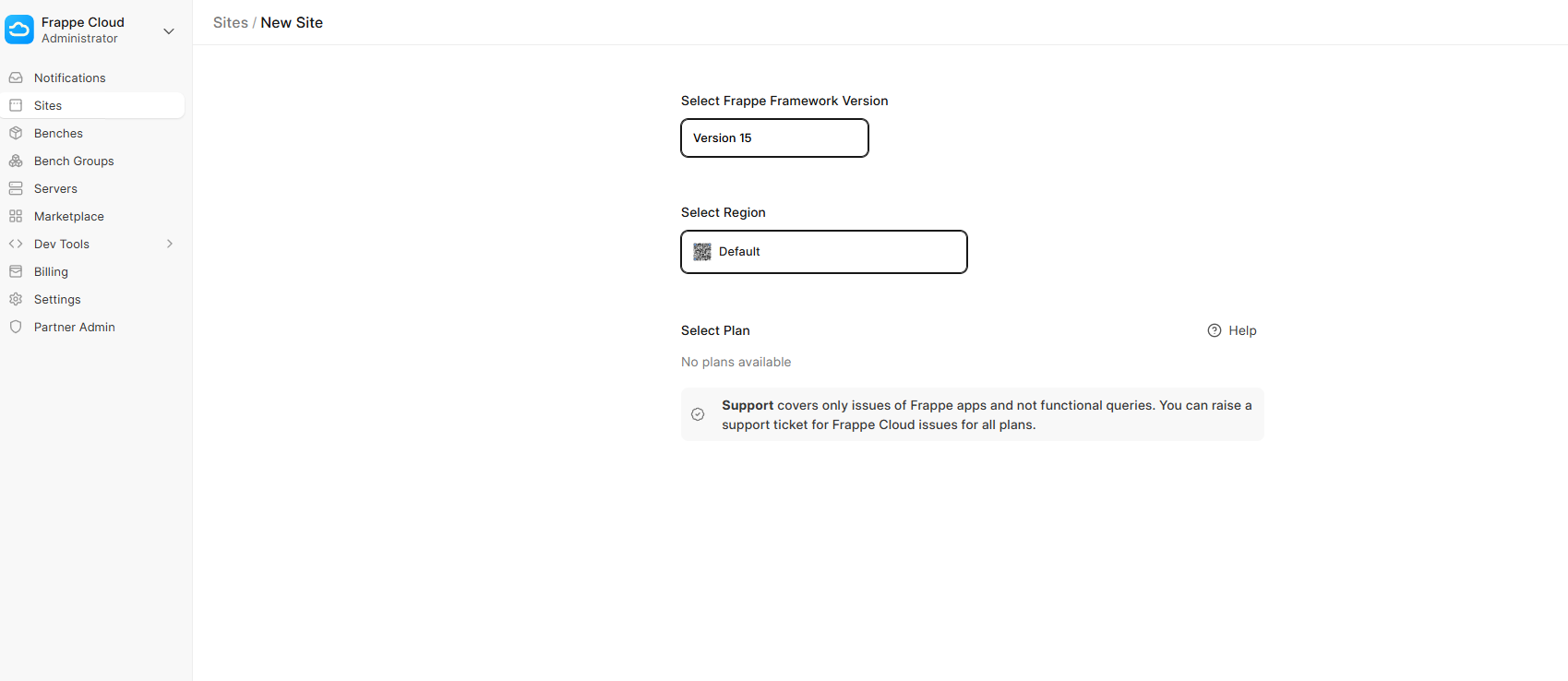
I has setup done some server db , proxy server, app server. But add site to not show plan for select. Help me please!!!
@hoangdox Did you setup the Trial plan?
How to setup the Trial Plan?
It looks like the issue might be related to the site not being properly linked to a plan or subscription in your local setup. Double-check your site_config.json to make sure all required keys (like subscription_id or plan) are set if you’re mimicking Frappe Cloud behavior locally.
Also, make sure the necessary Frappe Cloud-related apps or modules are installed and running; sometimes, missing dependencies can cause the UI to skip those options. If you’re not using Frappe Cloud directly, some of that functionality might not show by default unless manually configured.
Can you send me step by step setup?
Resolved
i am facing the same issue, how to resolve it?
Hi there,
I have the same issue with the site plan visibility. A free site plan was created with DocType Site, a banch was redeployed again, but no release or site plan to see on create new site page.
Could you please help to resolve it?
Thank you in advance.
Thank you guys!
Found by my self in press sources, the roles should be defined for a site plan.
@tasmail I am also having same issue I can’t create a site for the new user, can you help me out?