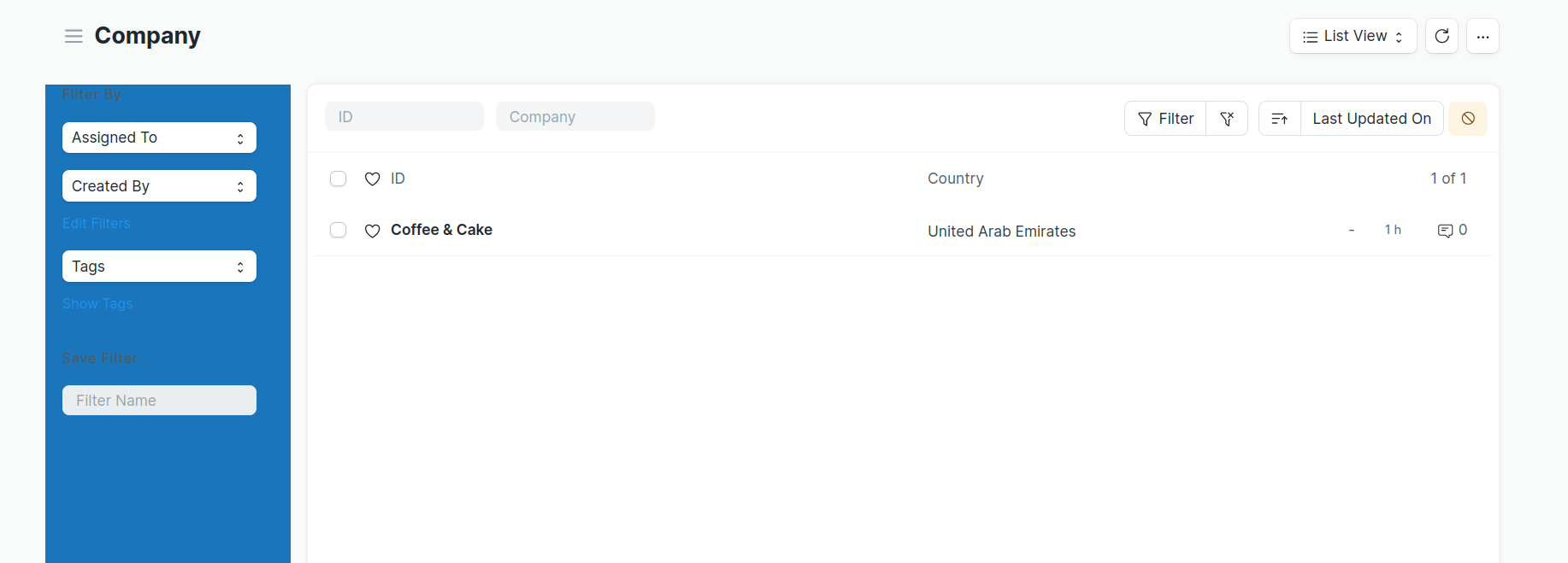
Hi @anjalipv,
Please apply the client script for the listview.
frappe.listview_settings['Your DocType'] = {
	refresh: function(listview) {
        $('span.sidebar-toggle-btn').hide();
        $('.col-lg-2.layout-side-section').hide();
	}
};
Thank You!
4 Likes
thank you
How to apply it for more than one doctype?
@NCP

this will hide from all?
i want to have control on it, i want it as a js script in the code, not on the client script
you can create a file in the formatdoctype_list.js, then add the above code in the file.
Just to confirm?
in this path
apps/[…]/[…]/public/js/doctype_list.js
doctype_list.js
frappe.listview_settings['Sales Invoice'] = {
refresh: function(listview) {
$('span.sidebar-toggle-btn').hide();
$('.col-lg-2.layout-side-section').hide();
console.log("hi from doctype_list");
}
};
in hooks.py
app_include_js = [
"/assets/[…]/js/doctype_list.js",
]