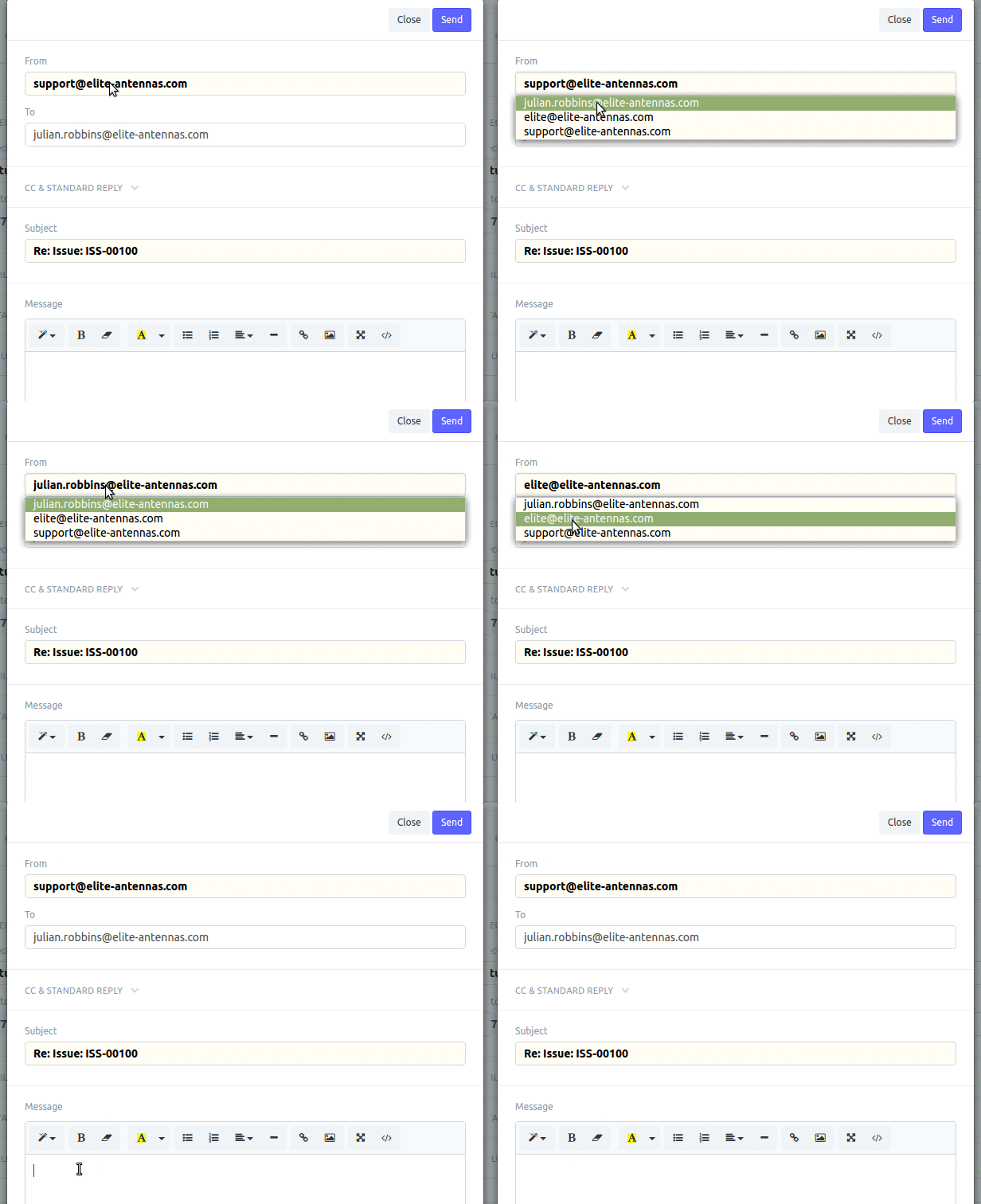
In in the email settings you select ‘Enable Outgoing’ this means that this is now allowed on sending emails from a drop down box at the top of the dialog. You can also set a ‘default sending’ which is used for anything not otherwise defined.
To enable this option in the permitted dropdown email senders do the following
Tick the ‘Always use Account’s Email Address as Sender’ in the email account.
Now you will have the ability to send from second email address.