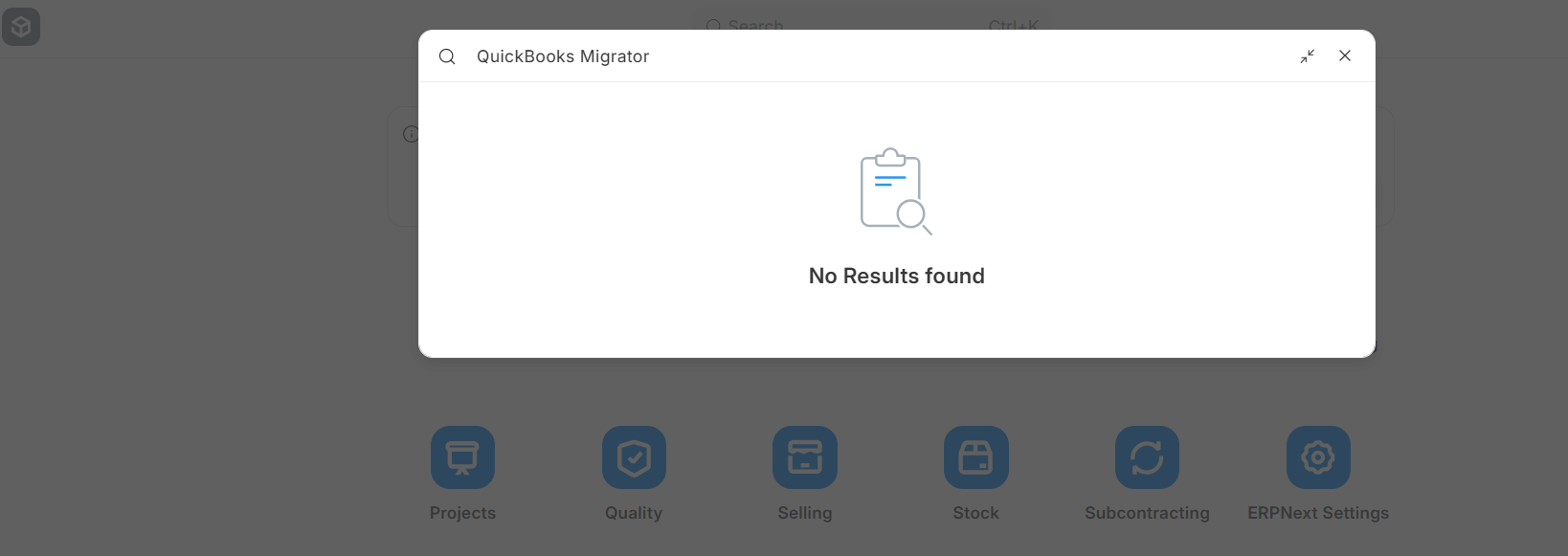
I am working on one project Quickbook Desktop 23 software and i want to migrate data to erpnext so i am understanding how to do that manually export files and import to erpnext is it good approch or not if yes then when sales invoice or purchase invoices added and then payments of customer and vendors added then how clear status in sales and purchase invoices from unpaid to paid etc
if other person having other suggestions to successfully complete this project please guide me
yes i use this tool data import tool but what if you have 10lack invoices, master data is not big problem main problem is invoices, like purchase, sales, journal entries, customer payment and vendors payments
2nd main issue quickbook is not erp system, it is very difficult to get all invoices of sales and purchase, journal entires so there are a lot of challanges i am facing
i just see only one solution to just add opening balance and sales invoices and purchase invoice just
do you have another solution if yes please tell me
Most of the times, it is not a good idea to import historic transactions from your legacy software.
Here are a few reasons why it might not be worth
Different Inventory Valuation Systems: ERPNext uses Perpetual Inventory Valuation method which posts accounting transactions for every stock movement as opposed to Periodic Inventory valuation followed by most accounting packages including Quickbooks. So it is not an apples to apples comparison.
Data structures will inherently be different: Chart of Accounts on ERPNext will tend to be much compact for the fact that it supports Accounting Dimensions. Due this mapping between two different data structures will be a huge task and you will realise that some imports will not work the way it should
Importing Transactions is like Implementing the ERP before you test: If you think you can just take a dump from your legacy software and import it, you are mistaken. Discovery, Design and Configuration are important phases you might be skipping to set yourself up for success. It is like moving in to a new place with a new mind set, what got you here, won’t get you there! The way you enter transactions will change and should change drastically when you implement and move to an ERP system from a plain Accounting Software like Quickbooks.
What should you do instead, if having historic data is important for record keeping purposes
Import only important snapshots of Financials: For example, import only closing balances of each Financial Year or Monthly depending on your volume of transactions. Be realistic with your expectations!
In general, redesign your Chart of Accounts well: Make sure you take advantage of Accounting Dimension and don’t overwhelm yourself of an Account/Ledger for every detail like Branch/Location/Department.
I totally agree with @Manan_Shah. You can keep the older software as is, especially if it’s locally installed and doesn’t require any cost. Adding historic information is like bloatware. Try to navigate the customer away from this route.
I have developed a utility to fetch data from QuickBooks desktop and CSV/excel (all or any date range), using erpnext API, I will push data into erpnext (which is in progress). Definitely some data types, fields are required to be transformed. . I will share the utility soon…
It appears that the official ERPNext Quickbooks Migrator is missing from current versions of ERPNext. As far as I can tell, it was in development in a prior version but was never released. The documentation exists but the feature is missing causing confusion.
I was able to use the Chart of Accounts importer successfully on the exported CSV of Quickbooks’ Chart of Accounts.
In ERPNext’s Accounting module, is there anything like the “Use Register” form in Quickbooks that allows one to view and edit rows in a single Account from the Chart of Accounts?
If there is a Register or equivalent in ERPNext, is there a way to import rows into that Register (a CSV exported from Quickbooks would be very easy to generate)? The way Quickbooks does it is that if a row is added to a Register in a single Account, the matching double-entry entry is created in the other single Account behind the scenes.
If the answer to #2 above is NO, then what is the typical or intended way to import all rows in all Accounts? In the generic Data Import tool, the only way I can see is to import Journal Entries, but this seems to be a poor fit. (When I try to import Bank Transactions it tells me I don’t have permissions to do so.)
I tried manually inputting a single Journal Entry using Accounting/Invoicing/Journal Entries/New Journal Entry and it did create the proper rows in the two affected accounts (in my case it was a credit in Interest Income and a corresponding debit in the Money Market account). The outcome was satisfactory EXCEPT that I was forced to give the new Journal Entry a Number, ACC-JV-2026-00001. The original row in Quickbooks was not given a unique Number/ID. This feels more like a manual Journal Entry made by my CPA than a typical bank transaction slurped in from the bank statement for the Money Market account.
I hope this all makes sense. Any advice is welcome! Thanks in advance!
I found it way smoother to bring in masters first, then start with clean opening balances instead of dragging years of old entries. QB and ERPNext think about data pretty differently, so I usually map fields in a simple spreadsheet before touching any importer. It saves a lot of hair pulling later. If you hit weird gaps, loading a few sample invoices first helps spot issues early.